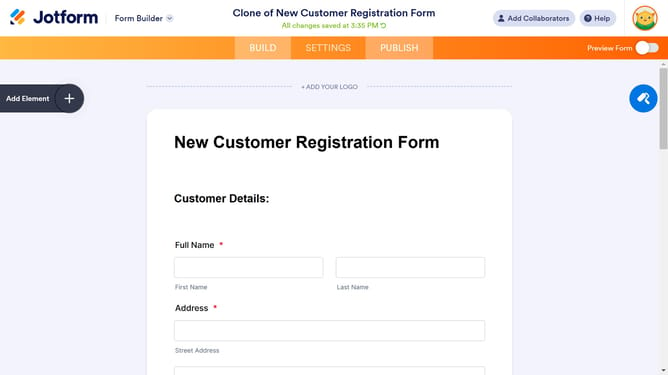
How to add a date picker field to a registration form in Jotform
Here is how to add a date picker field to a registration form in jotform
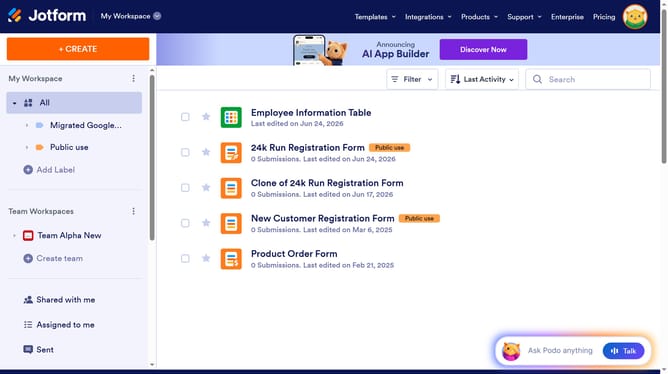
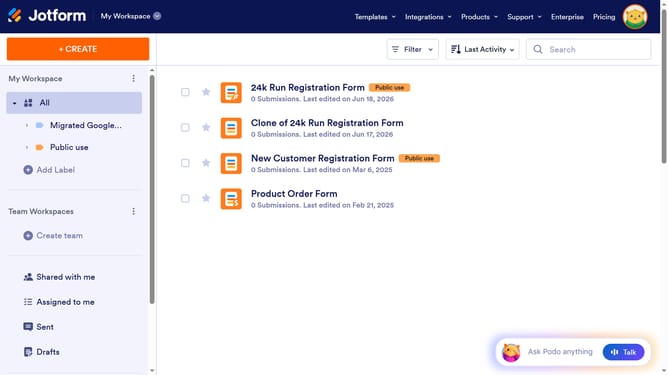
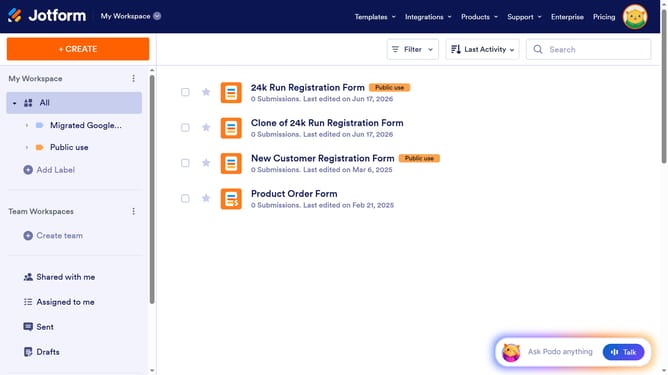
- First click on "All" button in the left sidebar
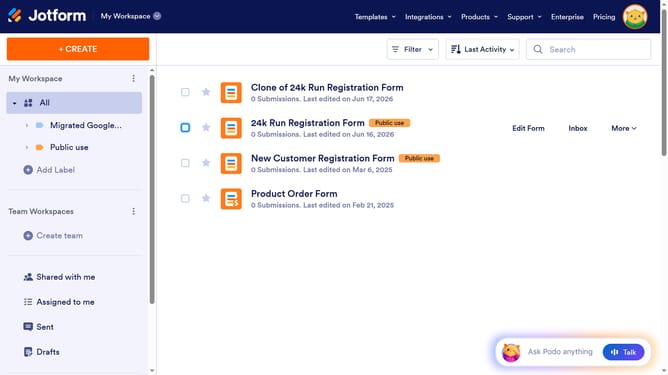
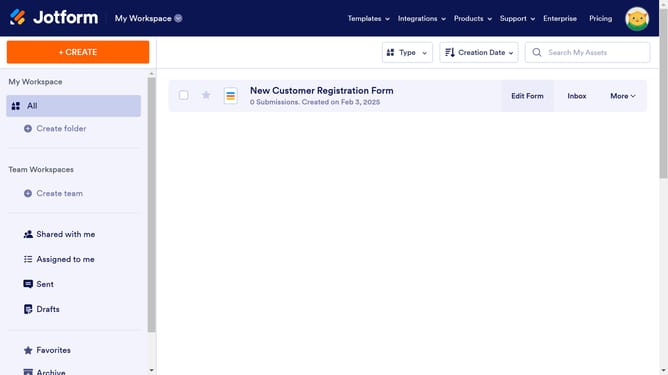
- Then click on "Edit Form" button
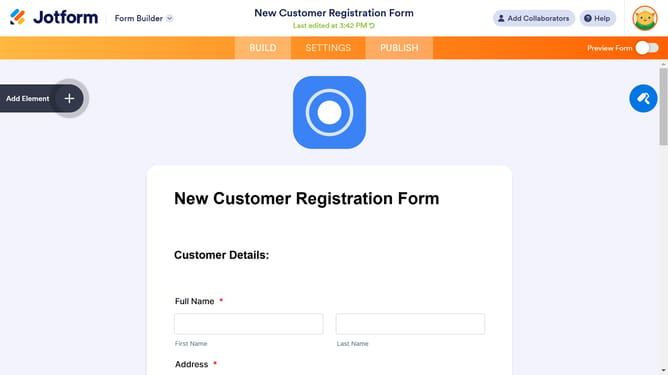
- Click on "Add Element" button in the left sidebar
- Finally select "Date Picker" element
Why should you add a date picker field to a registration form in Jotform
Jotform is a versatile online form builder that simplifies data collection for businesses and individuals.
Adding a date picker field to your registration form can significantly enhance user experience by making it easier for respondents to select dates accurately without manual input.
This feature ensures data consistency and reduces the likelihood of errors, as users are provided with a pre-set calendar from which to choose.
Utilizing this tool not only streamlines the registration process but also accelerates data processing and improves the overall efficiency of data management.
Last update