How to add a description in a data table in Jotform
Here is how to add a description in a data table in jotform
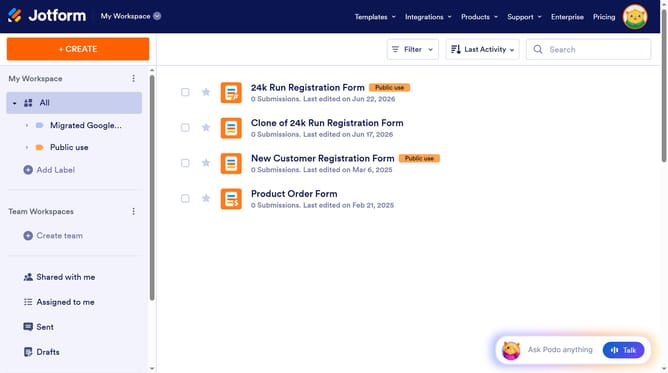
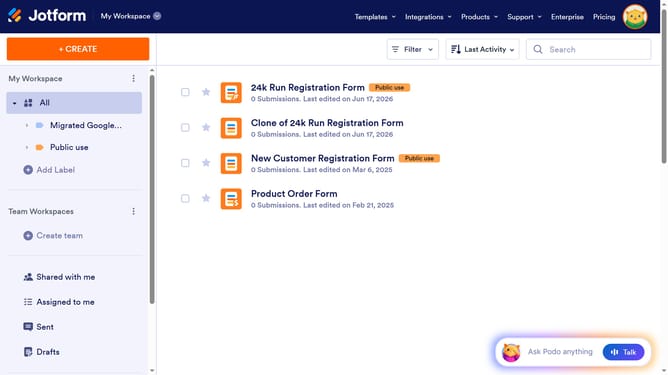
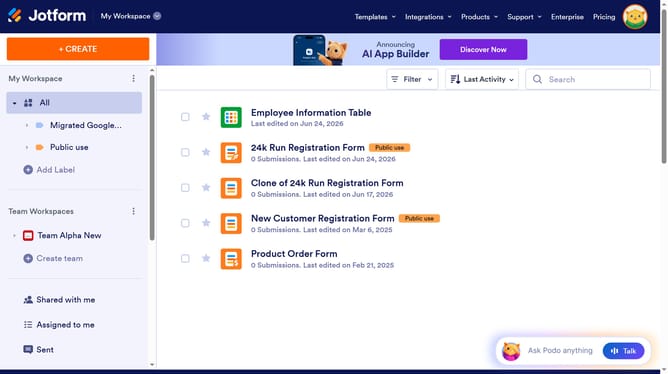
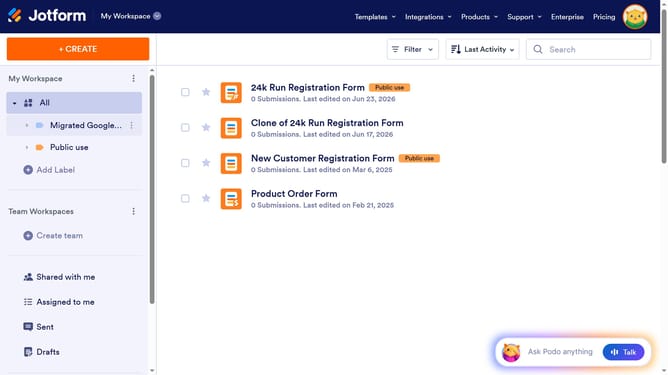
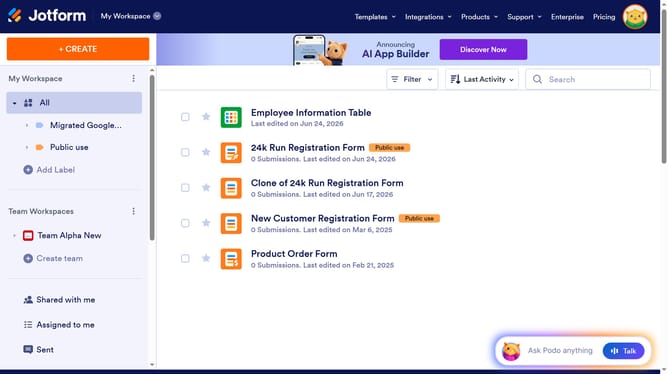
- First click on "All" item in the left sidebar
- Next click on "View Table" button at the right side of the table name that you want to manage
- Then click on the dropdown arrow next to the table name in the top menu
- Then select "Add a description" from the dropdown menu
- Then click on the text input field in the "New Table Description" dialog and enter description
- Finally click on the "SAVE" button
Why should you add a description in a data table in Jotform
Jotform simplifies the creation and management of online forms for businesses and individuals alike.
The feature of adding descriptions to a data table in Jotform elevates data organization by providing clear context and insights into the table’s content.
Utilizing this feature ensures that each data entry is accompanied by a brief yet informative explanation, enhancing user understanding and ensuring data accuracy against misinterpretation.
Overall, adding descriptions in data tables promotes effective communication and efficient data management.
Last update