How to add a paragraph field to a registration form in Jotform
Here is how to add a paragraph field to a registration form in jotform
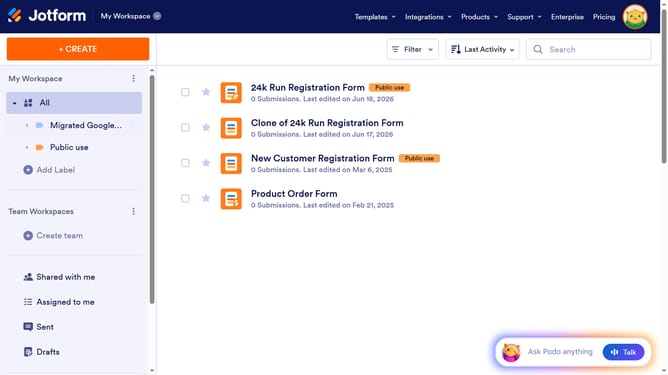
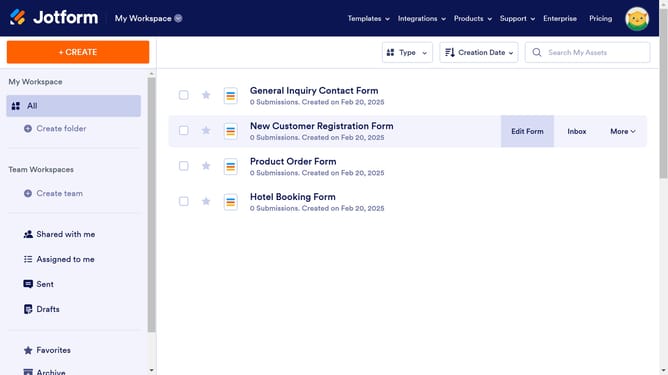
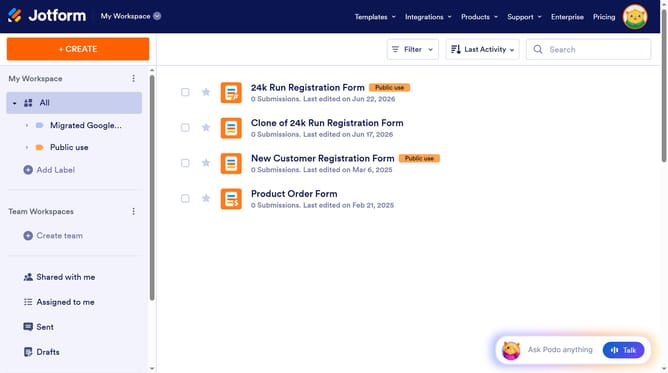
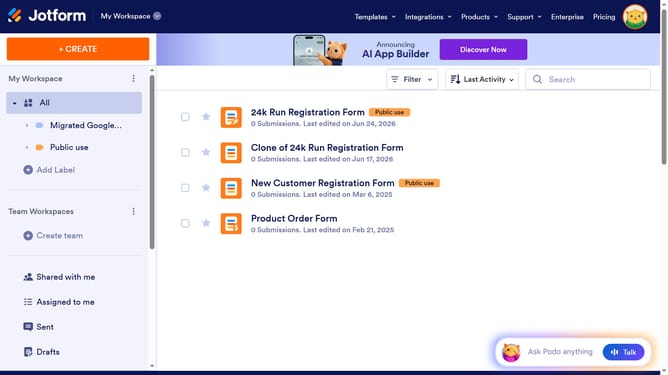
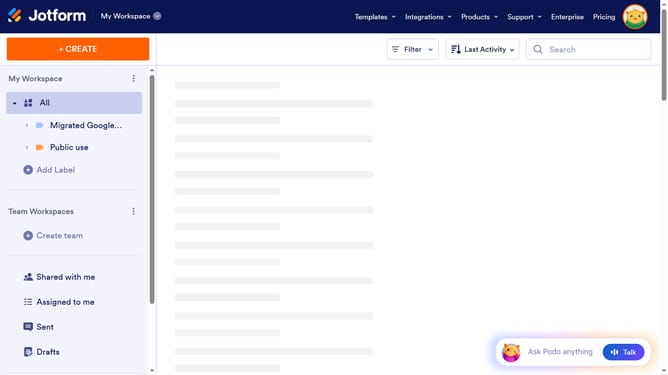
- First click on "All" item in the left sidebar
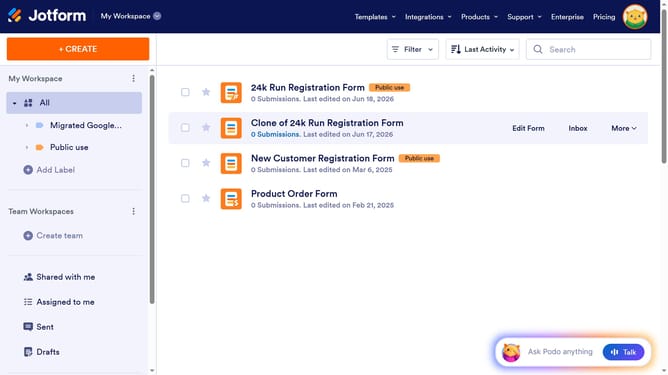
- Then click on "Edit Form" button at the right side next to the form name that you want to edit
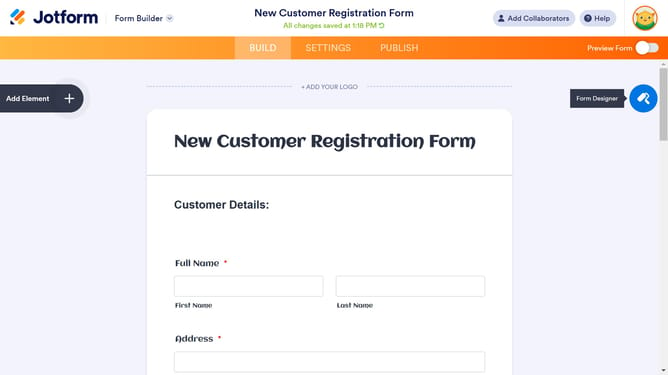
- Next click on "Add Element" button in the left sidebar
- Finally select "Paragraph" element from the "Basic Elements" list
Why should you add a paragraph field to a registration form in Jotform
Jotform is a versatile online form builder designed to simplify data collection.
Adding a paragraph field to your registration form in Jotform enhances communication effortlessly.
This feature allows you to include detailed instructions or essential information directly on the form, ensuring clarity for users.
By using paragraph fields, you improve user experience, minimize errors, and increase the likelihood of accurate data submission.
Last update