How to add a reset button in a registration form in Jotform
Here is how to add a reset button in a registration form in jotform
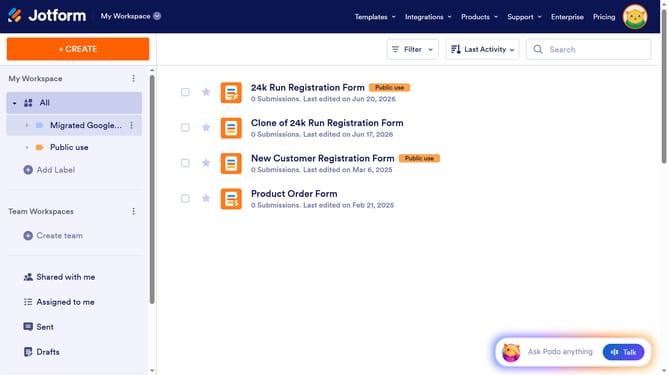
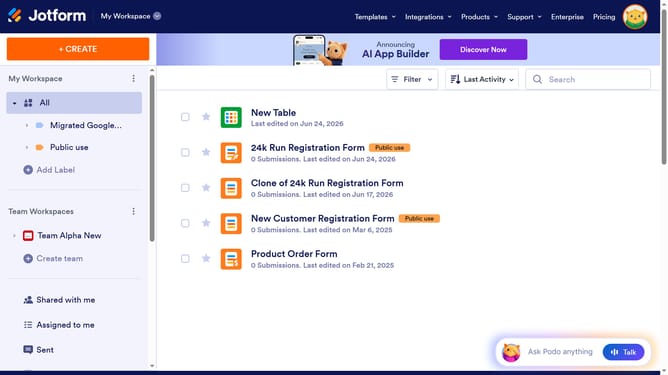
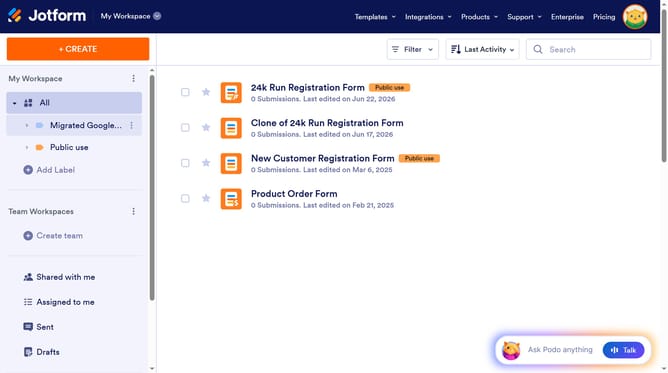
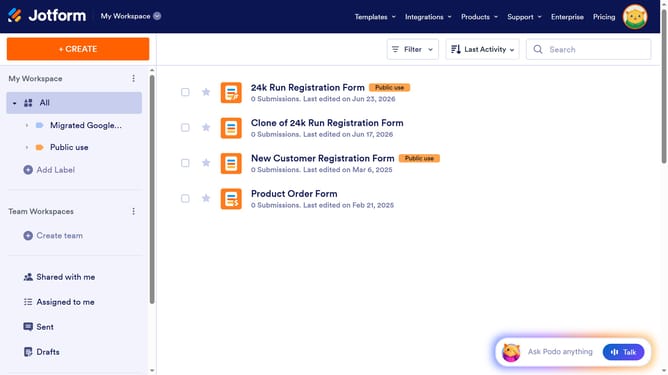
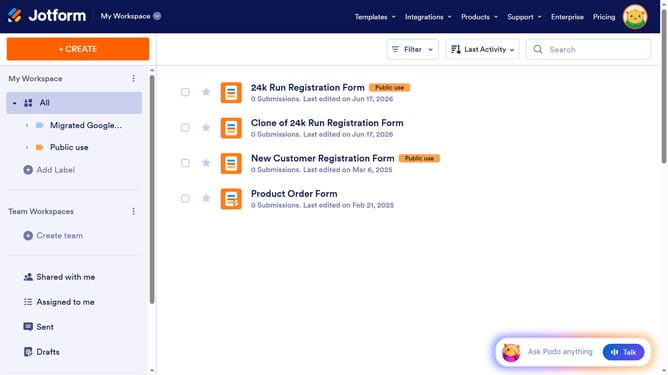
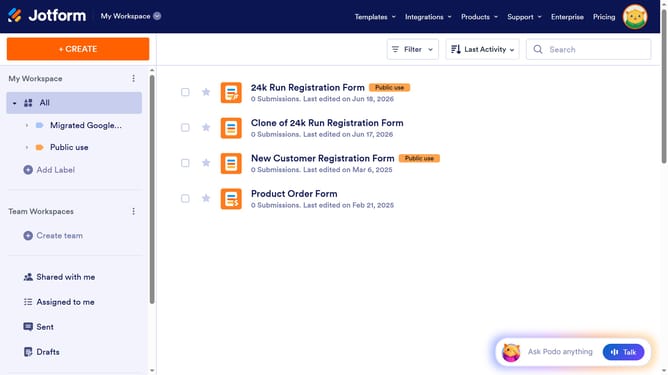
- First, click on "All" in the left sidebar
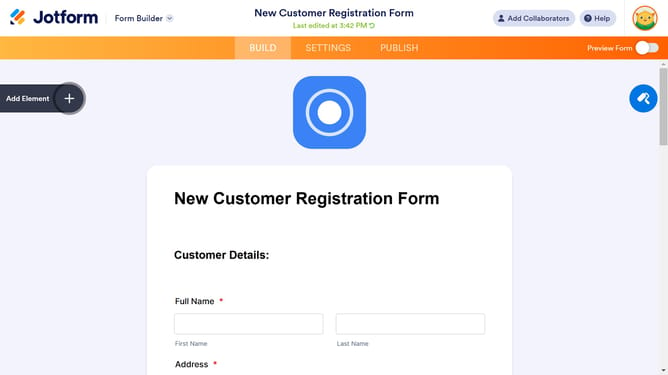
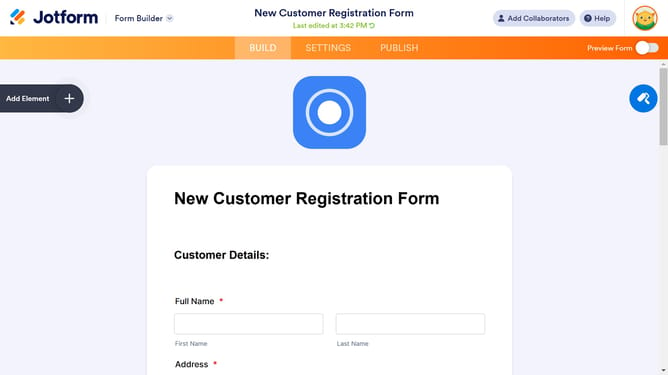
- Next click on "Edit Form" button at the right side of the form name that you want to manage
- Then click on the "Submit" button area
- Click on the "Properties" button
- Then select the "Advanced" tab in the "Submit Properties" panel
- Finally, click on the toggle switch next to "Reset Button" to enable it
Why should you add a reset button in a registration form in Jotform
Jotform is an intuitive online form builder that empowers you to create efficient forms effortlessly.
Incorporating a reset button in your registration form on Jotform ensures that users can start fresh without any hassle. This feature is particularly helpful in providing a seamless form-filling experience, allowing users to clear their inputs if they need to make corrections or begin again from scratch.
Adding a reset button enhances user satisfaction by minimizing frustration, ultimately contributing to higher form completion rates and improved data accuracy. Enhance your form functionality by giving users the power to manage their input with ease.
Last update