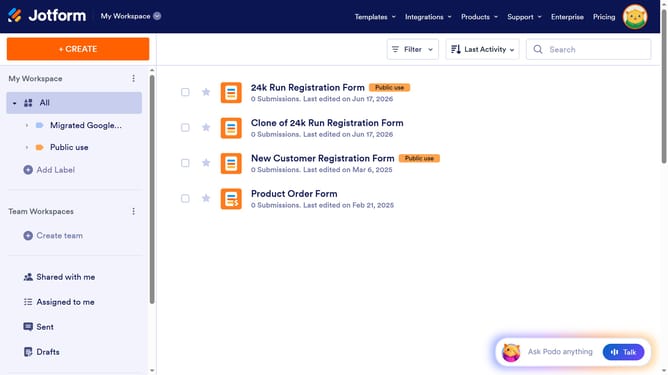
How to set rating amount in a registration form in Jotform
Here is how to set rating amount in a registration form in jotform
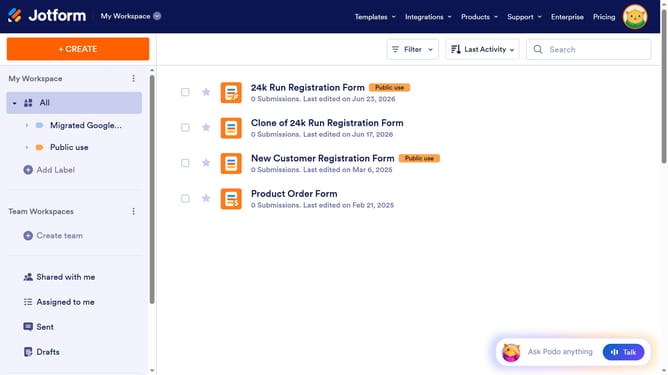
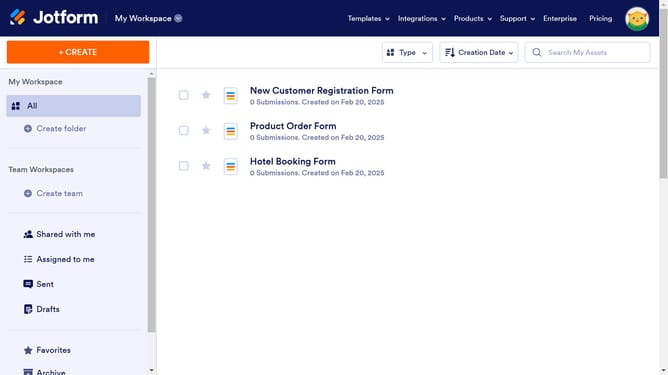
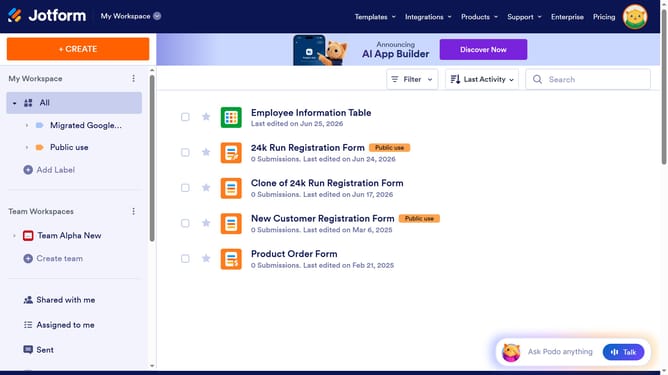
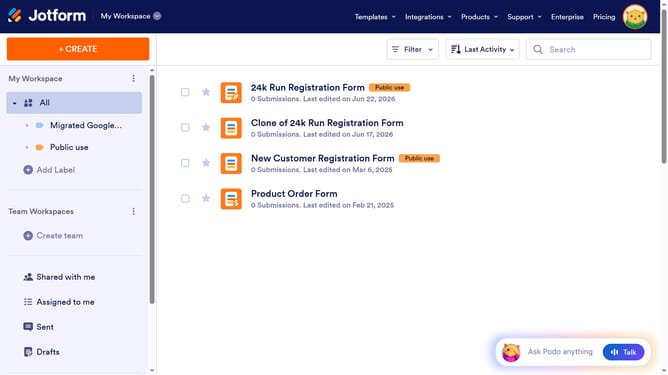
- First click on the "All" item in the left sidebar
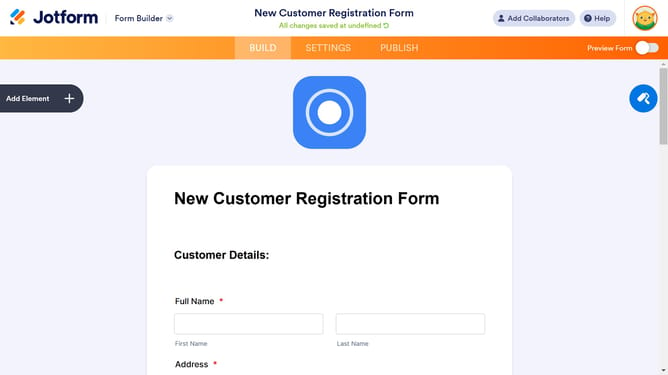
- Next click on "Edit Form" button at the right side of the form name that you want to manage
- Next click on the rating field
- Then click on the settings icon for the rating field
- Next click on the "OPTIONS" tab within the "Star Rating Properties" window
- Finally, click on the "Rating Amount" input field and enter a value
Why should you set rating amount in a registration form in Jotform
Jotform is a versatile tool that empowers users to effortlessly create custom online forms.
Setting the rating amount in a registration form within Jotform allows for tailored feedback and enhanced user interaction. This feature equips form creators with the flexibility to choose the scale of ratings, ensuring respondents can provide precise evaluations.
Incorporating such a feature in your forms can significantly refine data collection processes, offering richer insights and promoting better decision-making. Utilizing Jotform's rating system streamlines feedback, crafting more responsive and dynamic registration forms.
Last update