How to import SurveyMonkey forms to Jotform
Here is how to import surveymonkey forms to jotform
- First navigate to the "Jotform vs SurveyMonkey"
- Then click on the "Migrate Forms to Jotform" button in the center of the page
- In the migration popup dialog, click on the URL input field to enter your SurveyMonkey form address
- Once you've entered the URL, click the green "Migrate forms to Jotform" button at the bottom of the popup
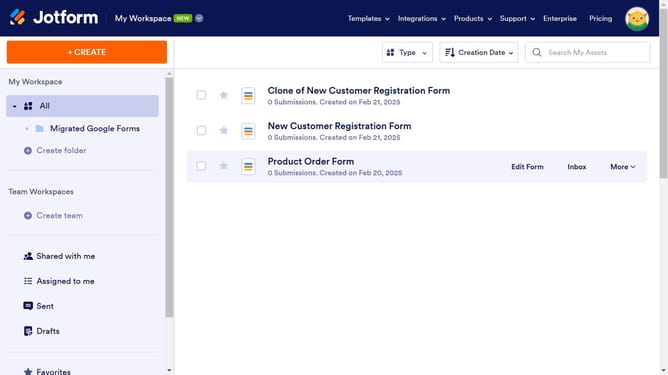
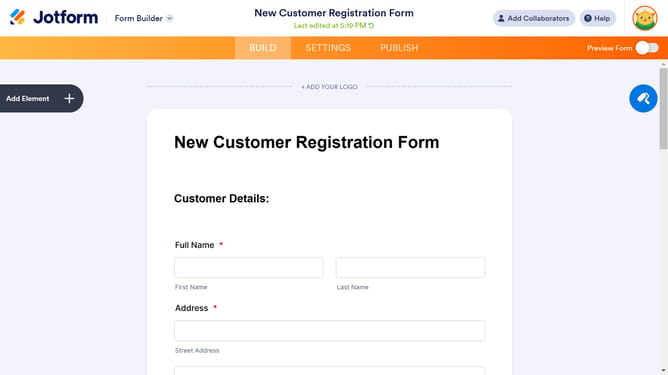
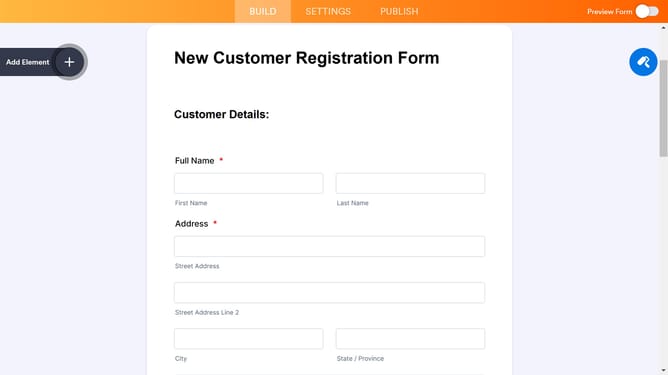
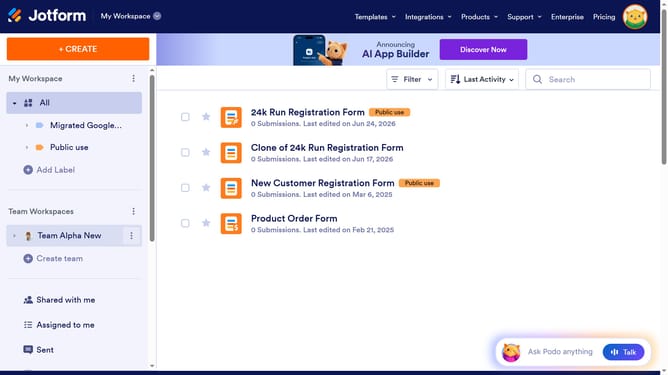
- After successful migration, click the orange "Go to Migrated Form" button in the confirmation dialog
Why should you import SurveyMonkey forms to Jotform
Jotform is a handy tool designed to streamline the process of creating and managing online forms seamlessly.
One standout feature is the ability to import SurveyMonkey forms directly into Jotform, allowing users to consolidate their form data efficiently. This ensures all your pivotal data is in one place, fostering a smooth transition and saving you time usually spent on manual migrations.
By utilizing this feature, you can optimize your workflow, making it easier to analyze and interpret data without the hassle of switching between platforms.
Last update