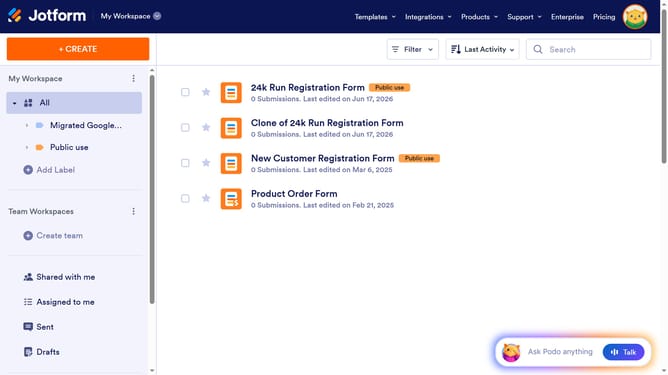
How to embed a Jetform form to a Framer design
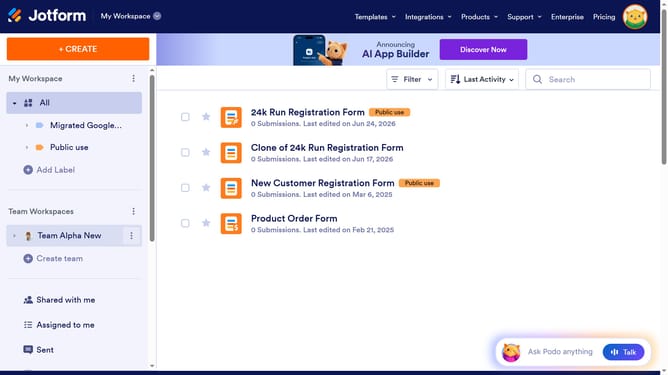
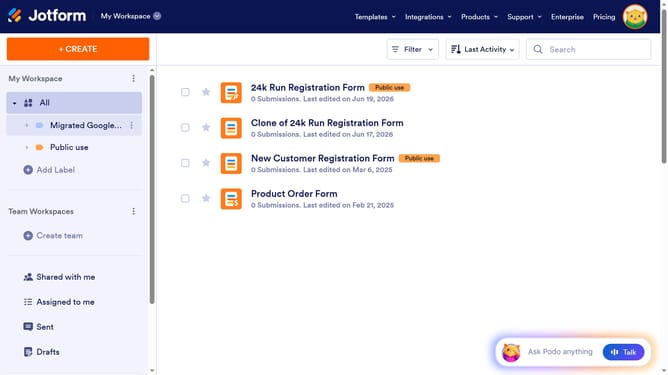
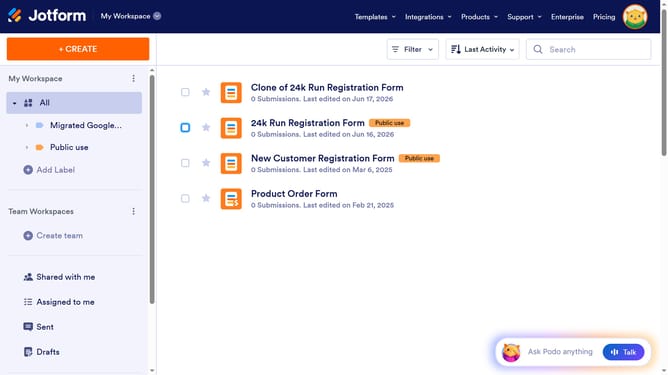
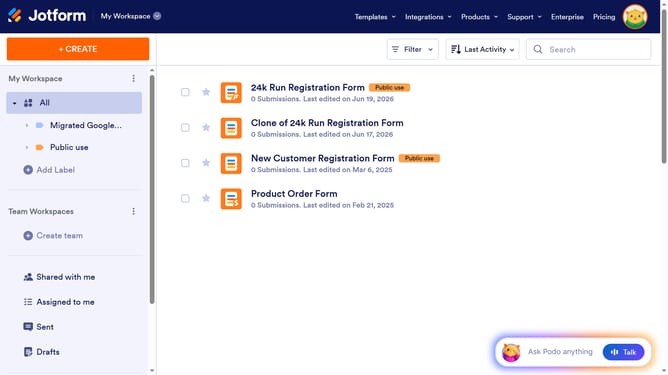
Here is how to embed a jetform form to a framer design
- First click on the "PUBLISH" button in the top navigation bar
- Then click on "PLATFORMS" option in the left sidebar menu
- Next click on the "Framer" integration card in the platforms grid
- Click on the "COPY CODE" button in the Framer integration instructions
- In Framer, click the "+" button in the top toolbar
- Type "Utility" in the search box in the left sidebar
- Select the "Embed" element from the Elements panel
- Finally click on the "URL" field in the right properties panel to paste your form URL
Why should you embed a Jetform form to a Framer design
Jotform is a versatile tool designed to simplify online form creation and data collection.
Integrating a Jetform form into a Framer design seamlessly blends functionality and aesthetics. This combination ensures your site retains its design integrity while expanding its interactive capabilities.
Utilizing this feature enhances user experience by making data collection more efficient and visually appealing. It's an effortless way to elevate your site's engagement and usability.
Last update