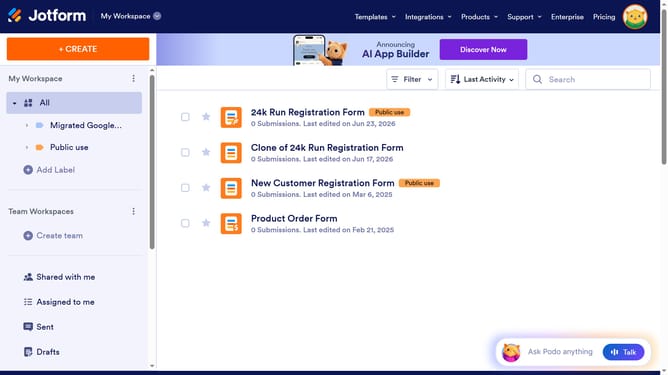
How to set email alignment in a registration form in Jotform
Here is how to set email alignment in a registration form in jotform
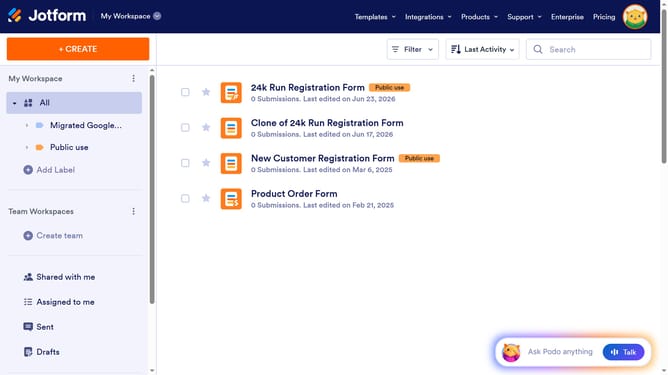
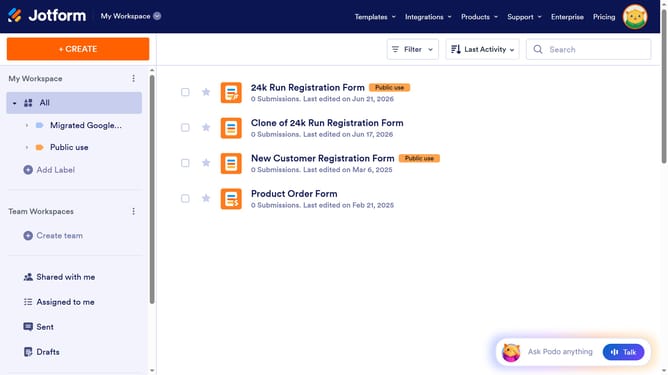
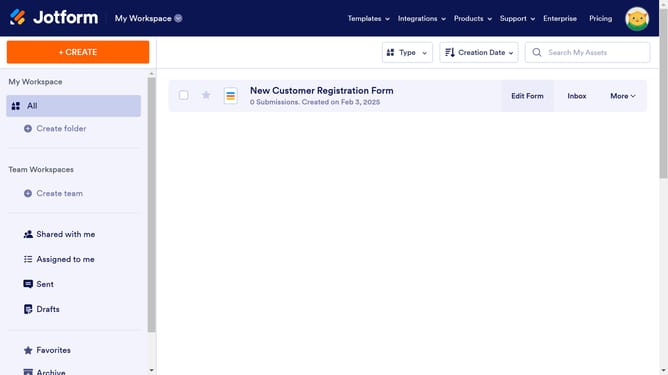
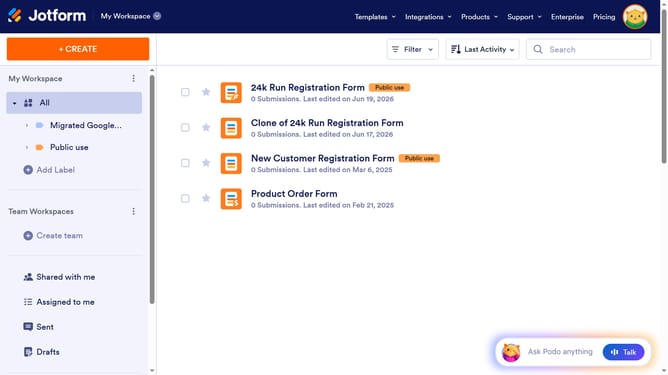
- First click on "All" in the left sidebar
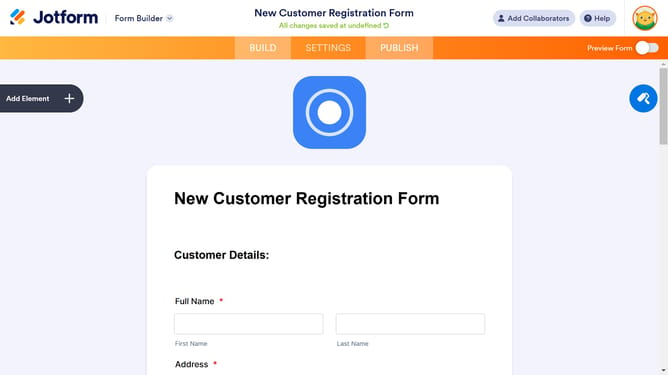
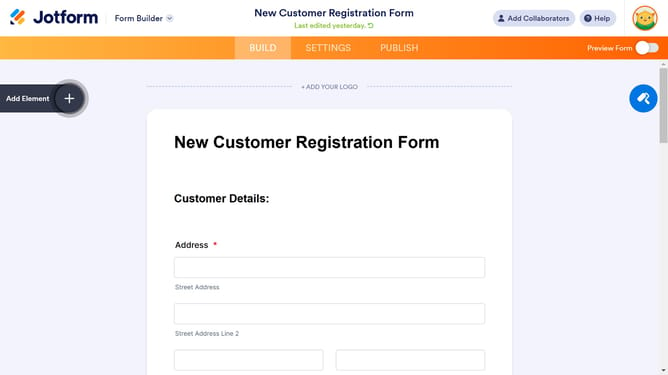
- Next click on "Edit Form" button at the right side of the form name that you want to edit
- Next click on the input field for "Email"
- Then click on the "Properties" button for the "Email" field
- Next click on the "General" tab
- Finally click on the alignment option
Why should you set email alignment in a registration form in Jotform
Jotform is an intuitive online platform designed to simplify the process of creating versatile forms for various purposes.
One noteworthy feature is the ability to set email alignment in a registration form. This feature helps in creating a more organized and professional appearance, ensuring emails are correctly displayed and aligned, enhancing readability for users.
Aligning email fields properly is crucial as it contributes to a seamless and cohesive user experience, reflecting positively on the brand or organization.
By using this feature, you can ensure that your registration forms not only function well but also maintain a neat and tidy format, which heightens user satisfaction and trust.
Last update