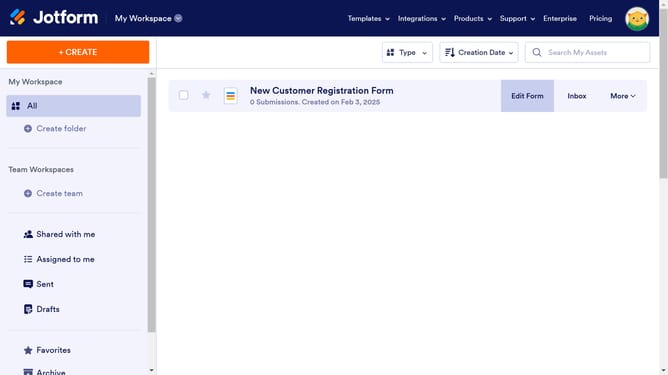
How to disable prefix in a registration form in Jotform
Here is how to disable prefix in a registration form in jotform
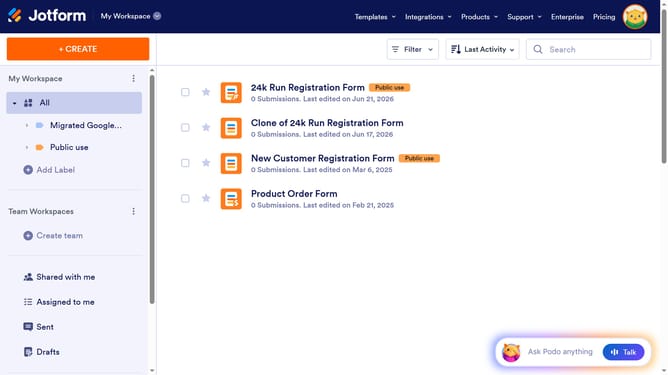
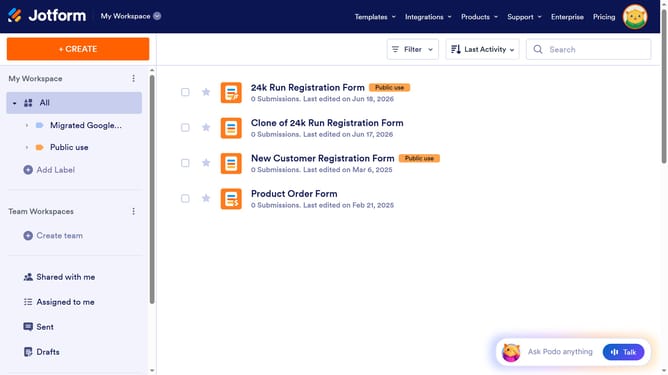
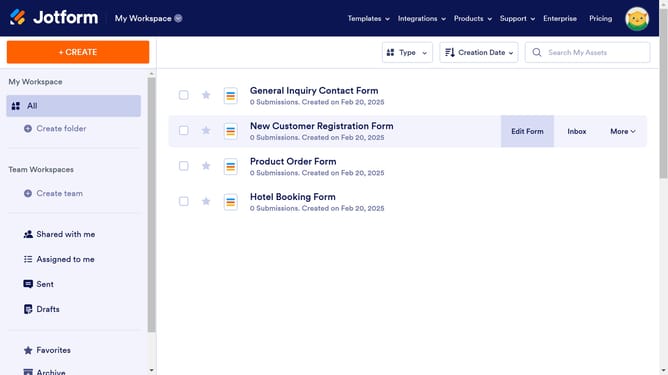
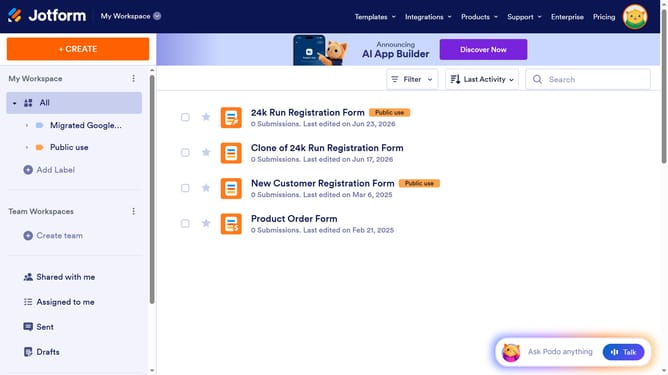
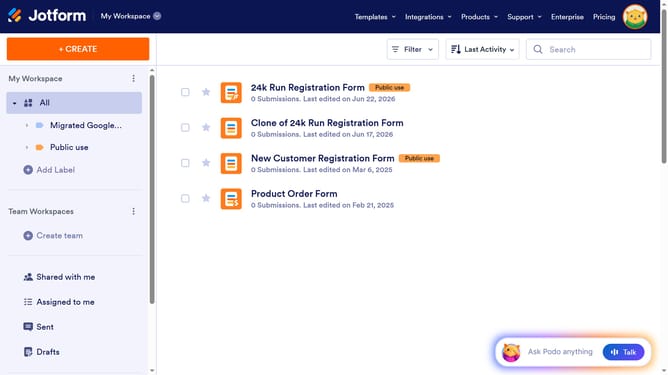
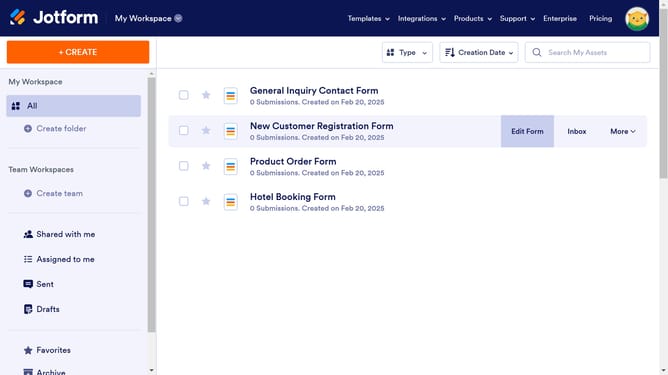
- First click on "All" button in the left sidebar
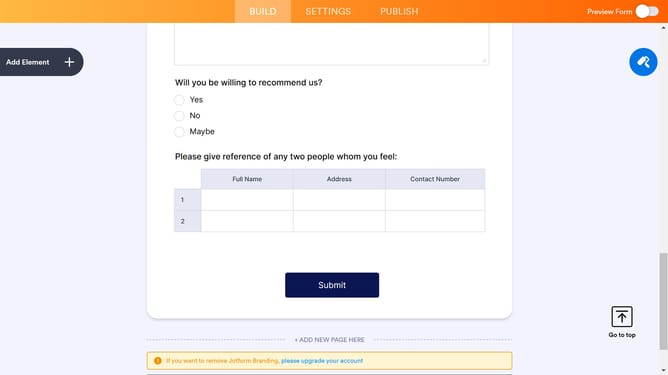
- Then click on "Edit Form" button at the right side of the form name that you want to edit
- Then click on the "Name" input field
- Next click on "Properties" button
- Then select "Options" tab
- Finally toggle OFF the "Prefix" input field to disable it
Why should you disable prefix in a registration form in Jotform
Jotform is a versatile tool designed to streamline the creation of custom online forms with ease.
One useful feature is the ability to disable prefixes in registration forms. Adjusting this setting can create a cleaner, more personalized form submission experience for users.
This is particularly advantageous in simplifying forms, reducing clutter, and ensuring collected data is more relevant.
By managing form elements swiftly, Jotform empowers users to enhance engagement and professionalism, ultimately driving seamless form interactions.
Last update