How to set a entry limit on a long text field in a registration form in Jotform
Here is how to set a entry limit on a long text field in a registration form in jotform
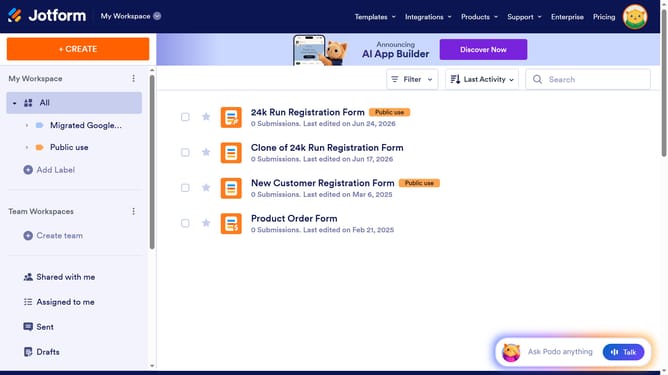
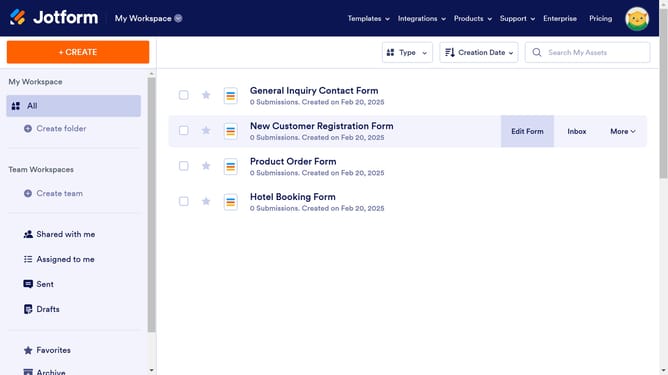
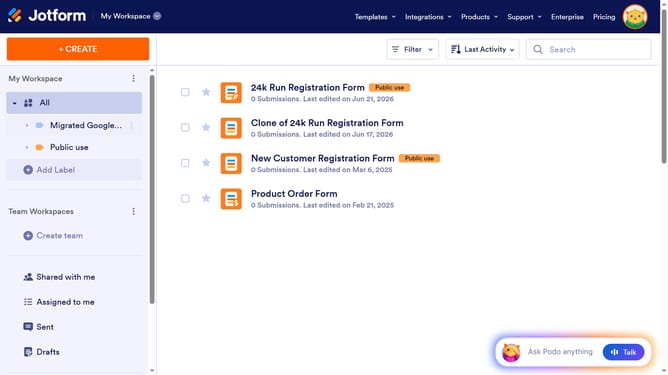
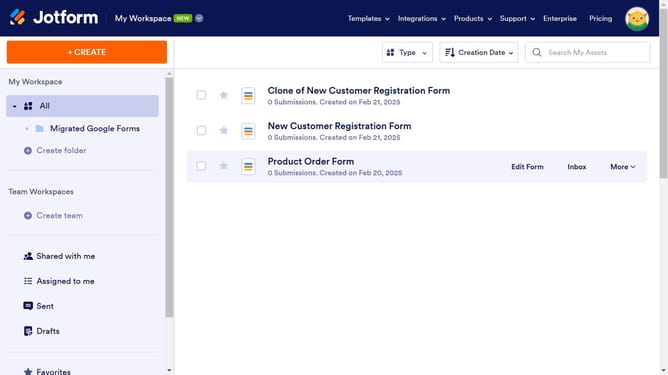
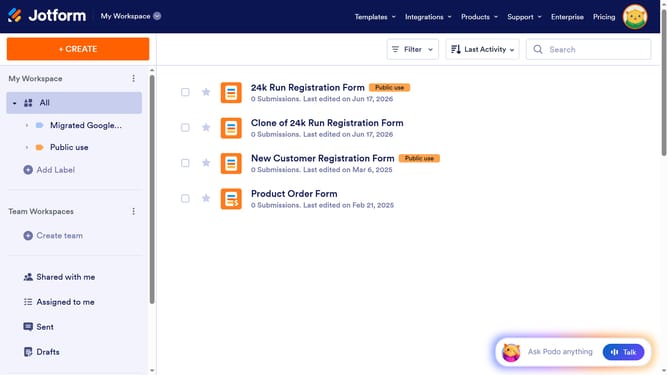
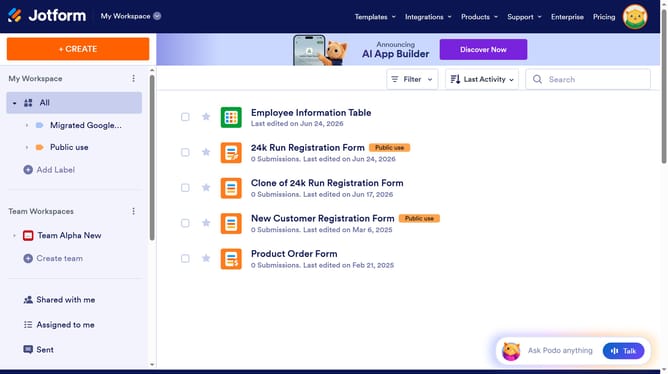
- First, click on the "All" option in the left sidebar
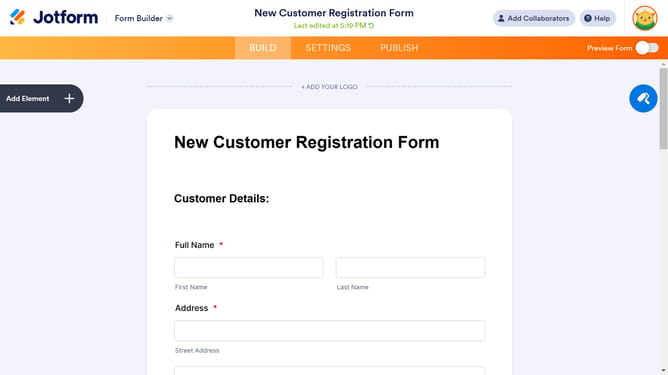
- Next click on "Edit Form" button at the right side of the form name that you want to edit
- Next, click on the dropdown field option in the form builder
- After that, click on the gear icon to view dropdown properties
- Then, click on the "Options" tab in the "Dropdown Properties" panel
- Next, click on the dropdown options field and enter your preferred options
- Finally, click outside the text field to save inputs
Why should you set a entry limit on a long text field in a registration form in Jotform
Jotform is an intuitive platform designed to simplify the process of creating online forms.
Setting an entry limit on a long text field in a registration form within Jotform is an efficient feature. This attribute allows you to control the amount of input by establishing character or word limits.
Using entry limits empowers form designers to maintain concise and relevant responses from users. This leads to more organized data collection and reduces the need for extensive editing later.
Overall, this feature enhances the form's overall efficiency and readability, ensuring smoother data processing.
Last update