How to enable browser auto complete in forms in Jotform
Here is how to enable browser auto complete in forms in jotform
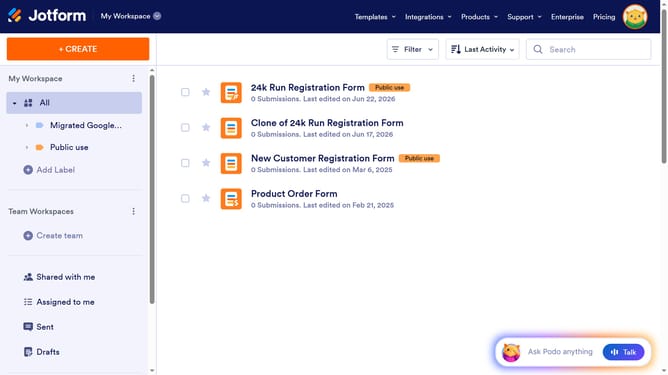
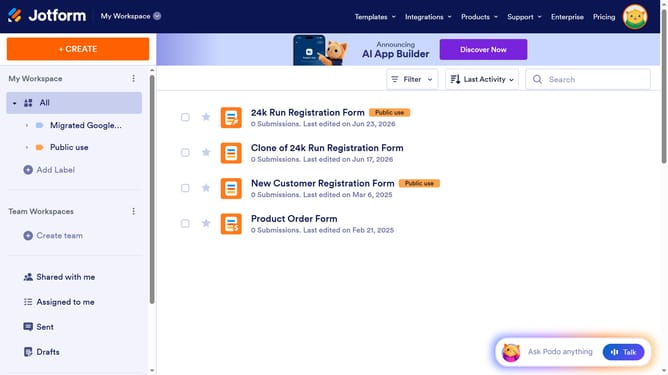
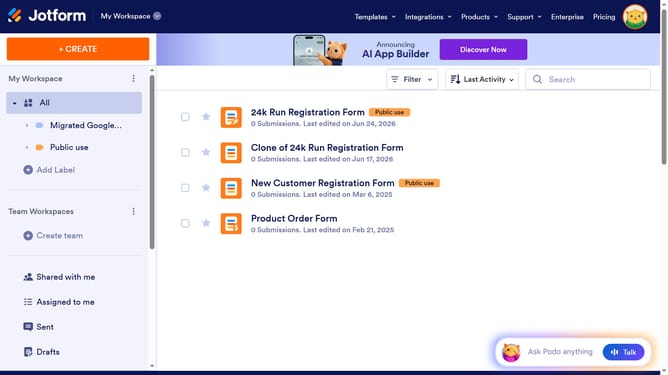
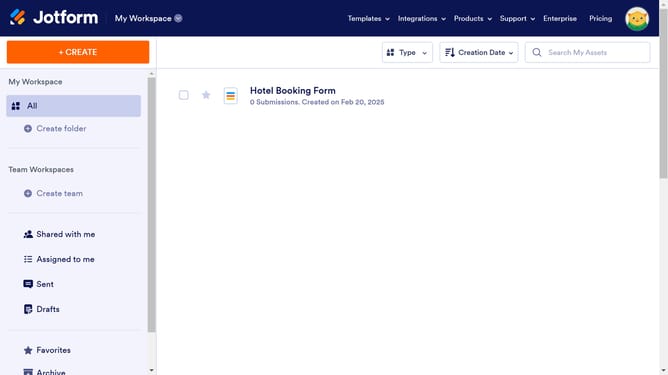
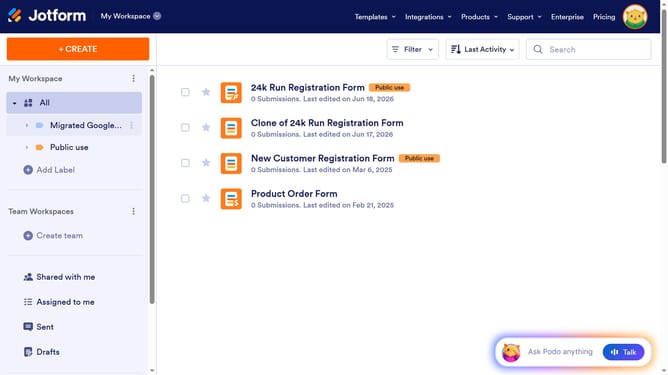
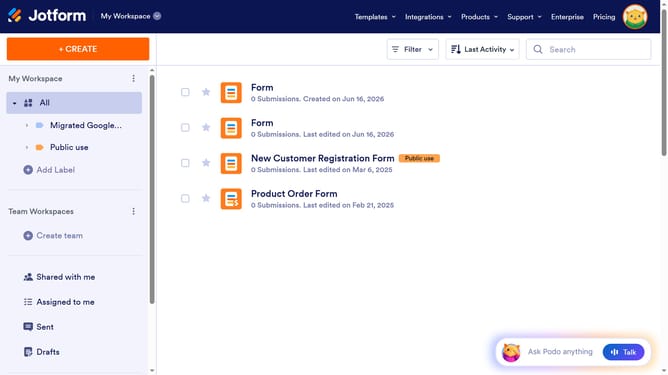
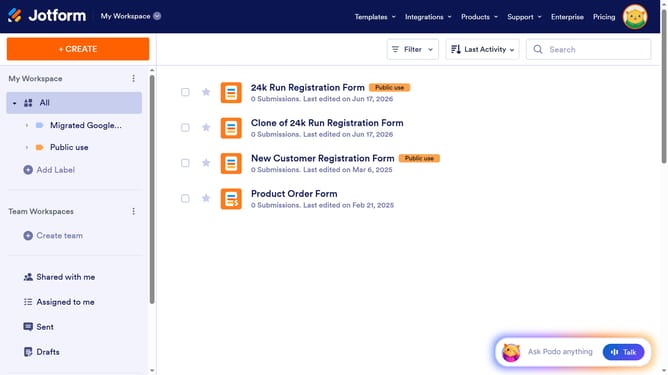
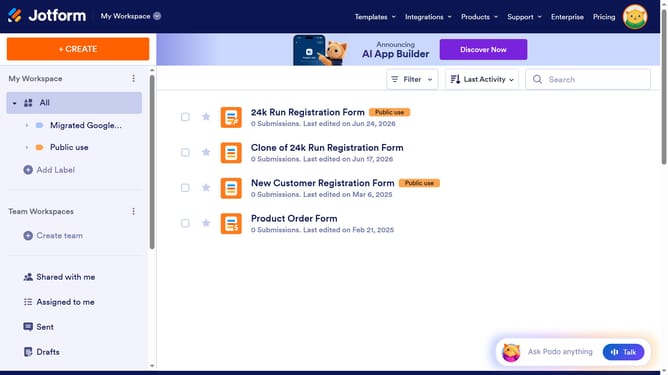
- First, click on the "All" filter in the left sidebar
- Then, click on the checkbox next to the form that you want to manage
- Next, click on the "More" dropdown menu
- Then, select "Settings" from the dropdown menu
- Next, click on the "Show More Options" button
- Then, click on the dropdown menu for "Allow Browser Autocomplete"
- Finally, select "Yes" from the dropdown menu
Why should you enable browser auto complete in forms in Jotform
Jotform simplifies the creation of online forms for efficient data collection.
Enabling browser auto-complete in Jotform enhances user experience by allowing form fields to be pre-filled with previously entered information. This feature streamlines form completion, saving users valuable time and effort.
By reducing the redundancy of inputting the same details, auto-complete fosters a smooth and efficient interaction, boosting overall satisfaction and likelihood of form completion. Leveraging this feature makes the form-filling process quick and seamless for users.
Last update