How to set divider style in a registration form in Jotform
Here is how to set divider style in a registration form in jotform
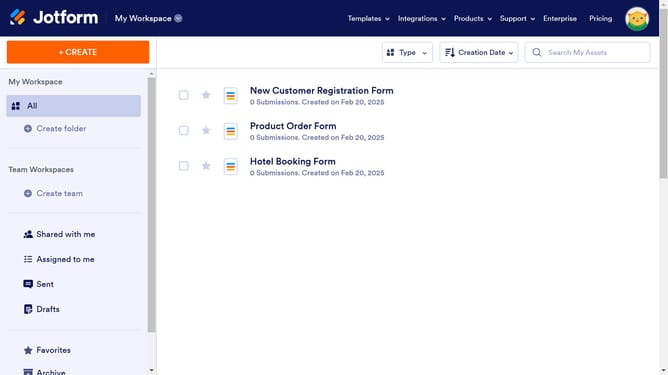
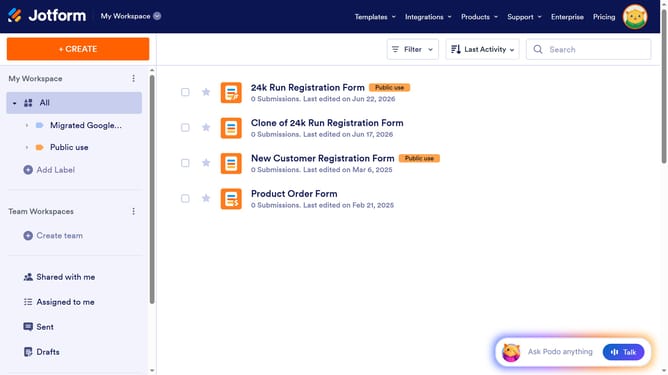
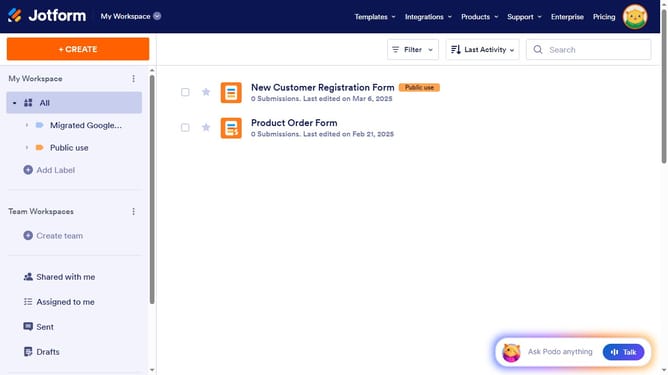
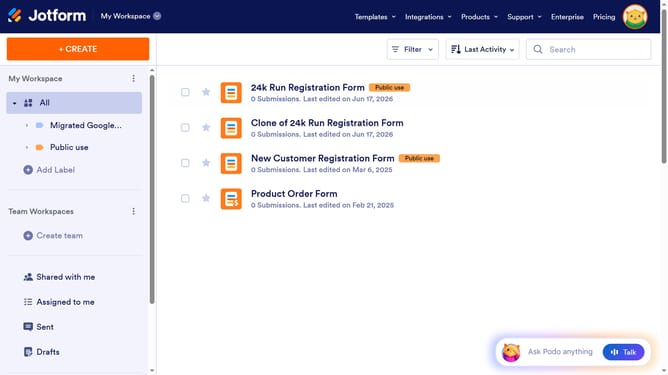
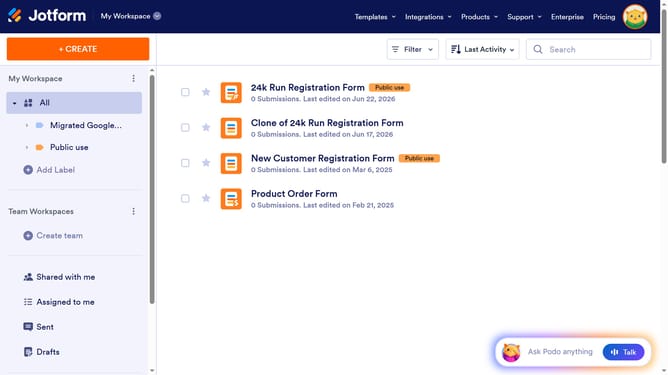
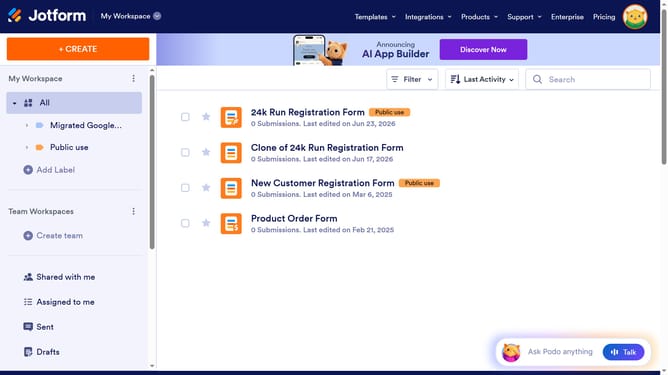
- First click on "All" in the left sidebar
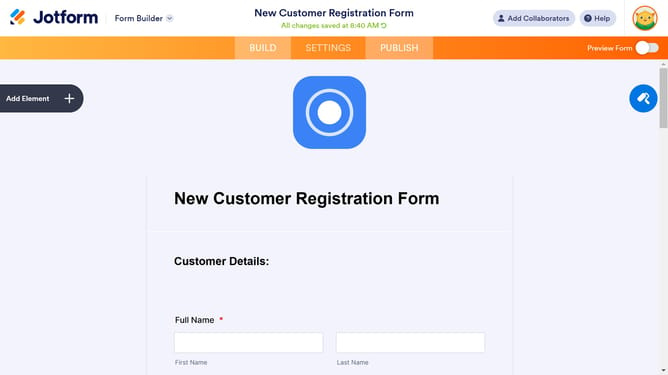
- Then click on "Edit Form" button in the main panel
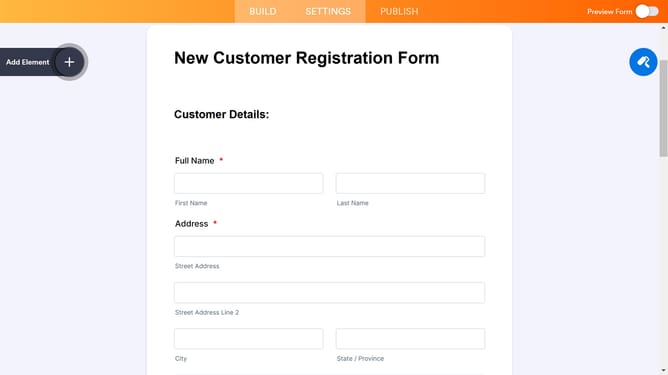
- Next click on the divider element in the form
- Then click on the "Properties" button for the divider
- Finally select a "Divider Style" from the dropdown menu
Why should you set divider style in a registration form in Jotform
Jotform is an intuitive online form builder that simplifies the creation of personalized forms for any occasion.
Enhancing the visual appeal of your registration forms is easy with Jotform’s divider style feature. Custom dividers can create visual separation between sections, providing clarity and aiding in smooth navigation.
Utilizing divider styles elevates the form’s presentation, making it more engaging and organized. A well-styled divider ensures that users remain focused and information is processed seamlessly.
This feature not only enhances aesthetics but also contributes to a user-friendly experience, ultimately guiding respondents through the form effortlessly.
Last update