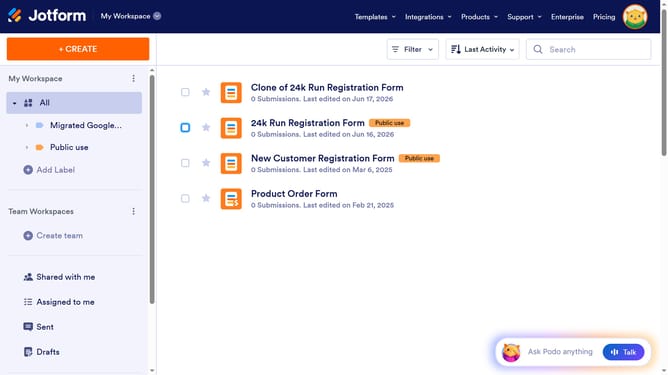
How to set file types in a file upload field in a registration form in Jotform
Here is how to set file types in a file upload field in a registration form in jotform
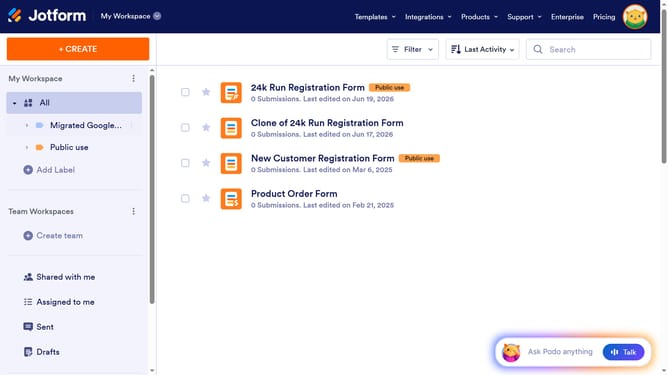
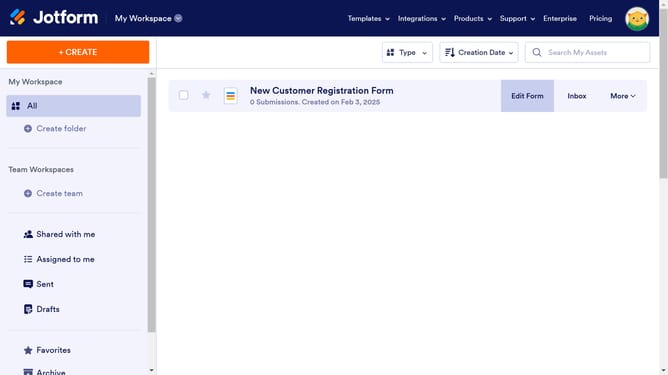
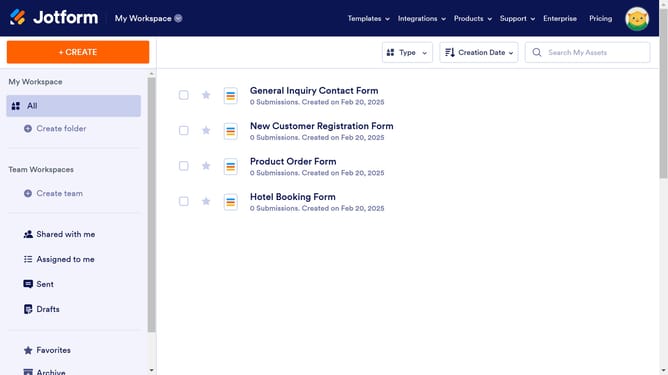
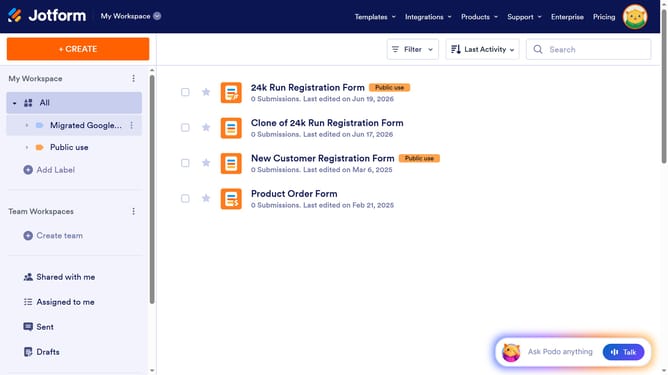
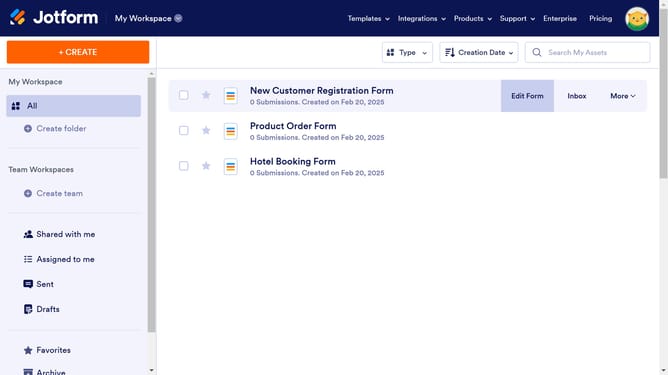
- First, click on "All" in the left sidebar menu
- Next click on "Edit Form" button at the right side of the form name that you want to manage
- Next, click on the area designated for file upload in the form
- After that, click on the "Properties" icon
- Then, select the "Options" tab
- Finally, click on the "File Types" input field and enter your preferred file type
Why should you set file types in a file upload field in a registration form in Jotform
Jotform is a versatile platform designed to simplify the process of creating online forms.
One of its standout features is the ability to set file types in a file upload field within a registration form. By specifying acceptable file formats, users ensure they receive only the necessary file types, streamlining data collection.
This feature not only enhances user experience by preventing upload errors but also maintains data integrity and organization for seamless form processing.
Last update