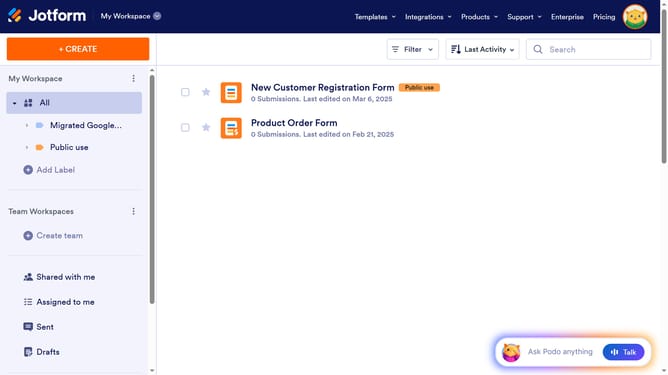
How to set a default date in a registration form in Jotform
Here is how to set a default date in a registration form in jotform
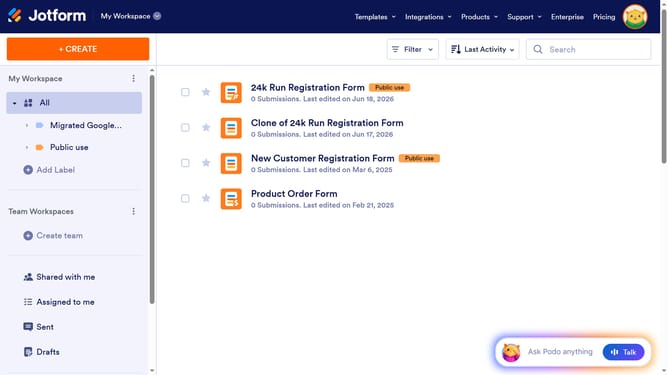
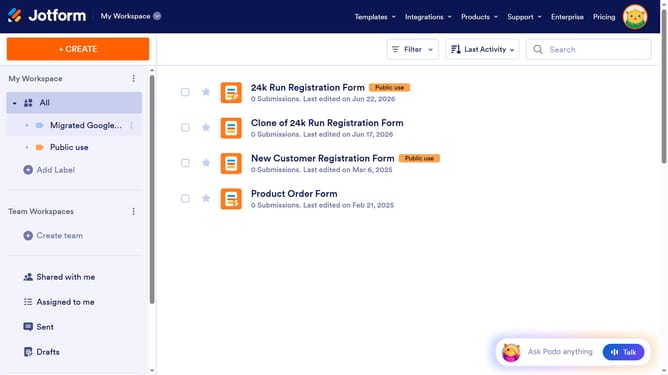
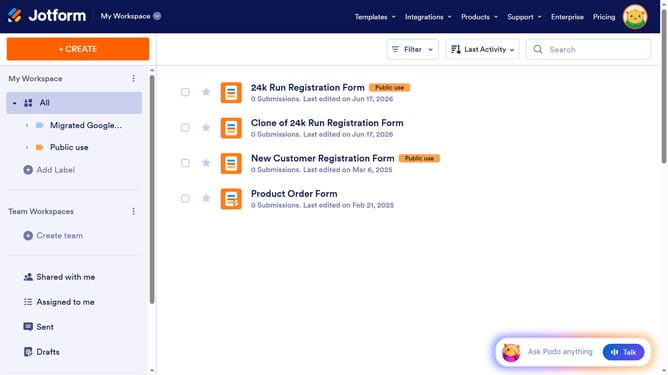
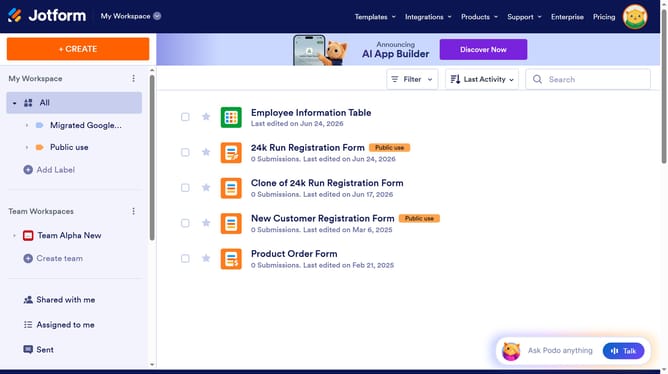
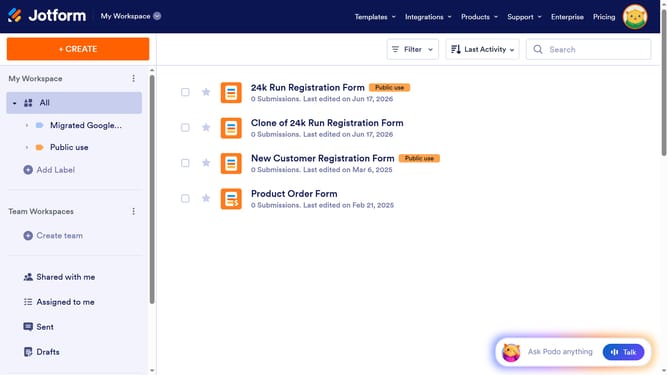
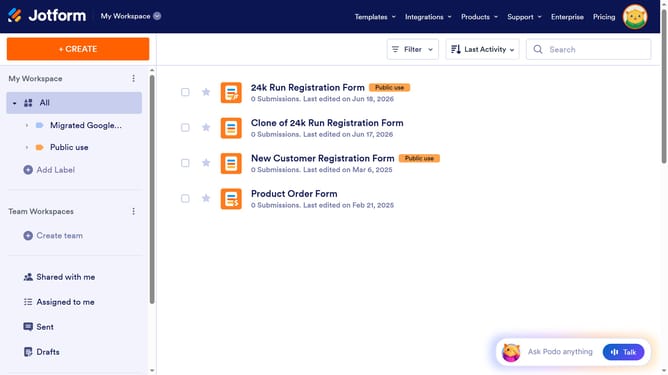
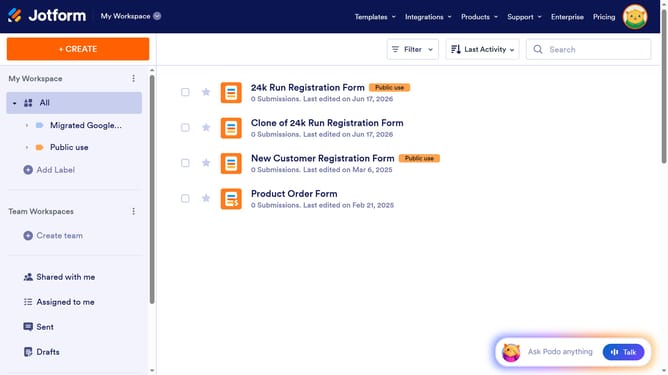
- First click on "All" in the left sidebar
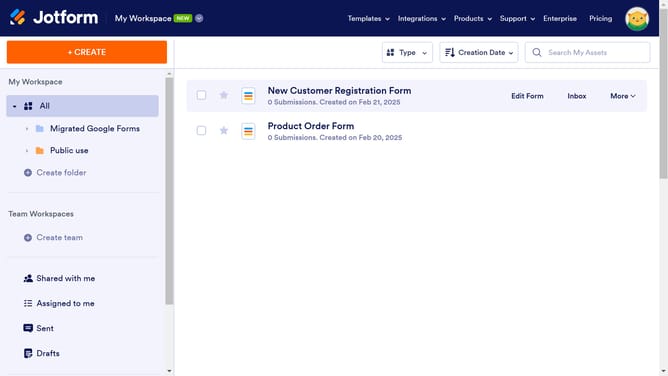
- Next click on "Edit Form" button at the right side of the form name that you want to edit
- Next click on the "Date" input field
- Then click on the "Properties" button
- After that click on the "OPTIONS" tab
- Finally click on the available default date button
Why should you set a default date in a registration form in Jotform
Jotform is an intuitive online form builder designed to simplify and enhance data collection for businesses and individuals.
One useful feature in Jotform is the ability to set a default date in registration forms. This function streamlines the registration process by automatically populating forms with pre-set dates, reducing time and errors for users.
Setting a default date is beneficial for organizing event registrations, where a consistent date is crucial. It ensures clarity and uniformity, fostering an efficient and user-friendly registration experience.
Last update