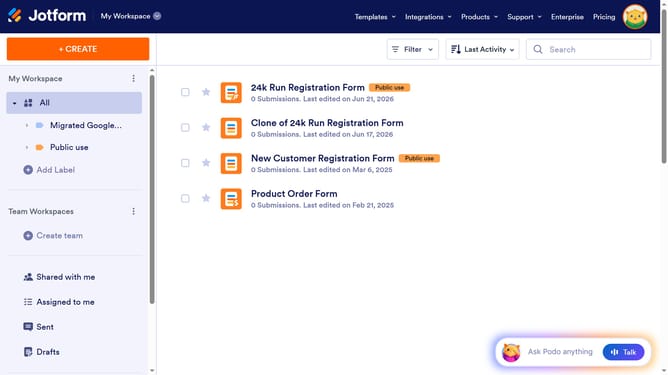
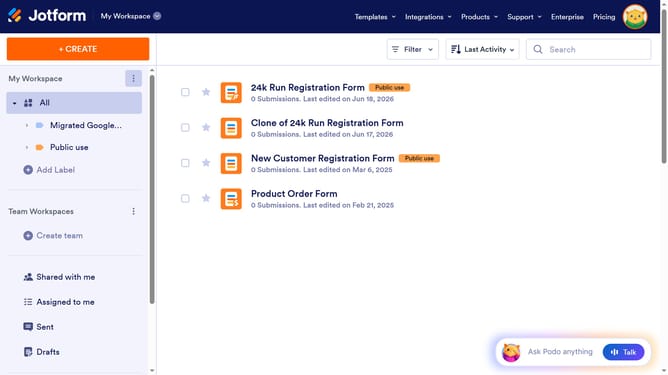
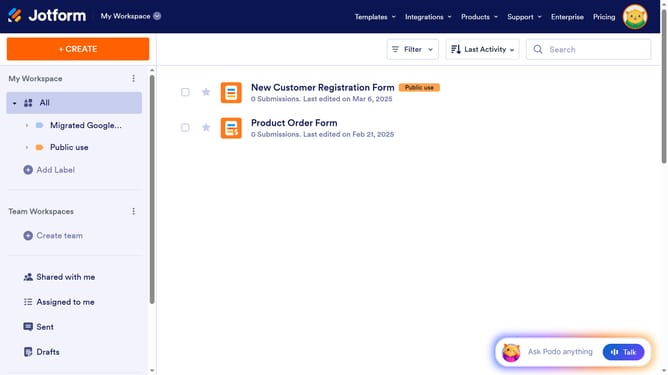
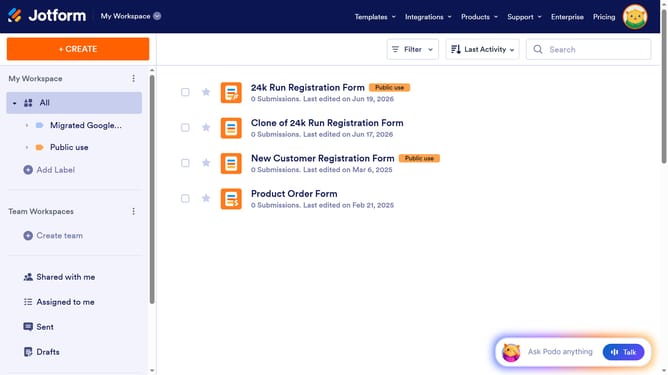
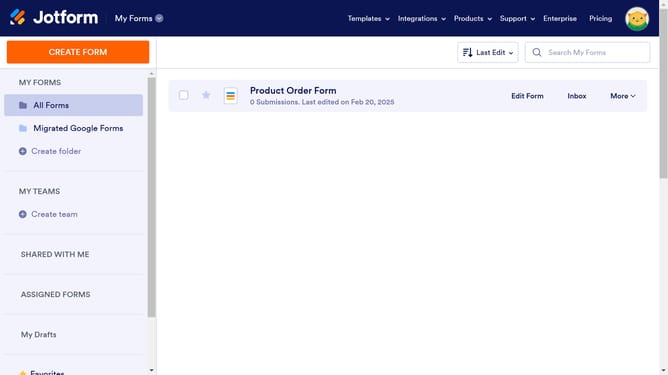
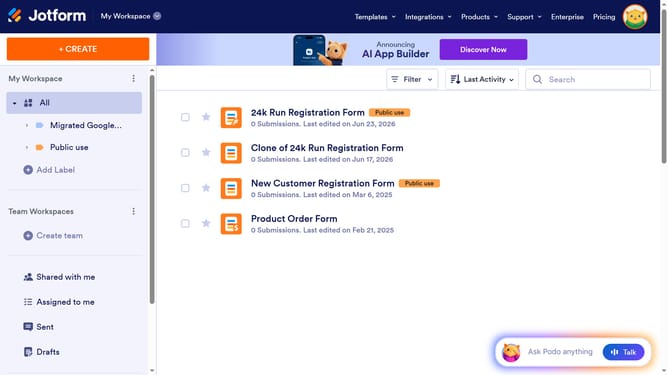
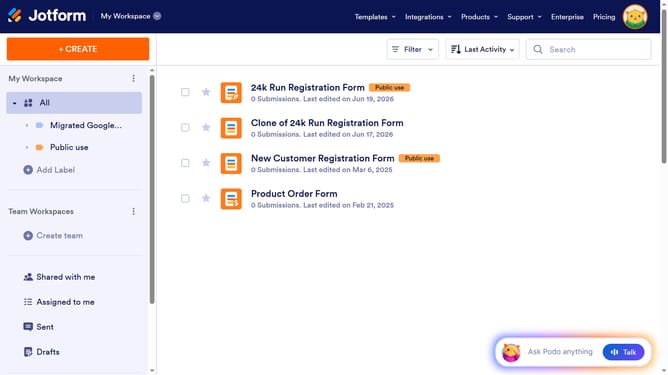
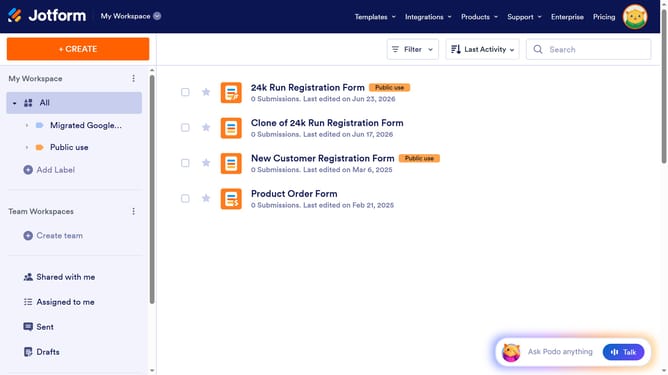
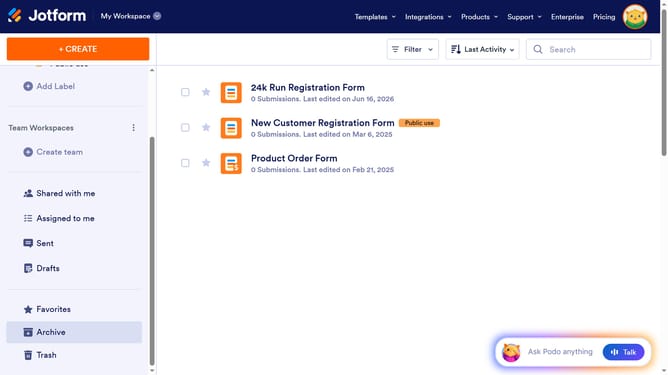
How to add or group your forms into folders on Jotform
Here is how to add or group your forms into folders on jotform
- Select the form(s) you wish to move
- Then click on the "Add to Folder" button in the top toolbar
- Next click on the folder where you want to save your form
- Finally click on the "Apply" button in the folder selection dropdown menu
Why should you add or group your forms into folders on Jotform
Jotform empowers users by providing an intuitive platform for creating and managing custom forms.
One standout feature is the ability to organize forms into folders, simplifying navigation and enhancing workflow efficiency.
Grouping forms into folders allows for seamless categorization, ensuring that you can easily access and manage your forms without clutter.
This feature is particularly advantageous for businesses and individuals handling multiple projects, as it promotes a cleaner, more structured workspace.
Last update