How to delete your Jotform account
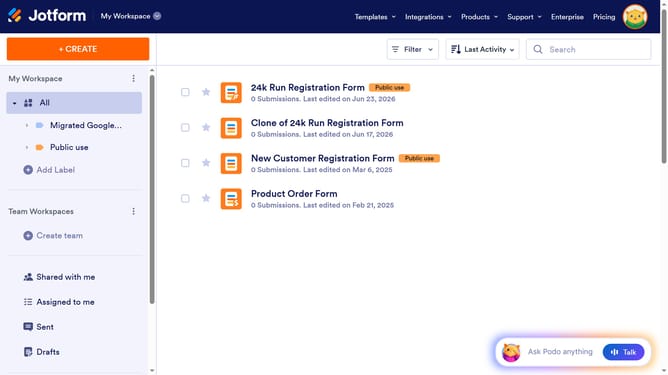
Here is how to delete your jotform account
- First click on the user profile icon in the top-right corner of the header
- Then click on the "Settings" option in the dropdown menu
- Next click on the "Account" tab in the left sidebar menu
- Then scroll down and click on the "Delete My Account" link at the bottom of the account settings page
- Click on the "Yes, Delete" button in the confirmation popup dialog
- Finally enter the verification code in the authentication input field and verify to delete your account
Why should you delete your Jotform account
Jotform is a versatile online platform designed for creating custom forms with ease.
If you ever need to delete your Jotform account, rest assured that the process is straightforward and user-friendly.
Removing your account enhances your control over personal data, ensuring privacy and security when your Jotform needs change.
This feature empowers users, providing flexibility and peace of mind in managing their digital presence.
Last update