How to hide a column in a data table in Jotform
Here is how to hide a column in a data table in jotform
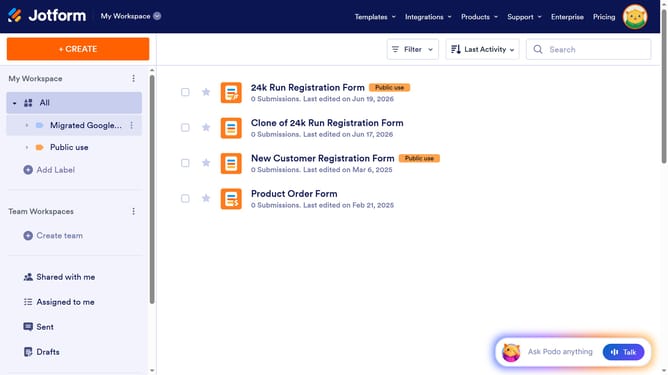
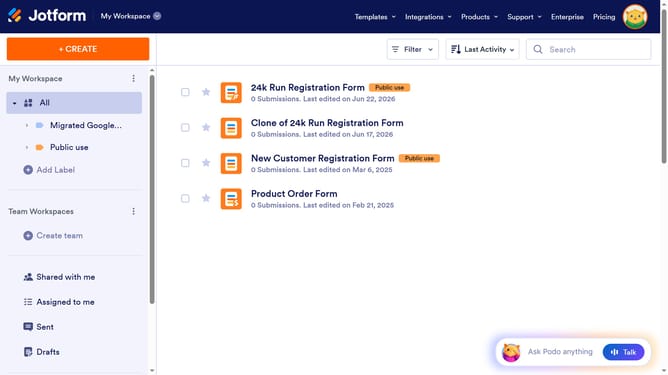
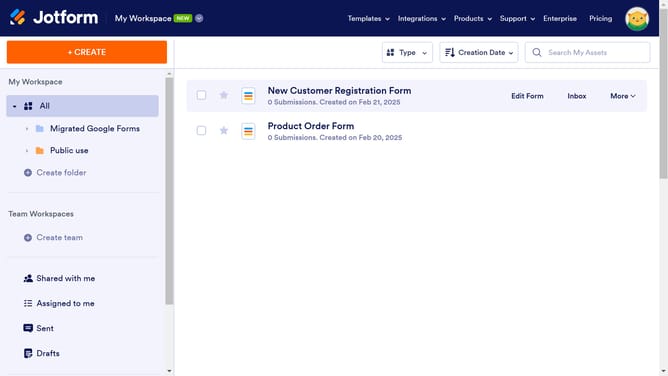
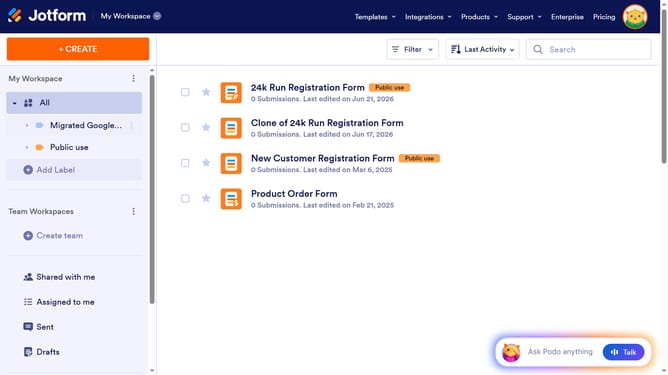
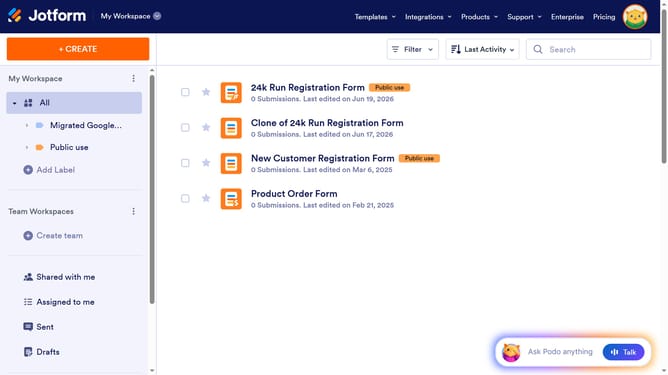
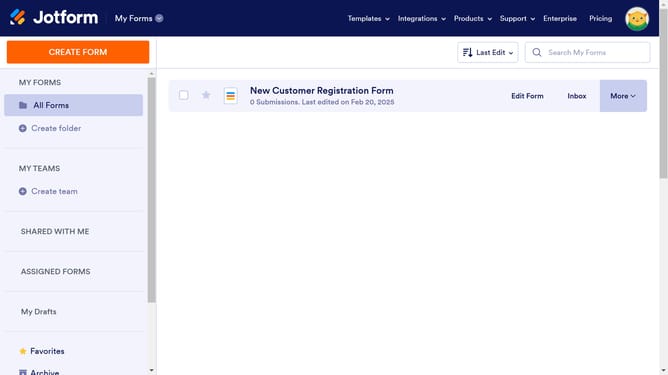
- First, click on the "All" option in the left sidebar to view all files
- Next click on "View Table" button at the right side of the table name that you want to manage
- Next, click on the three dots icon next to column that you want to hide
- Finally, select the "Hide column" option from the dropdown menu
Why should you hide a column in a data table in Jotform
Jotform is a versatile online platform designed to simplify creating and managing forms.
The ability to hide a column in a data table within Jotform is a beneficial feature for users seeking streamlined data management. This feature allows you to focus only on the most relevant data, thereby reducing clutter and enhancing your productivity.
By hiding unnecessary columns, you can maintain a clean and organized view of your information. This not only aids in visual clarity but also helps in prioritizing important data. Additionally, it ensures that sensitive or irrelevant data isn't shown to unauthorized users, enhancing data security.
Last update