How to find your form URL on Jotform
Here is how to find your form url on jotform
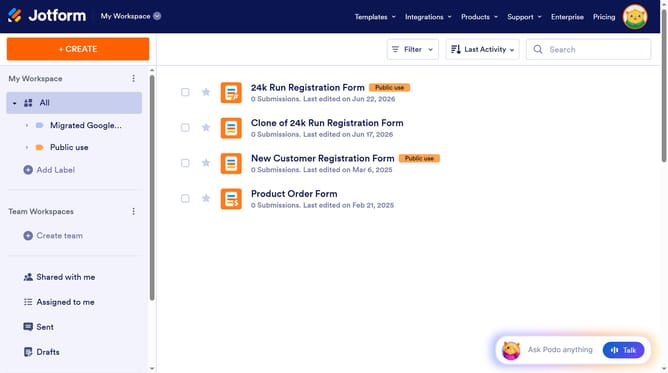
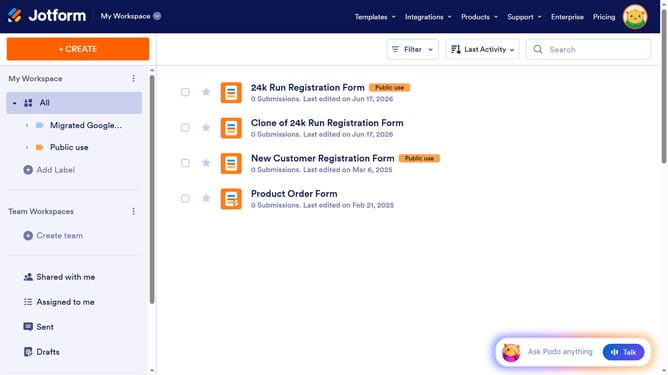
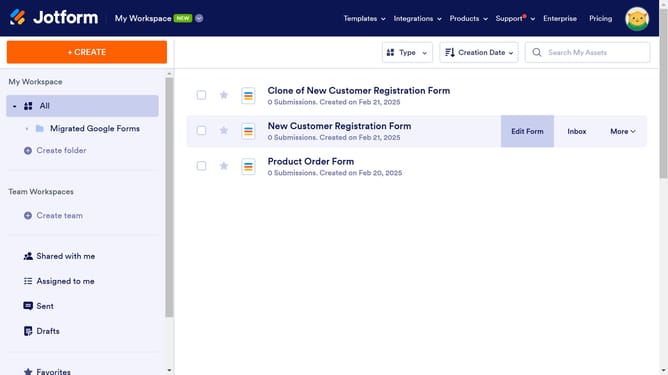
- First click on "More" of the form you want to use
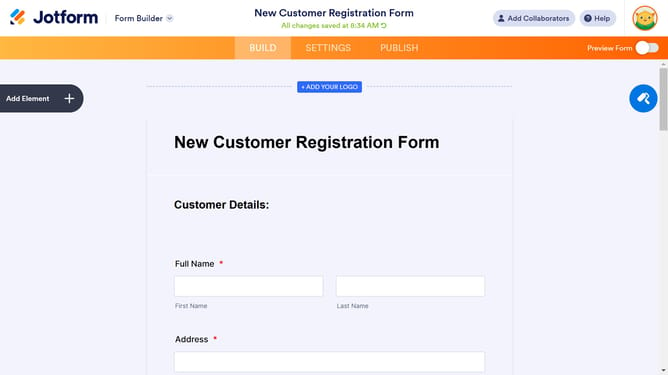
- Then click on "Publish Form" option from the dropdown menu
- Here you will find your form URL and the option to copy the link
Why should you find your form URL on Jotform
Jotform is a versatile tool for creating and managing online forms effortlessly.
Finding your form URL on Jotform is incredibly straightforward, providing you with seamless sharing capabilities.
With your form's URL, you can easily distribute surveys, collect registrations, or gather feedback from diverse audiences.
This feature’s simplicity saves time and maximizes your form's reach, ensuring you get the responses needed without hassle.
Last update