How to make your embedded Jetform form scrollable on your website
Here is how to make your embedded jetform form scrollable on your website
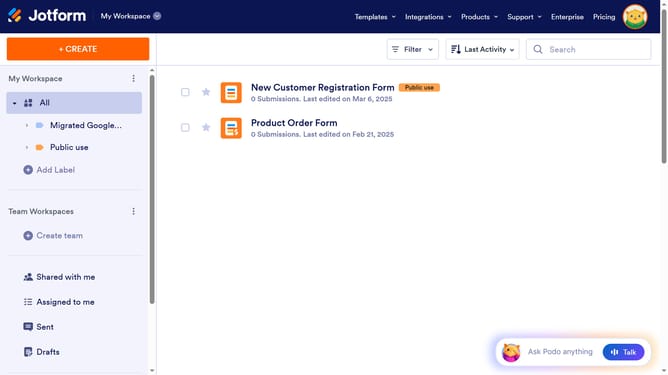
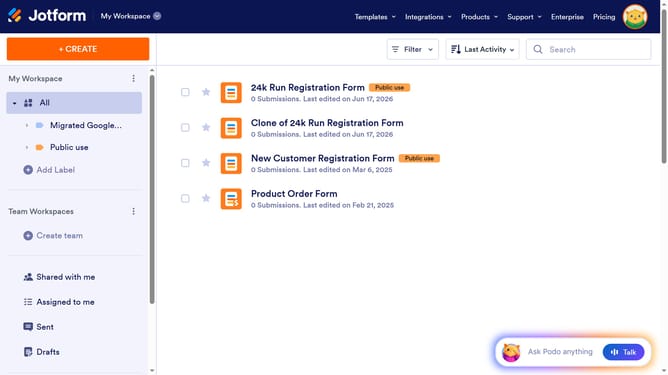
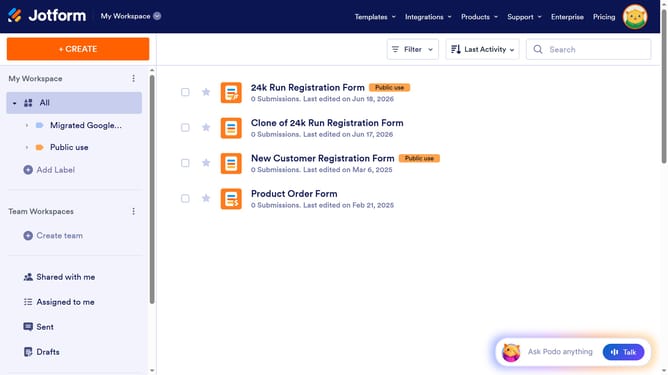
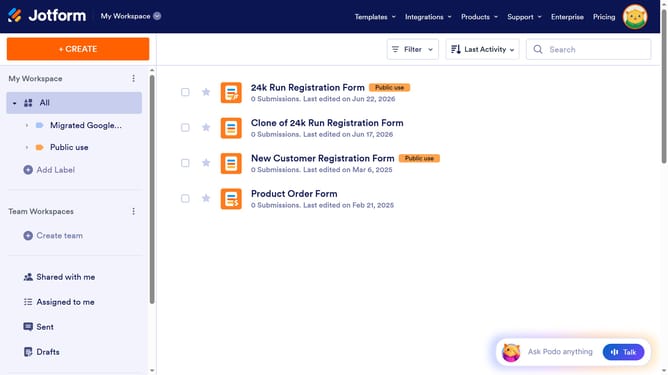
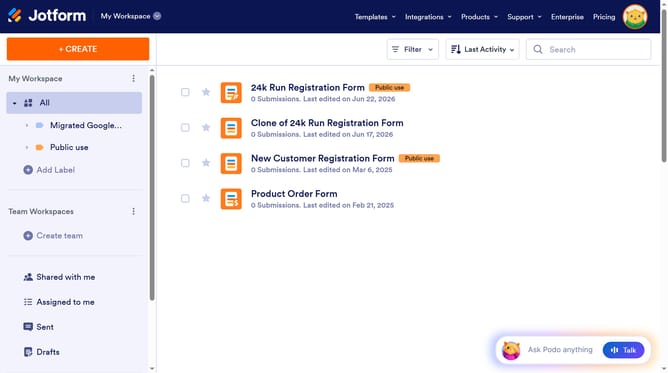
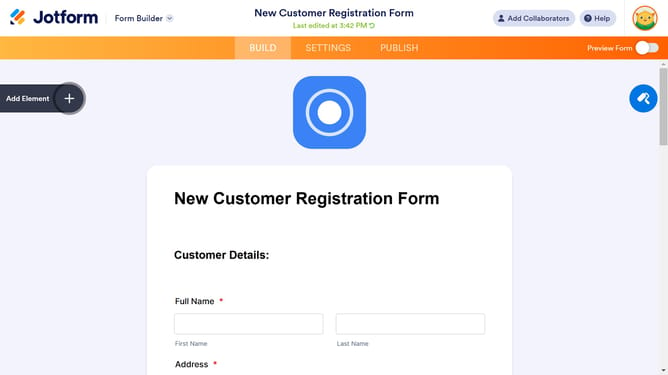
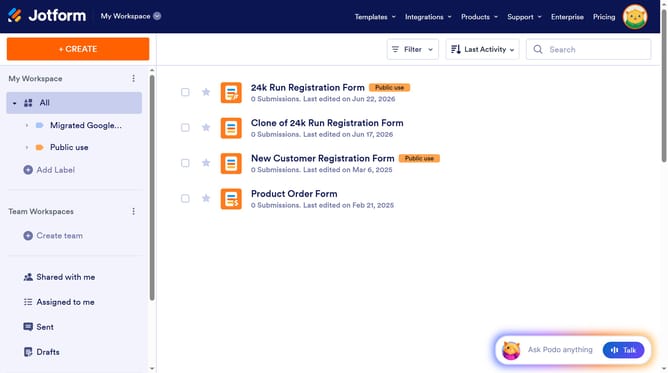
- First click the "Edit Form" button next to the form you want to use
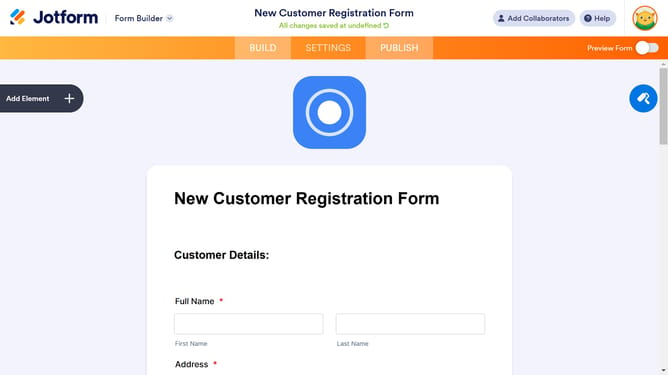
- Then click the "PUBLISH" tab in the top navigation menu
- Next click on the "EMBED" option in the left sidebar
- Then click "COPY CODE" button in the embed code section
- Update the value of the "scrolling" attribute in the iframe to "yes" when you paste it into your code editor to embed your form on your website
Why should you make your embedded Jetform form scrollable on your website
Jotform is an intuitive platform designed to create and manage online forms effortlessly.
Making your embedded Jotform scrollable is a smart way to enhance your user experience on a webpage. It allows the form to fit elegantly into your site’s layout without overwhelming the page’s design.
By enabling scrollable forms, visitors can easily input information without needing to navigate away, fostering a seamless interaction. This feature ensures that your site maintains its aesthetic appeal while facilitating efficient data collection.
Last update