How to delete column in a table field in a registration form in Jotform
Here is how to delete column in a table field in a registration form in jotform
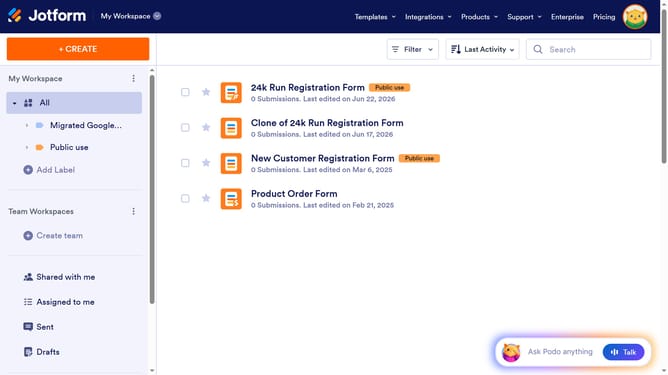
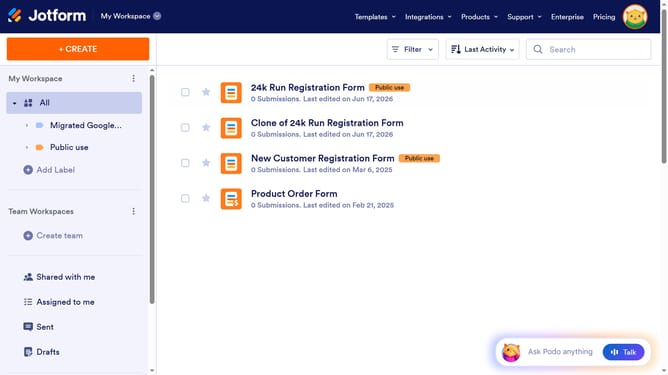
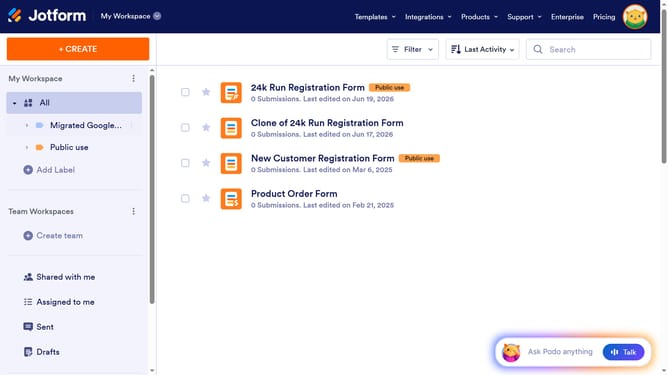
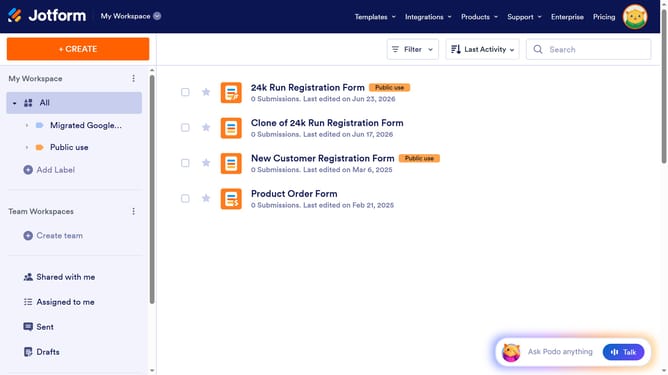
- First click on "All" item in the left sidebar
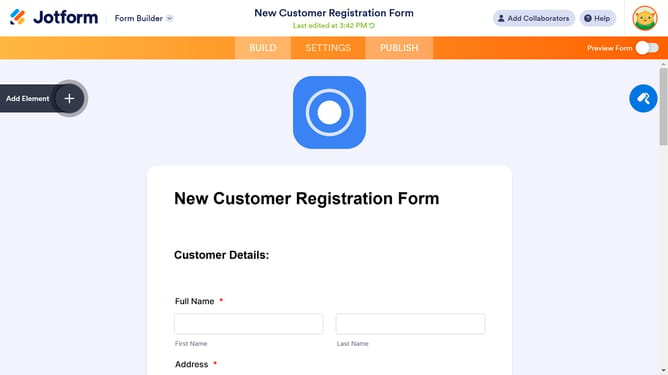
- Next click on "Edit Form" button at the right side of the form name that you want to manage
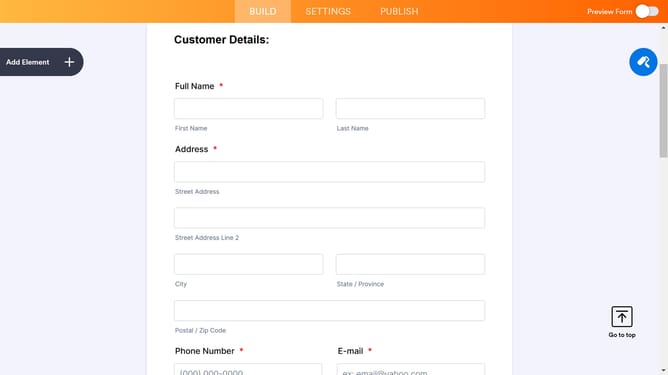
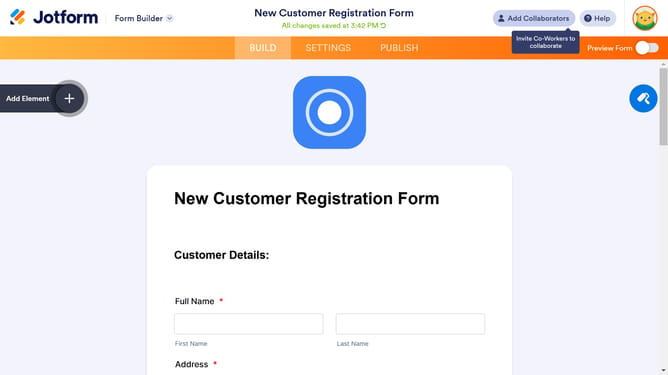
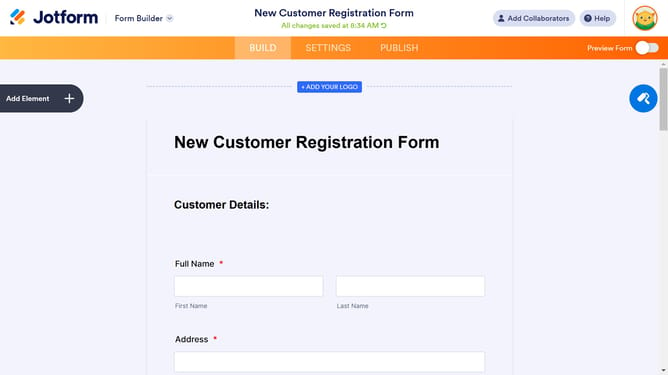
- Then click on the table input field in the form builder
- Then click on "Properties" button
- Then click on "FIELDS" tab in the form properties
- Finally click on the delete icon next to the column you want to delete
Why should you delete column in a table field in a registration form in Jotform
Jotform is a user-friendly platform for creating customized online forms effortlessly.
In Jotform, deleting a column in a table field within a registration form streamlines your data organization. This feature empowers users to customize forms precisely to their specific needs, ensuring only relevant information is collected.
Such flexibility enhances user experience, promotes clarity, and optimizes data management. By eliminating unnecessary columns, you keep your registration forms tidy and efficient, aligning with your specific goals.
Last update