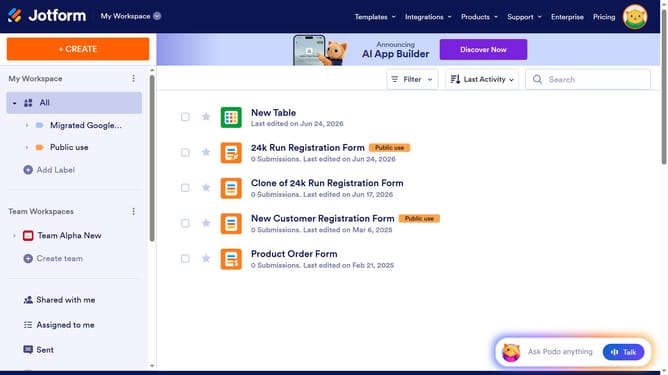
How to change text color in a paragraph field in a registration form in Jotform
Here is how to change text color in a paragraph field in a registration form in jotform
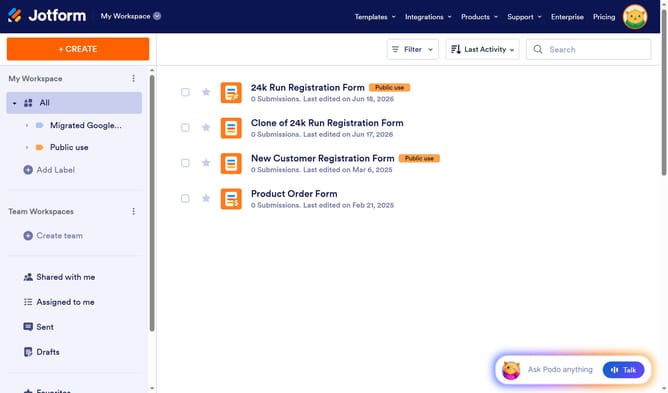
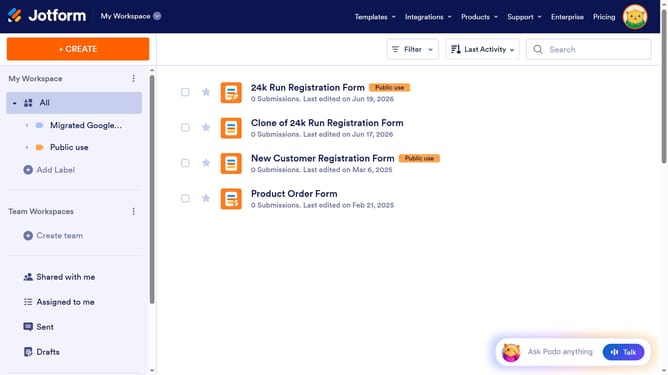
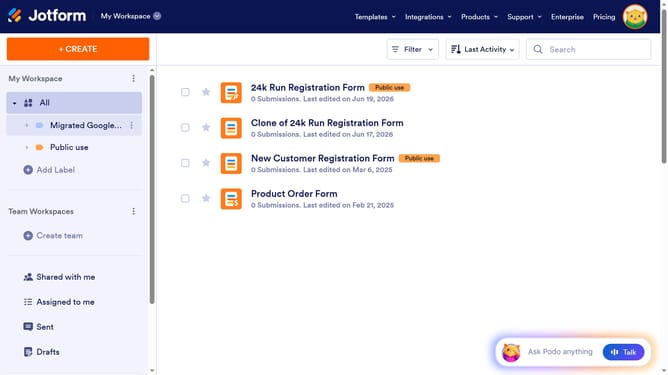
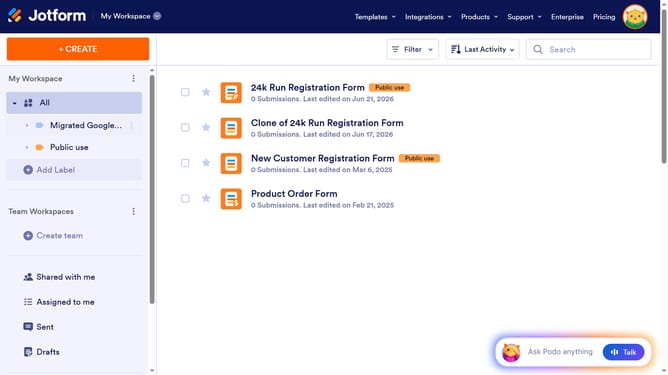
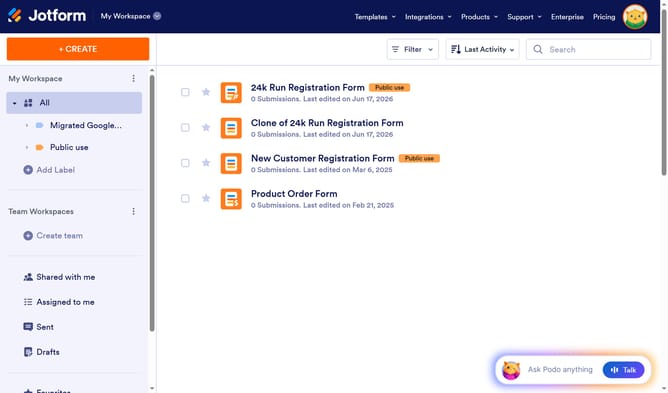
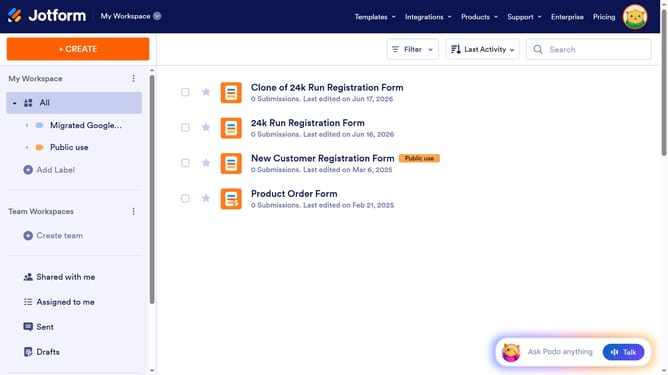
- First click on "All" in the left sidebar
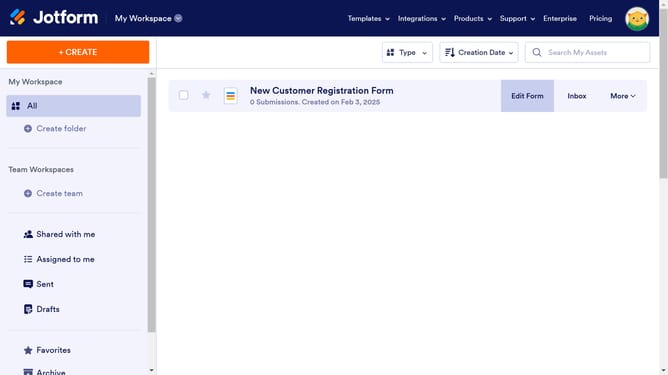
- Next click on "Edit Form" button at the right side of the form name that you want to manage
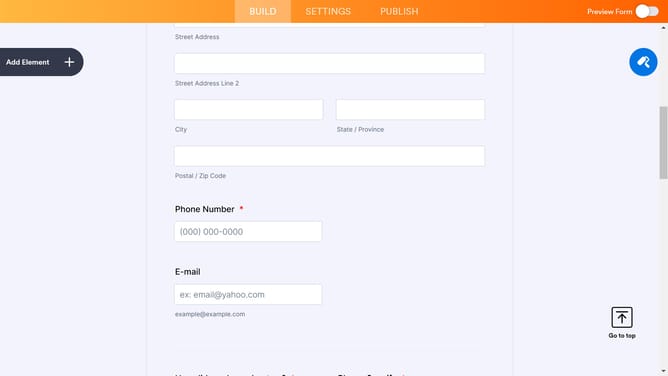
- Then click on the paragraph field in the form builder
- Then click on the "Edit Text" button in the right toolbar
- Next click on the text that you want to edit to highlight it
- Then click on the "A" icon to open the text color options
- Then select a color from the color palette
- Finally click on the "Save" button
Why should you change text color in a paragraph field in a registration form in Jotform
Jotform is a versatile form builder designed to make data collection simple and efficient.
Customizing the text color in a paragraph field of your registration form in Jotform enhances user engagement by making important information stand out. With a splash of color, you direct attention where it's needed, improving readability and effectively guiding your audience’s focus.
Color customization aligns your registration form with your brand's aesthetic, maintaining a consistent identity across all your digital touchpoints. This subtle yet powerful feature ensures your message is clear and unforgettable.
Last update