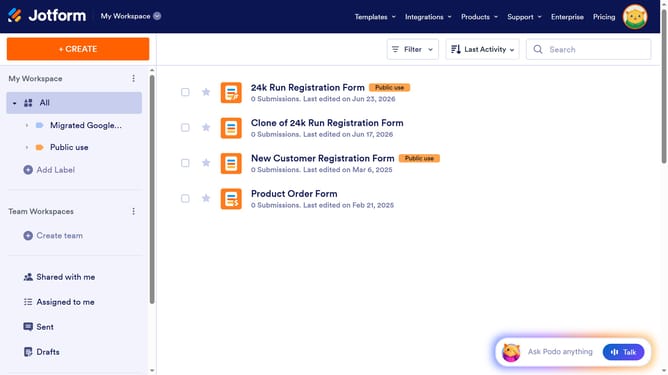
How to open the form designer on Jotform
Here is how to open the form designer on jotform
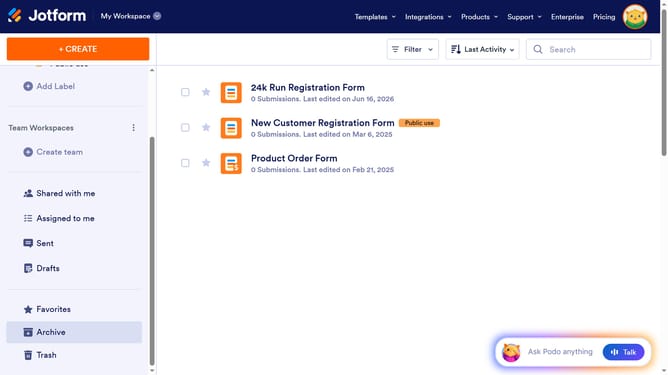
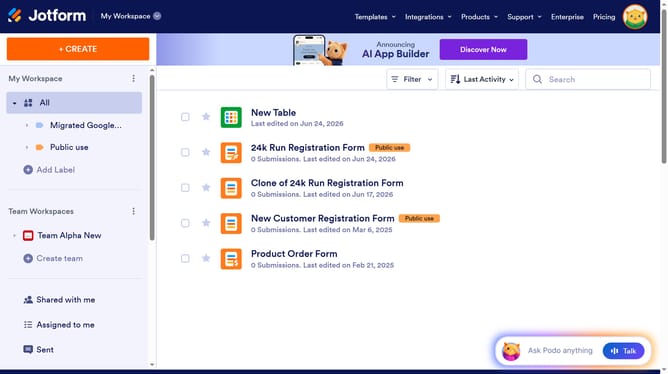
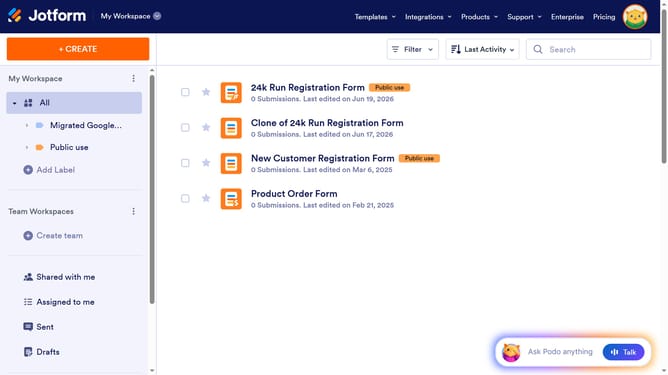
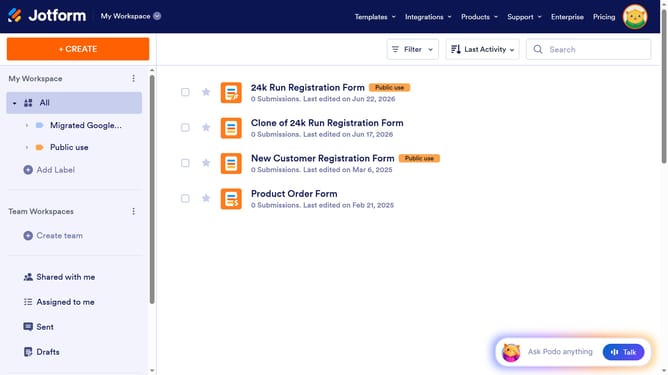
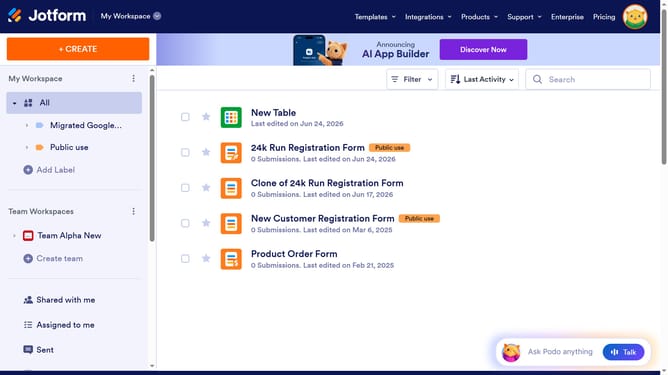
- In the form list view, click on the "Edit Form" button
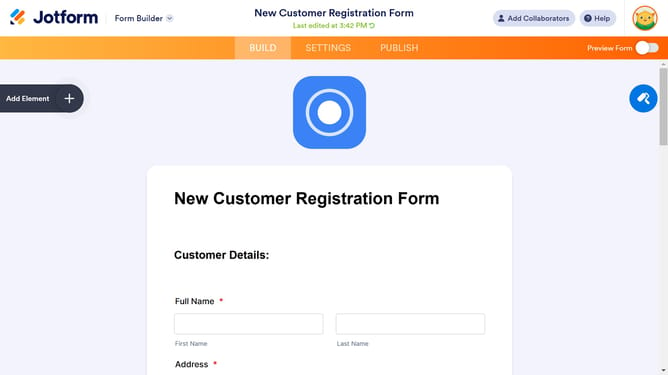
- In the form editor's top toolbar, click on the "Form Designer" icon located in the upper-right corner of the screen
- You can change colors, fonts, themes, and more to match your style and branding here in "Form Designer"
Why should you open the form designer on Jotform
Jotform is a versatile platform designed to simplify form creation for all users.
Opening the form designer in Jotform lets you personalize your forms effortlessly, ensuring they reflect your brand's identity.
This feature is intuitive and quick, allowing for a seamless customization experience that can enhance user engagement and efficacy.
Utilizing the form designer not only beautifies your forms but also optimizes functionality, making information collection more efficient and professional.
Last update