How to add a single text column in a data table in Jotform
Here is how to add a single text column in a data table in jotform
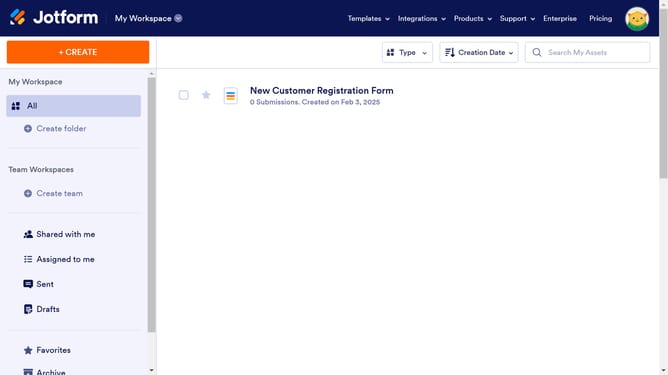
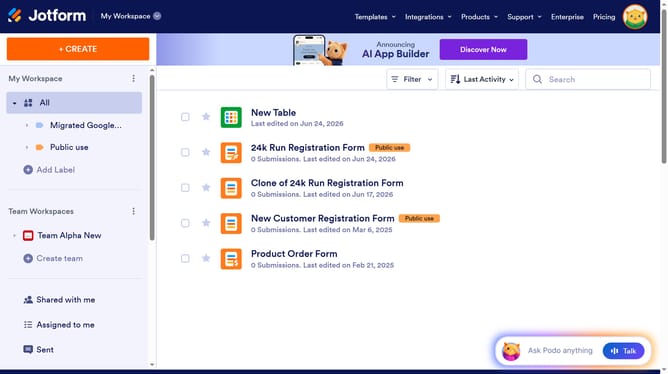
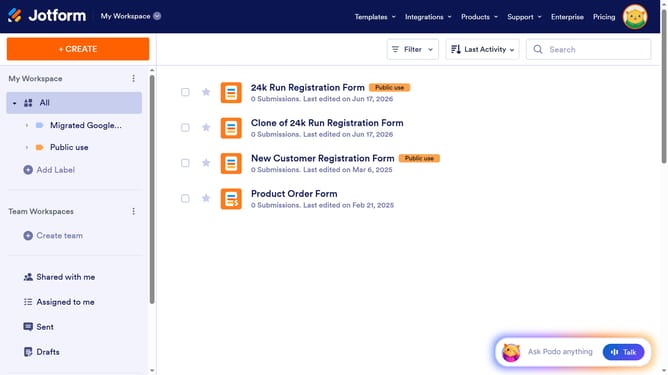
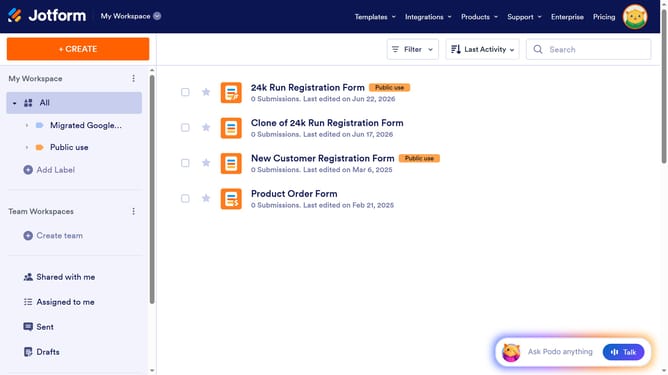
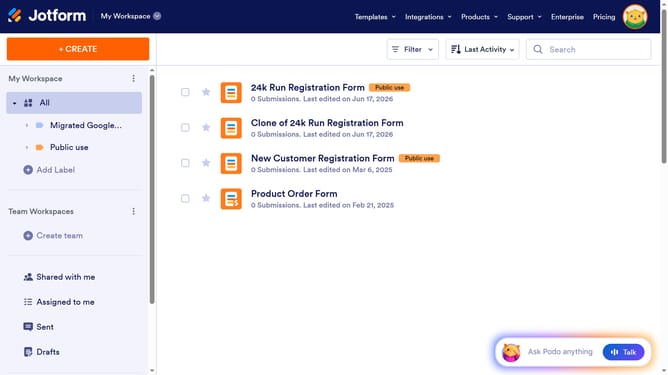
- First click on "All" item in the sidebar
- Next click on "View Table" button at the right side of the table name that you want to manage
- Click on the "ADD" button after the last column
- Then select "Short Text" from the "Add a New Column" modal
- Then click on the "NEXT" button
- Then enter column name in the "ENTER A COLUMN NAME" input field
- Finally click the "CREATE COLUMN" button
Why should you add a single text column in a data table in Jotform
Jotform is an intuitive online form builder designed to simplify data collection and management for businesses and individuals alike.
Adding a single text column to a data table in Jotform brings flexibility and organization to your data handling process. This feature allows users to seamlessly include additional notes or identifiers, enhancing your table with context for each entry.
Utilizing this function can greatly improve data clarity and accessibility, facilitating smoother data interpretation and more informed decision-making.
Last update