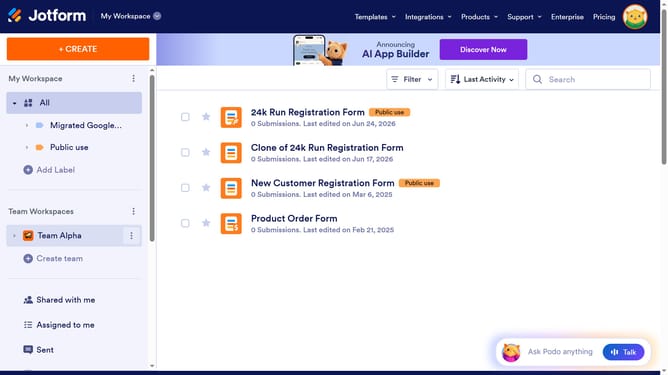
How to delete a data table in Jotform
Here is how to delete a data table in jotform
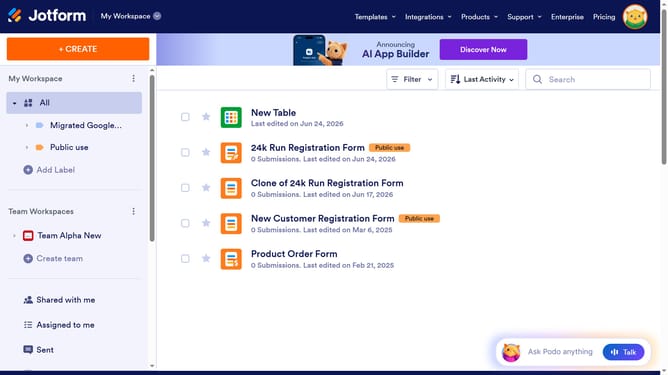
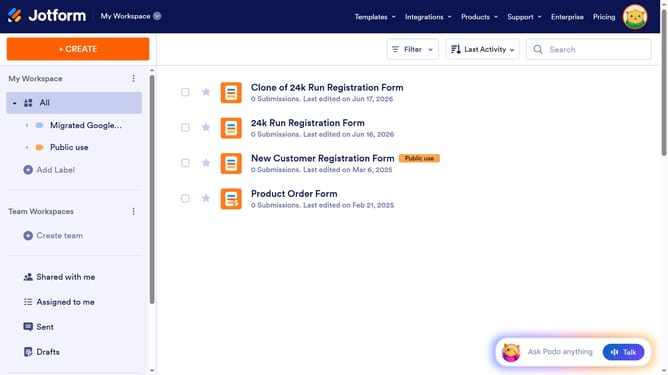
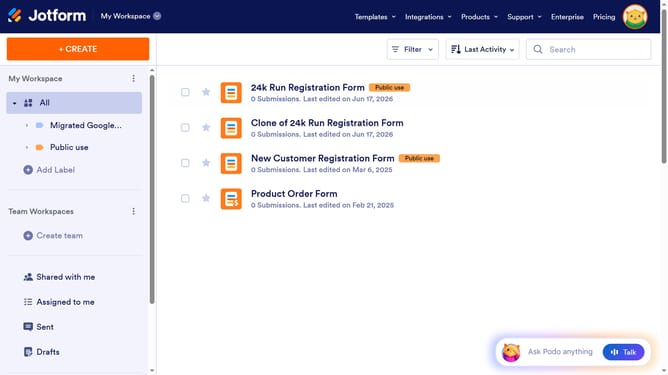
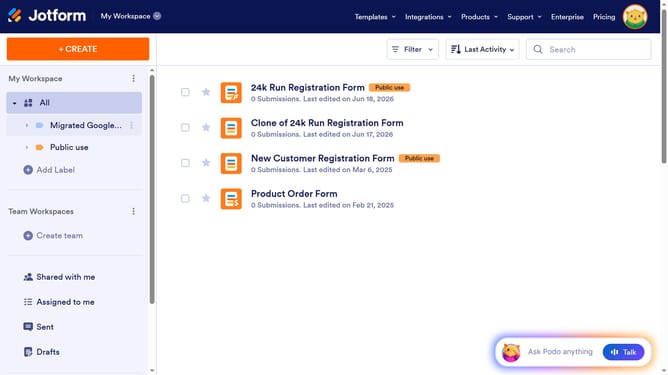
- First click on "All" item in the left sidebar
- Then click on "More" button in the top menu
- Next select "Move to Trash" item from the dropdown menu
- Finally click on "Delete Table" button in the confirmation dialog
Why should you delete a data table in Jotform
Jotform is a versatile tool designed to simplify form creation and data management for individuals and businesses.
One of its convenient features is the ability to efficiently delete a data table, which helps in maintaining organized and clutter-free storage spaces.
Utilizing this function is beneficial as it ensures only relevant data is preserved, contributing to more streamlined operations and easier data analysis.
By managing your data tables proactively, you can focus on what truly matters—insightful information that drives decisions.
Last update