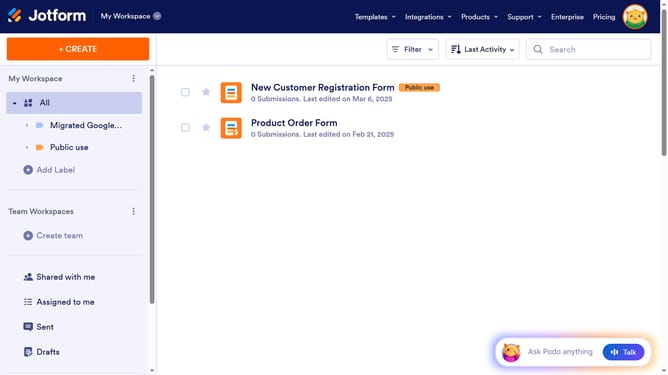
How to add a heading to a registration form in Jotform
Here is how to add a heading to a registration form in jotform
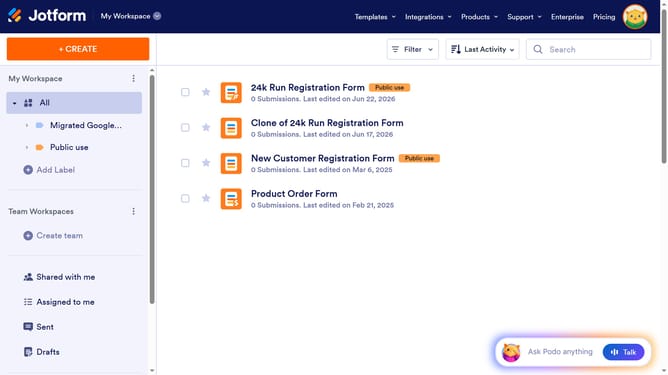
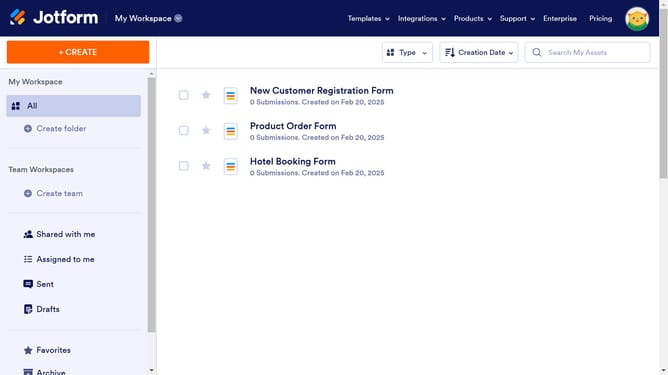
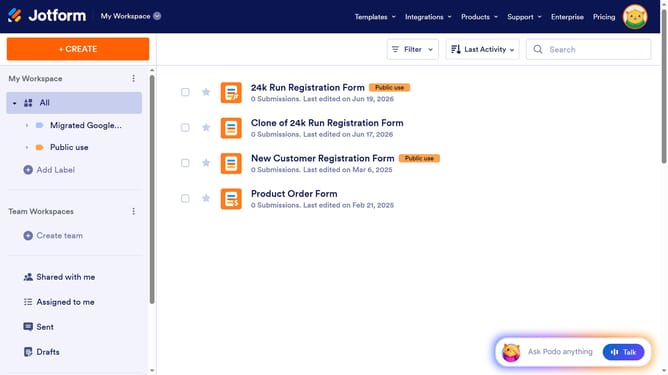
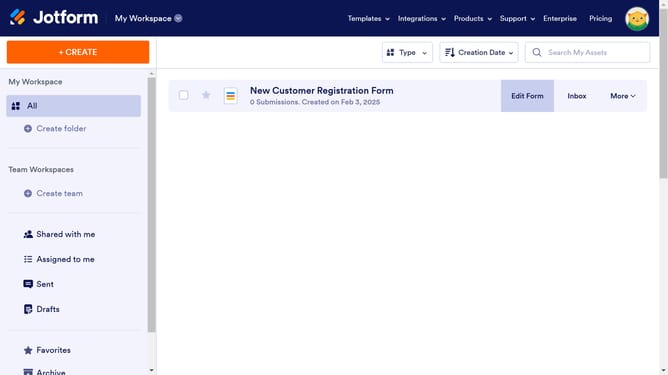
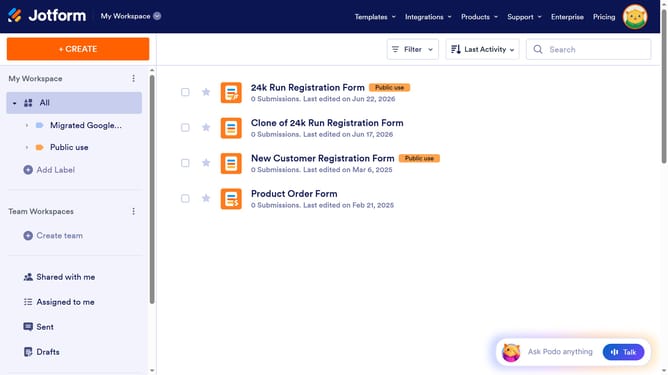
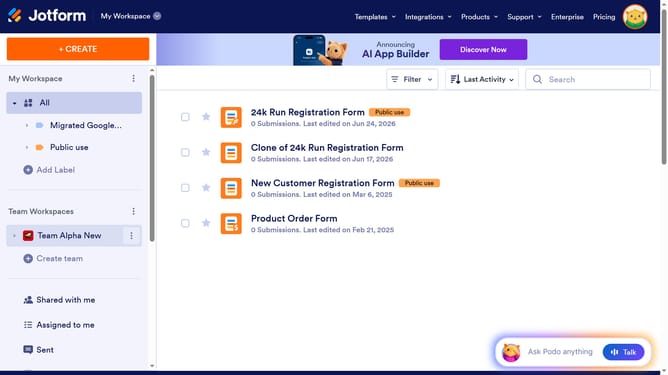
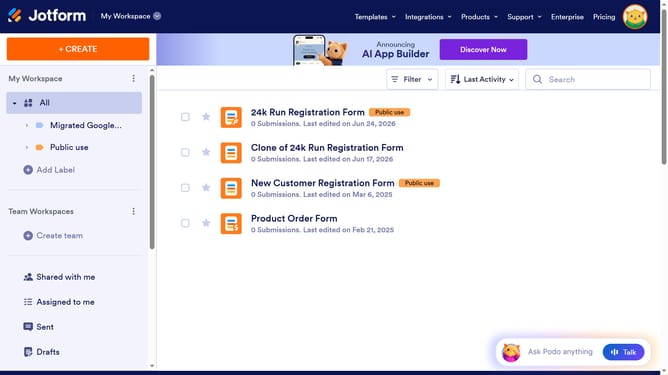
- First click on the "All" item in the left sidebar.
- Then click on the checkbox next to the form you want to manage
- Next, click on the "Edit Form" button.
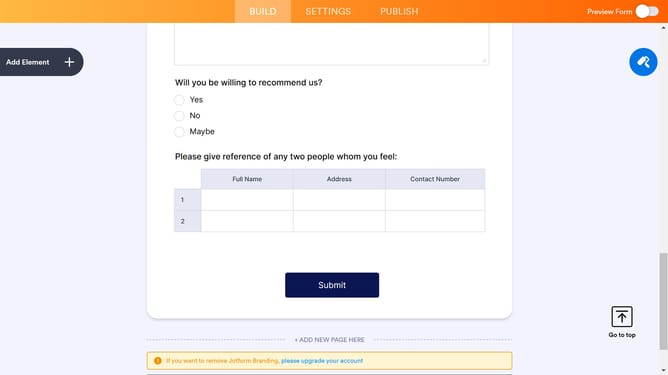
- Then click on the "Heading" element in the form elements panel.
- Finally, click on the "Heading" element on the form canvas and enter your heading
Why should you add a heading to a registration form in Jotform
Jotform is an intuitive platform that empowers users to create customized forms effortlessly.
Adding a heading to a registration form in Jotform enhances the organization and clarity of your form. It provides a concise introduction or context to what the form entails, ensuring that users grasp its purpose instantly.
Using this feature, you streamline the form-filling process, making it more engaging and user-friendly. A well-placed heading also helps in maintaining a visual hierarchy, guiding users smoothly from one section to another.
Last update