How to set default country in the address field in a registration form in Jotform
Here is how to set default country in the address field in a registration form in jotform
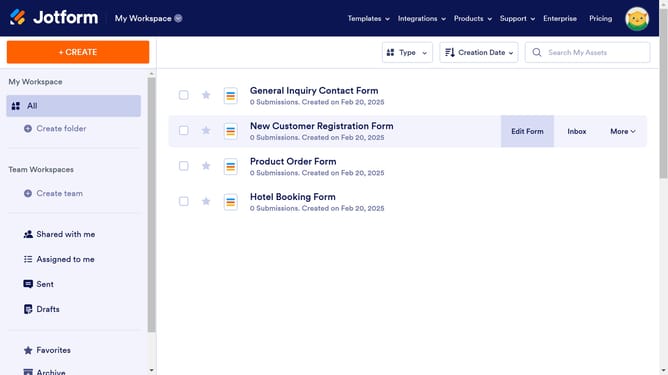
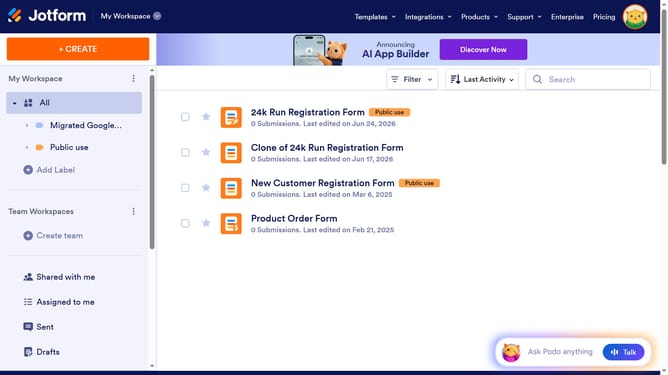
- First click on "All" item in the left sidebar
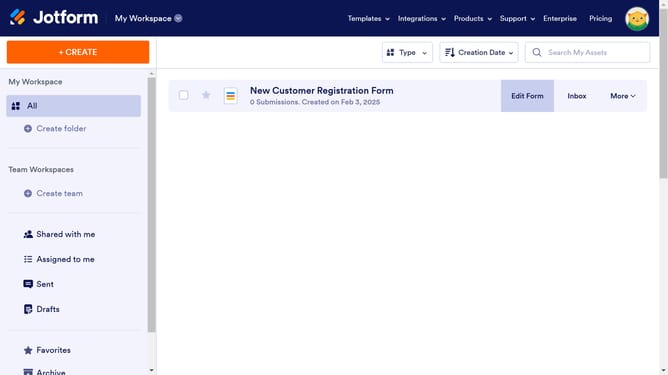
- Then click on "Edit Form" button in the main content area
- Then click on the Address field in the form area
- Then click on the settings icon
- Then click on the "OPTIONS" tab
- Finally click on the "Default Country" dropdown and select your preferred country
Why should you set default country in the address field in a registration form in Jotform
Jotform is a versatile online form builder that simplifies data collection with customizable forms.
Setting a default country in the address field enhances user experience by minimizing manual input, ensuring quicker form completion.
This feature is particularly beneficial for businesses focusing on specific regions, as it aligns with their operational needs and streamlines data relevance.
Users enjoy a seamless registration process, promoting efficiency and accuracy in gathering essential location-based information.
Last update