How to disable a time field in a registration form in Jotform
Here is how to disable a time field in a registration form in jotform
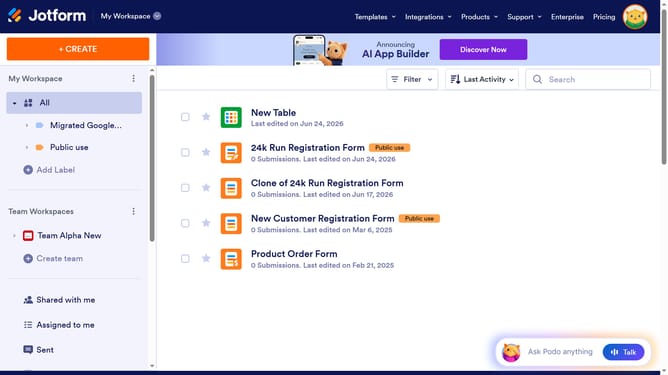
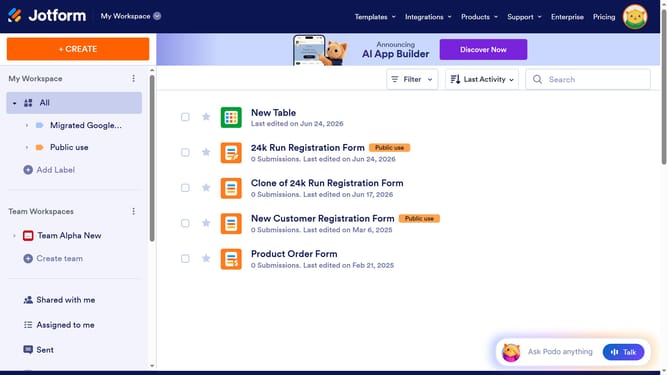
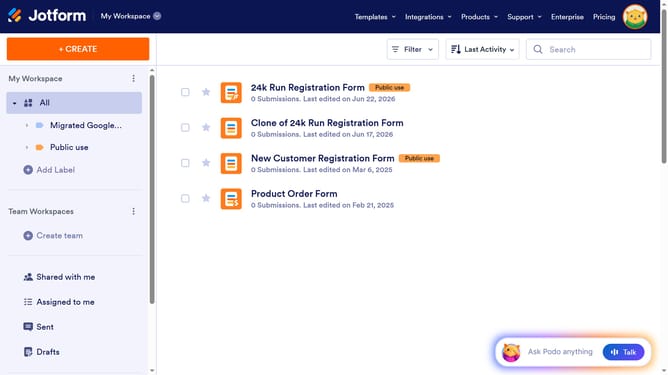
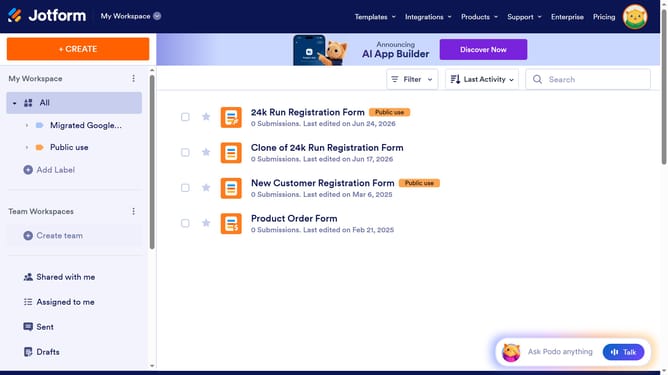
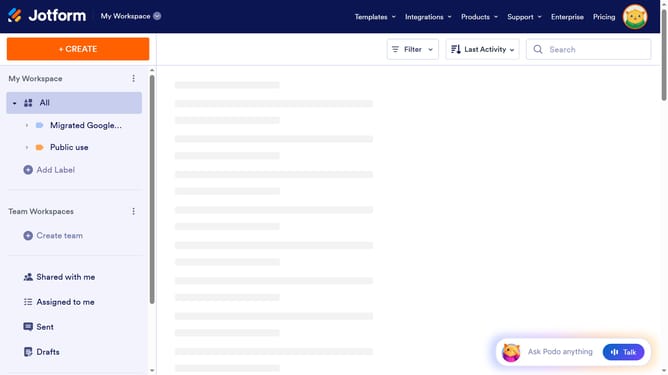
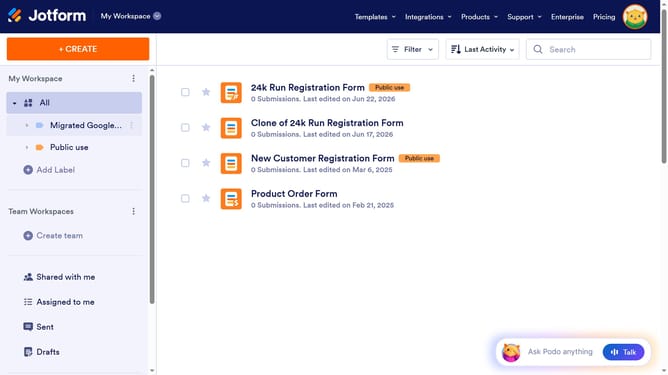
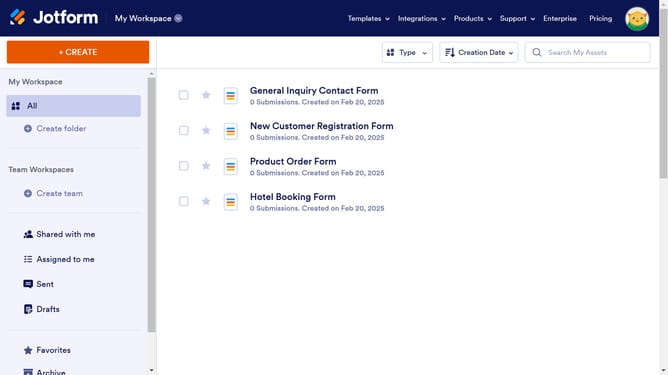
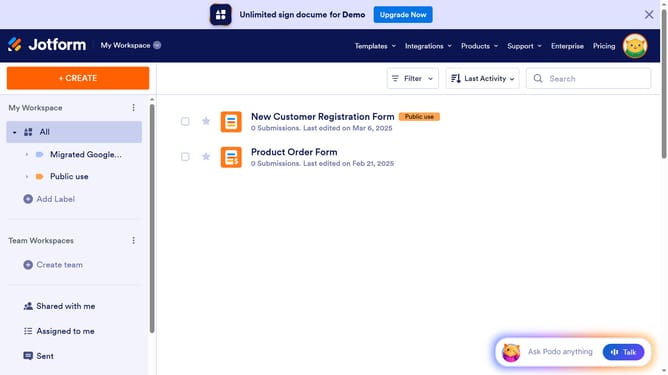
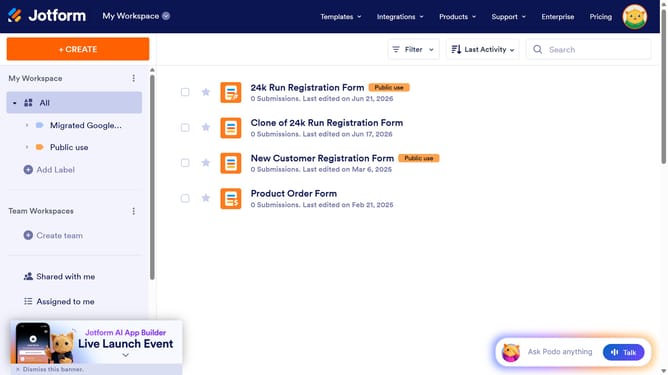
- First, in the left sidebar, click on the "All" option under "My Workspace"
- Next click on "Edit Form" button at the right side of the form name that you want to edit
- Then, click on the "Date" field input to open its properties
- Then click on the gear icon
- Next select the "TIME" tab
- Finally, click on the "Time Field" toggle to disable it
Why should you disable a time field in a registration form in Jotform
Jotform is a versatile tool designed to simplify the process of creating online forms effortlessly.
Disabling a time field in a registration form can significantly streamline the user experience. By removing unnecessary fields, it reduces confusion and helps users focus on essential information, enhancing form completion rates.
This feature is particularly beneficial when timing details are irrelevant, ensuring that forms remain concise and efficient. Overall, it keeps the registration process quick and straightforward, aligning with the ultimate goals of user convenience and satisfaction.
Last update