How to add a captcha field to a registration form in Jotform
Here is how to add a captcha field to a registration form in jotform
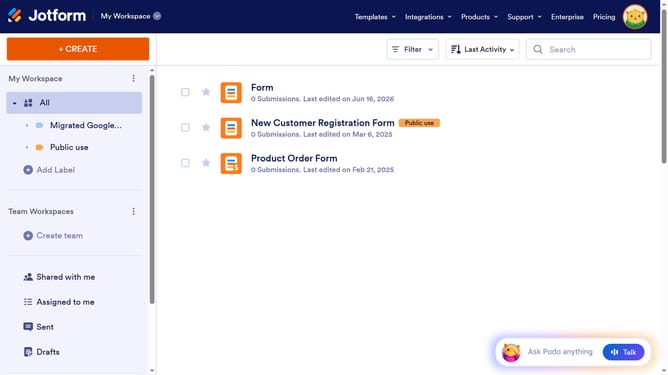
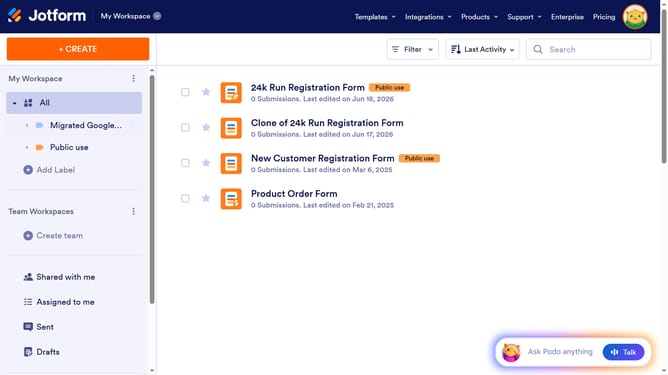
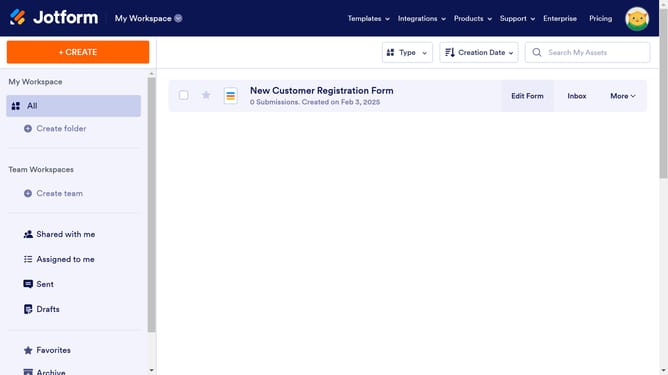
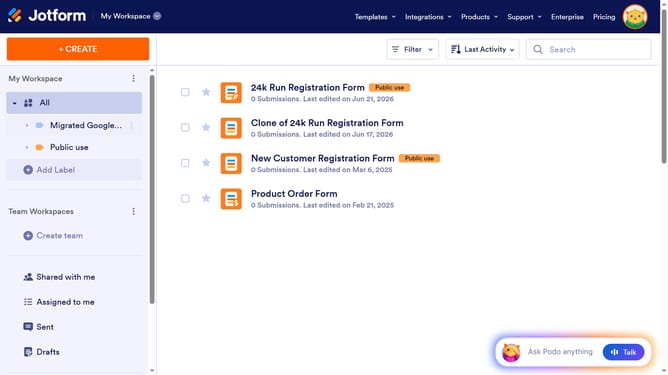
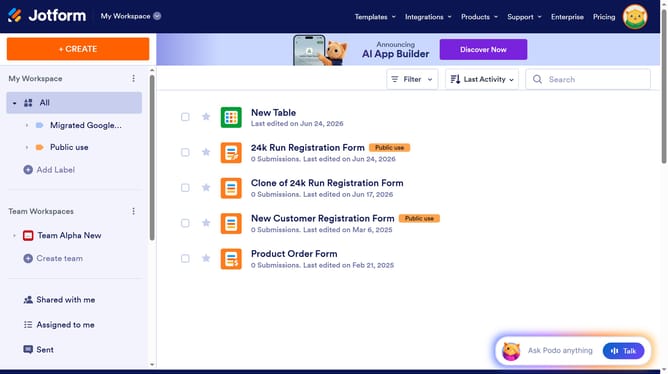
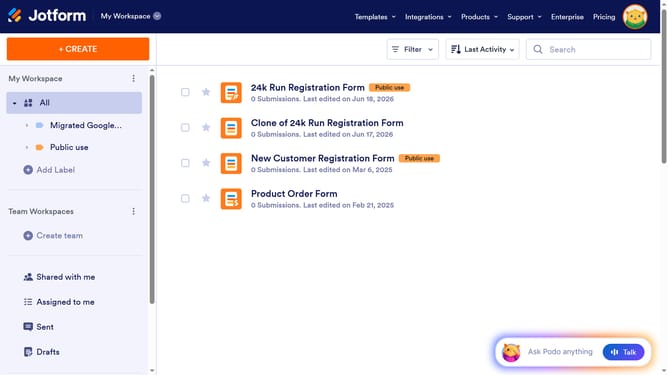
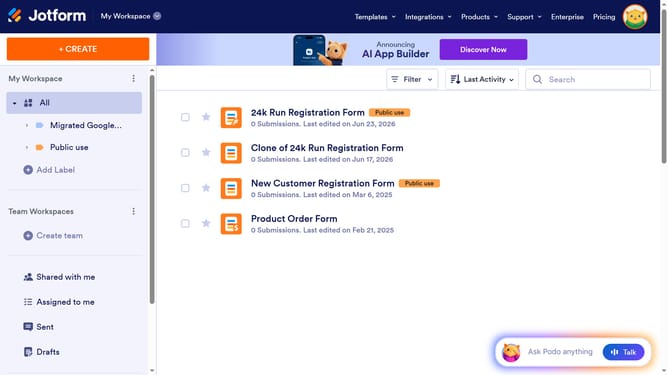
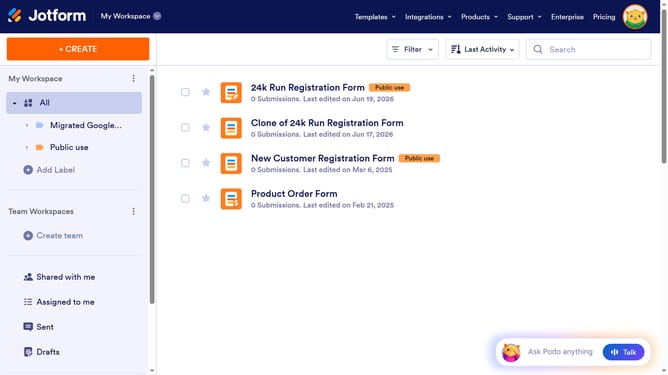
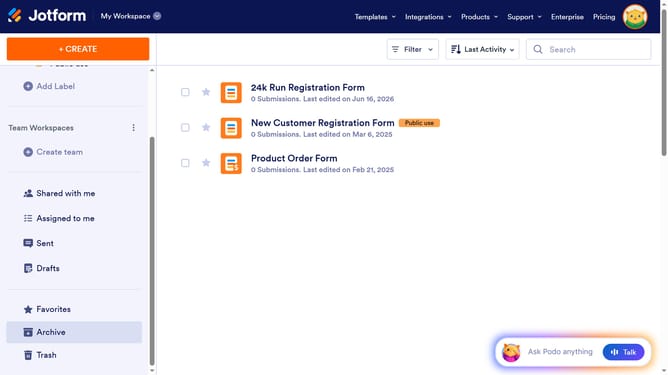
- First click on "All" in the left sidebar
- Then click on "Edit Form" button at the right side of the form name that you want to edit
- Next click on "Add Element" button in the left sidebar
- Finally select "Captcha" in the elements list
Why should you add a captcha field to a registration form in Jotform
Jotform is a versatile online platform that simplifies form creation, making it accessible for everyone.
Integrating a captcha field into a registration form on Jotform is a seamless feature that enhances security and user trust. This addition helps verify human input, effectively reducing spam submissions and ensuring data integrity.
By including a captcha, you protect your form from automated attacks, maintaining the quality of the information collected while offering a smoother user experience.
Last update