How to restore archived forms in Jotform
Here is how to restore archived forms in jotform
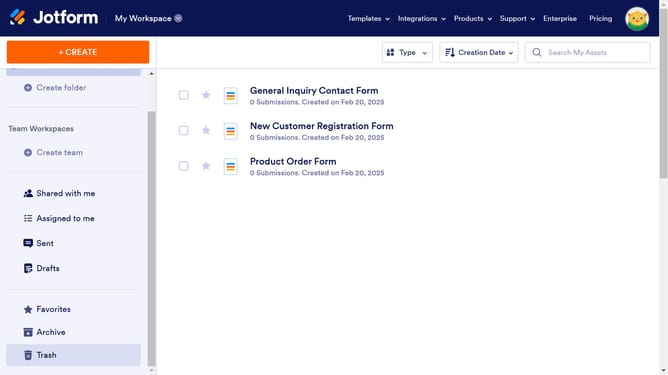
- First, click on "Archive" in the left sidebar
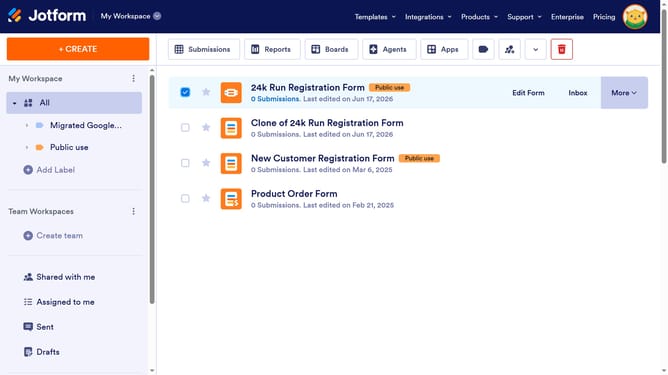
- Then, click on the checkbox next to the form you want to unarchive
- Next, click on the "More" dropdown menu in the top toolbar
- Finally, click on "Unarchive" from the dropdown menu
Why should you restore archived forms in Jotform
Jotform is a powerful online tool designed to simplify form creation and data collection for individuals and businesses alike.
Restoring archived forms in Jotform is a seamless feature that ensures your important data is never lost. This presents an invaluable advantage in managing your forms, offering peace of mind by allowing you to retrieve archived forms effortlessly.
The ability to restore forms adds a layer of flexibility, enabling users to revisit, edit, or use previously archived forms, thus maximizing productivity and continuity in data management.
Last update