How to set default value in a rating field in a registration form in Jotform
Here is how to set default value in a rating field in a registration form in jotform
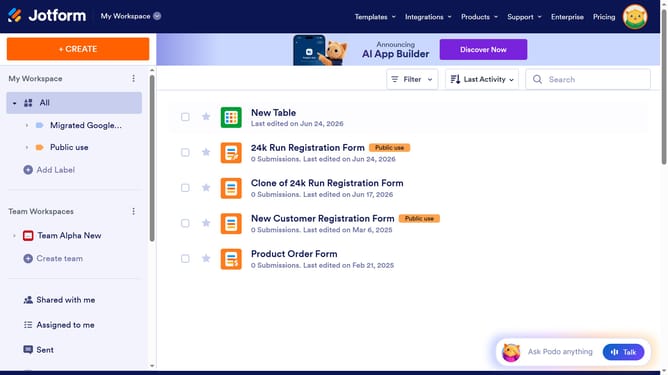
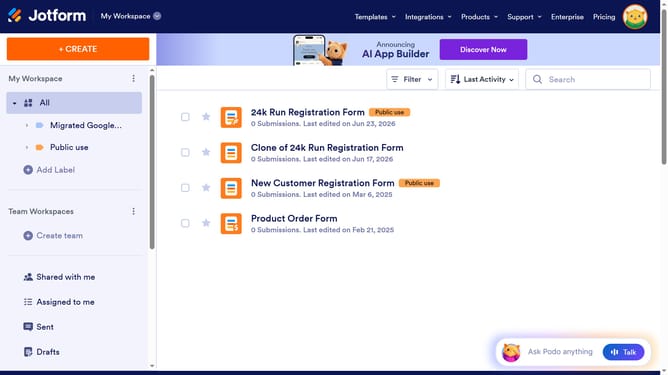
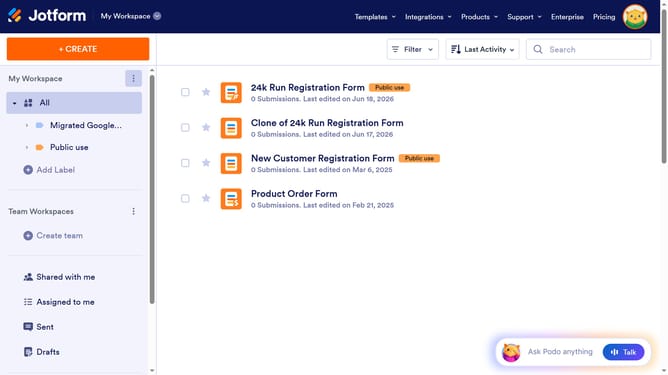
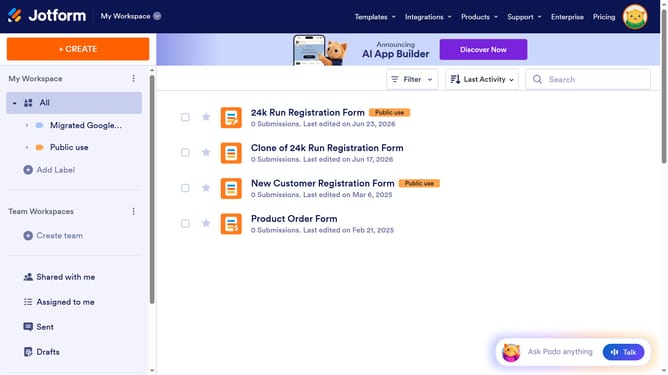
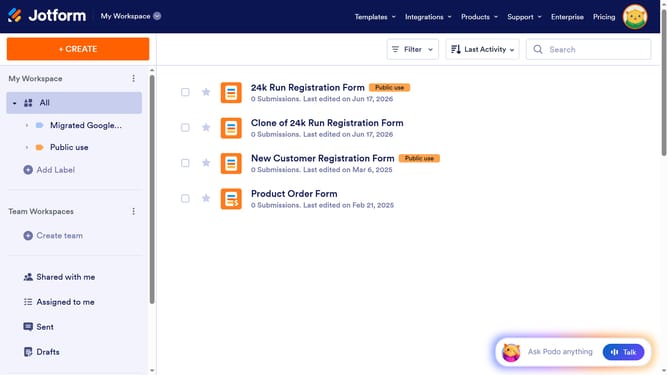
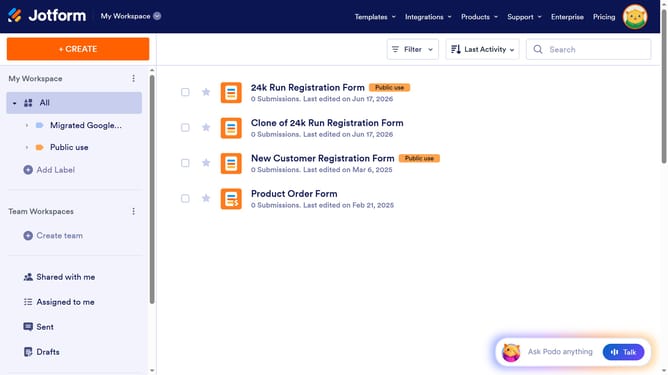
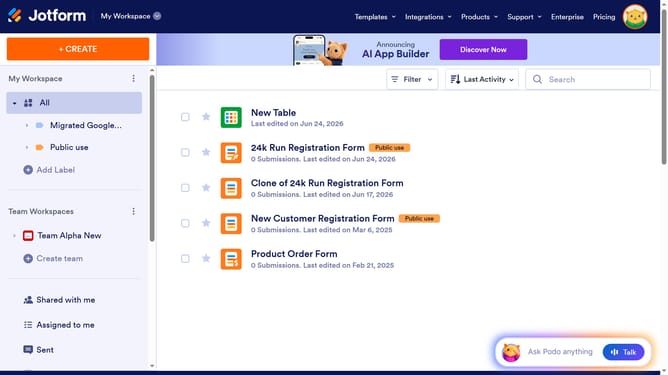
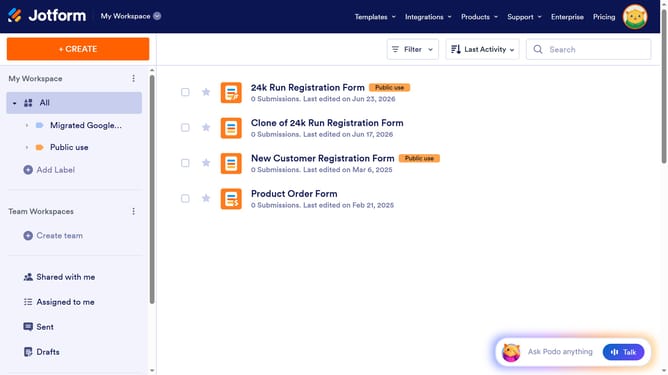
- First click on "All" in the left sidebar menu
- Next click on "Edit Form" button at the right side of the form name that you want to manage
- Then click on the star rate field in the form builder
- Then click on "Properties" button
- Then click on the "Advanced" tab
- Finally select "Default Value" input field and enter your preferred value
Why should you set default value in a rating field in a registration form in Jotform
Jotform is a powerful tool designed to simplify and enhance the form-building process for various needs.
One valuable feature within Jotform is the ability to set a default value in a rating field on a registration form. This functionality allows you to pre-fill the rating field with a specific value, guiding respondents in your desired direction.
Using a default value can streamline form submissions, especially for those who might be unsure about how to rate. By doing so, you can ensure that responses are consistent, which ultimately aids in data analysis and decision-making.
Last update