How to freeze a column in a data table in Jotform
Here is how to freeze a column in a data table in jotform
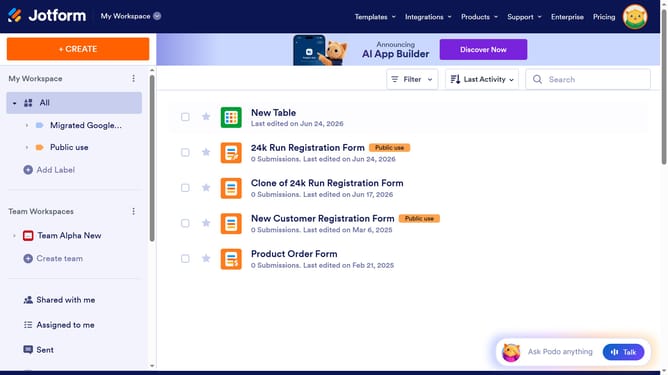
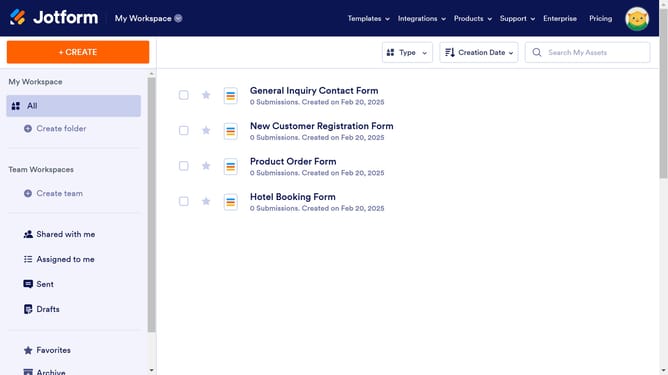
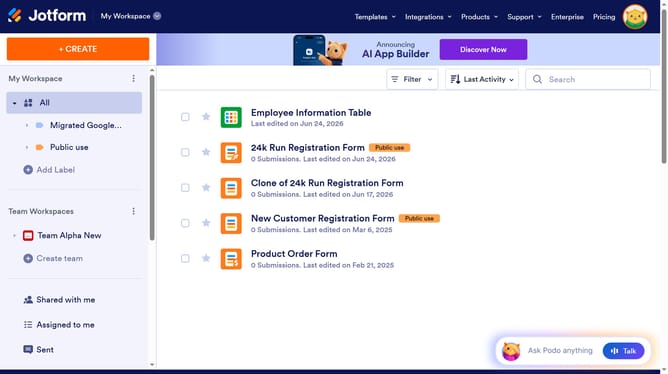
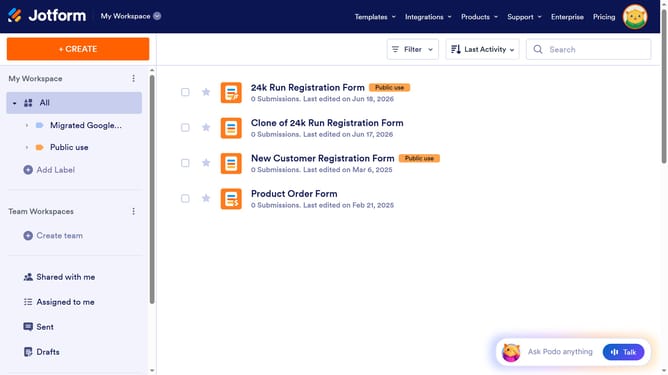
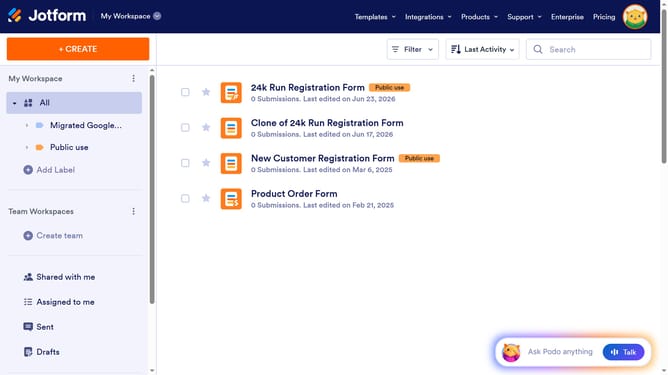
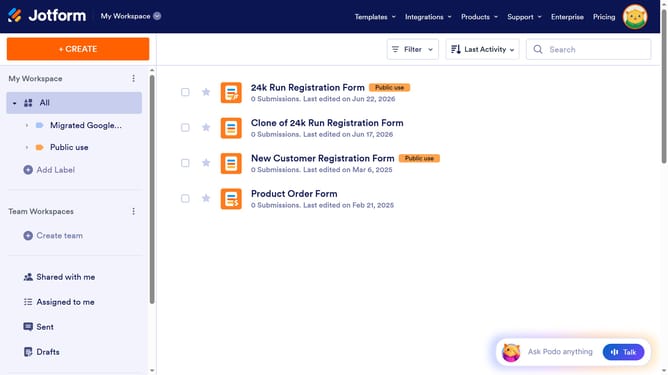
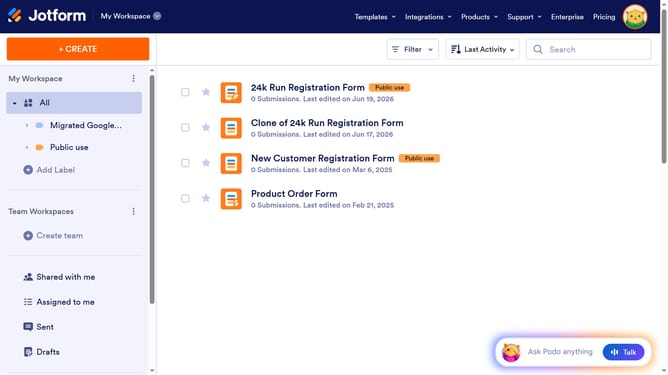
- First click on the "All" button in the left sidebar
- Next click on "View Table" button at the right side of the table name that you want to manage
- Next, click on the three dots icon next to column that you wanted to freeze
- Finally, select "Freeze column" from the dropdown menu
Why should you freeze a column in a data table in Jotform
Jotform is an intuitive online form builder designed to simplify data collection and management.
One standout feature in Jotform is the ability to freeze a column in a data table. This feature enhances data navigation by keeping critical columns visible even when scrolling through extensive datasets.
By freezing a column, users improve their focus on essential data aspects, like names or dates, without losing sight of related information. This ensures efficient analysis and decision-making, providing a seamless experience in data management.
Last update