How to add a scale rating field to a registration form in Jotform
Here is how to add a scale rating field to a registration form in jotform
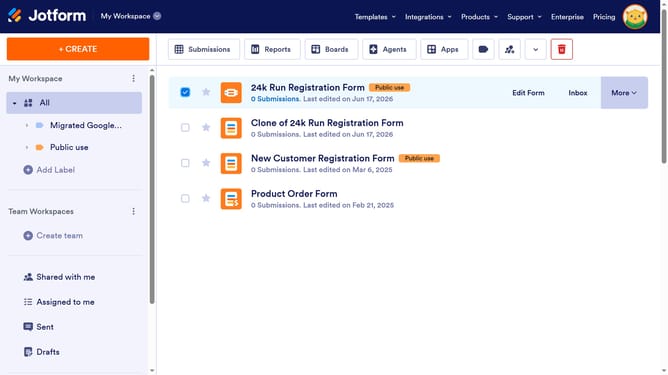
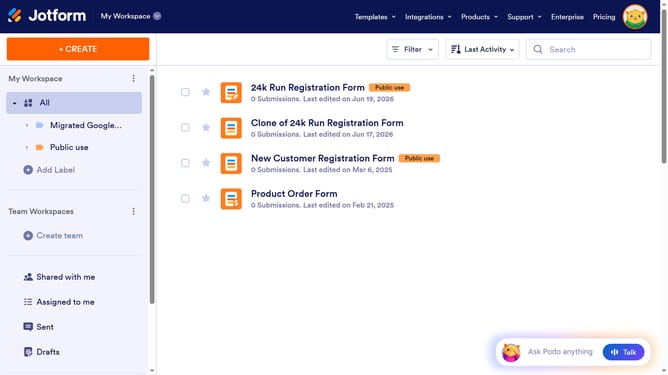
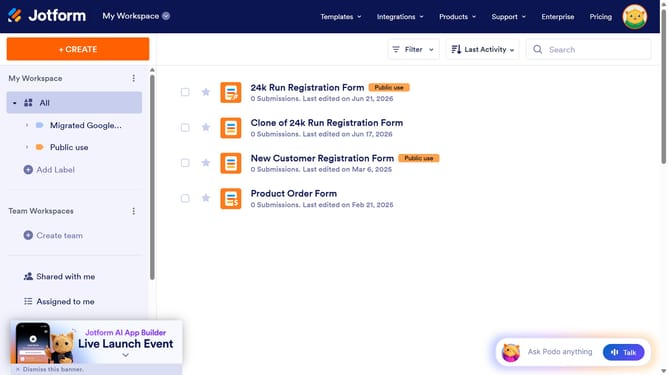
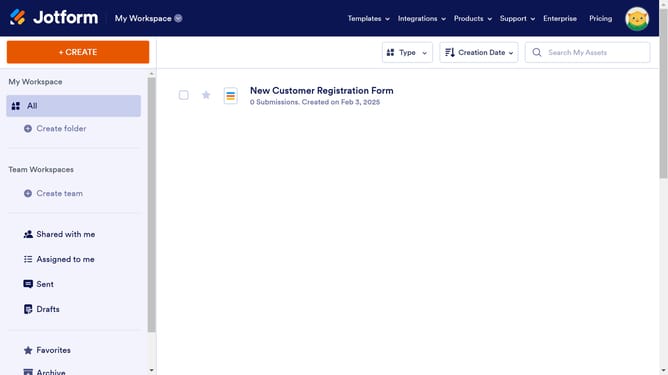
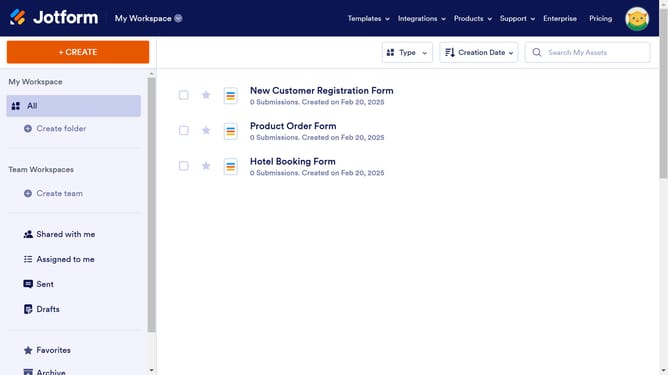
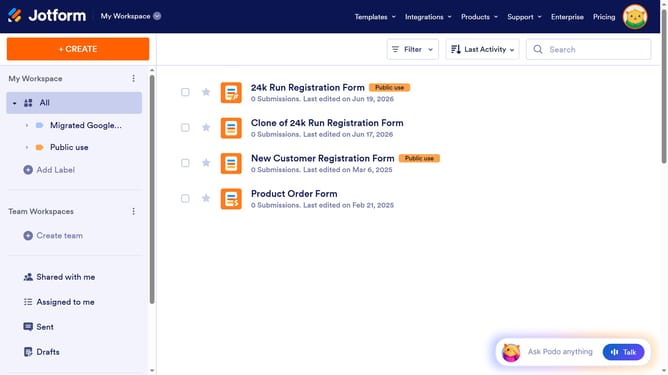
- First click on "All" in the left sidebar
- Then click on "Edit Form" button at the right side of the form name that you want to edit
- Then click on "Add Element" button
- Finally select "Scale Rating" element in the left sidebar
Why should you add a scale rating field to a registration form in Jotform
Jotform is a versatile online platform empowering users to create customized forms with ease.
Adding a scale rating field to a registration form in Jotform enhances feedback collection, offering a straightforward method for users to express preferences or satisfaction levels.
This feature is beneficial for gathering quantitative data that can drive improvements and customer insights.
Perfect for streamlining event feedback or evaluating service readiness, the scale rating field promotes clarity and fosters immediate engagement.
Last update