How to rename a data table in Jotform
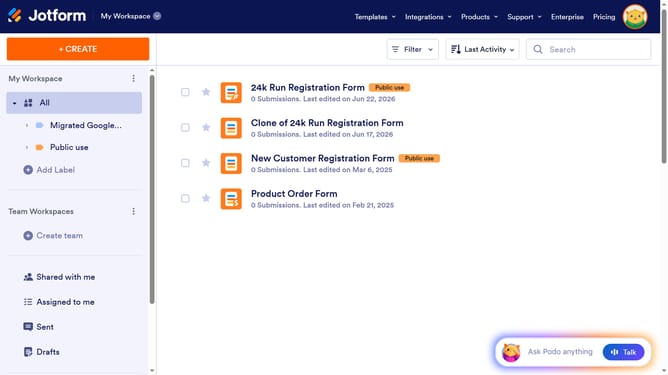
Here is how to rename a data table in jotform
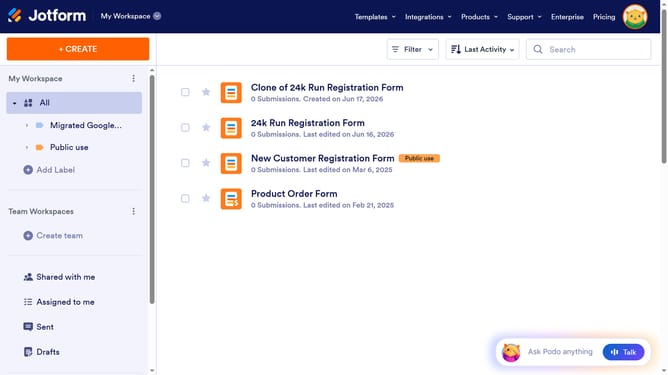
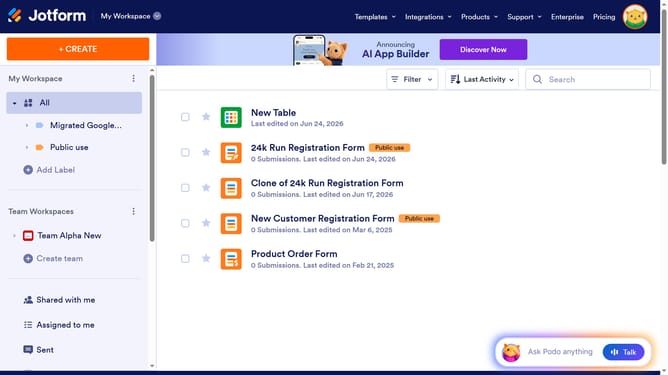
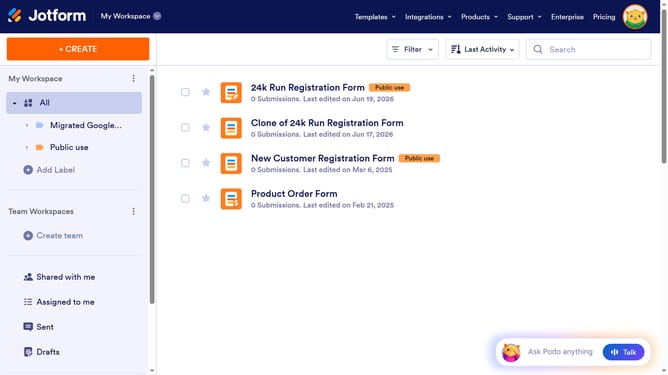
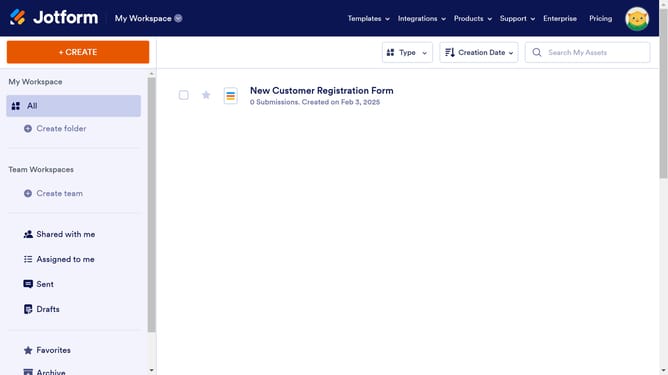
- First click on "All" item in the left sidebar
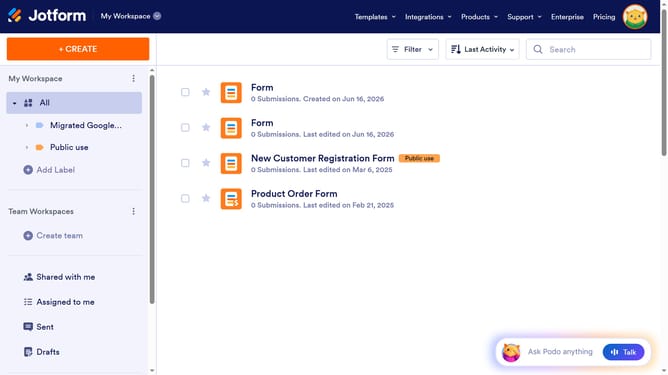
- Then click on the "More" button in the action bar next to the item you want to rename
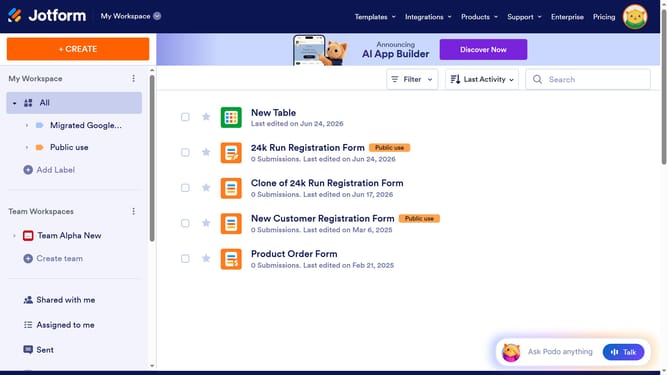
- Next, select "Rename" from the dropdown menu.
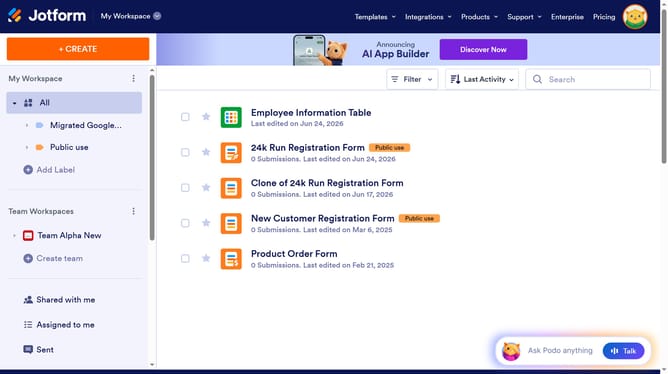
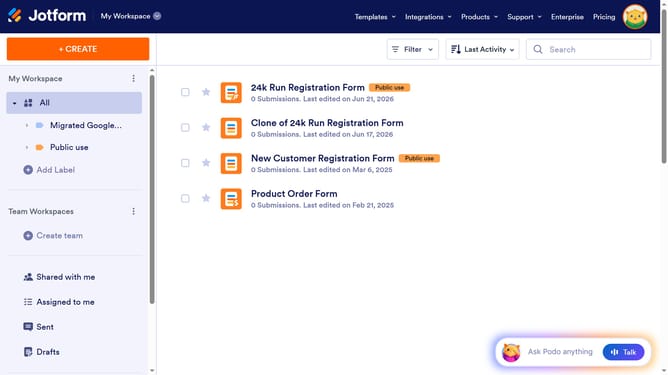
- Finally, click on the text box and rename the table
Why should you rename a data table in Jotform
Jotform is an intuitive online platform designed to streamline and simplify form creation and data collection.
Renaming a data table in Jotform is a straightforward feature that enhances organization and clarity.
By giving your table a clear and specific name, you can easily keep track of various datasets, making data management more efficient.
This functionality not only improves navigation within your projects but also fosters a better understanding of your data at a glance. Embrace the power of a well-labeled table to boost your productivity seamlessly.
Last update