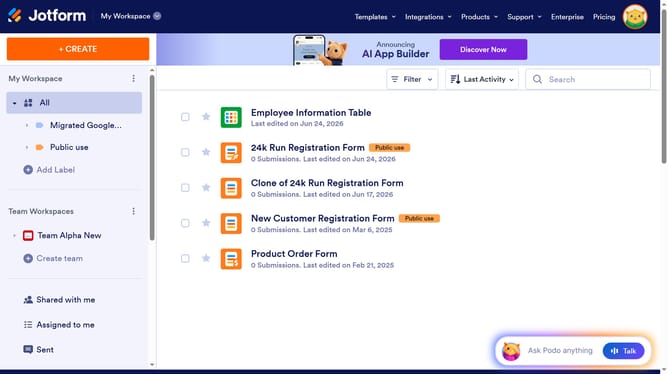
How to create a team after login in Jotform
Here is how to create a team after login in jotform
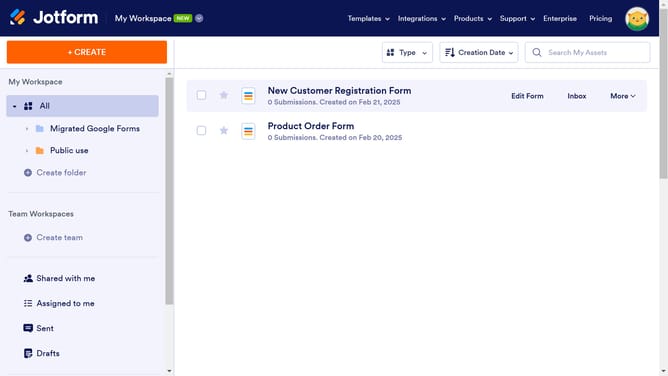
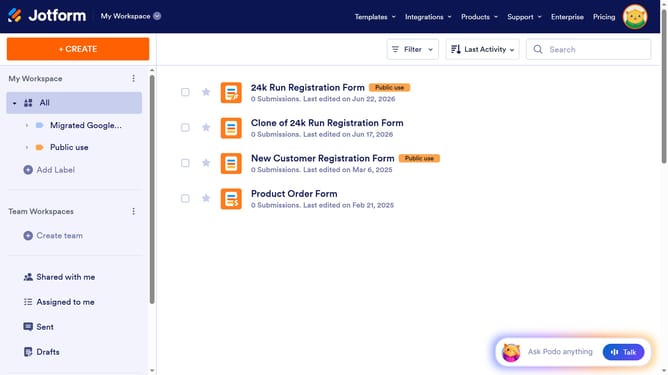
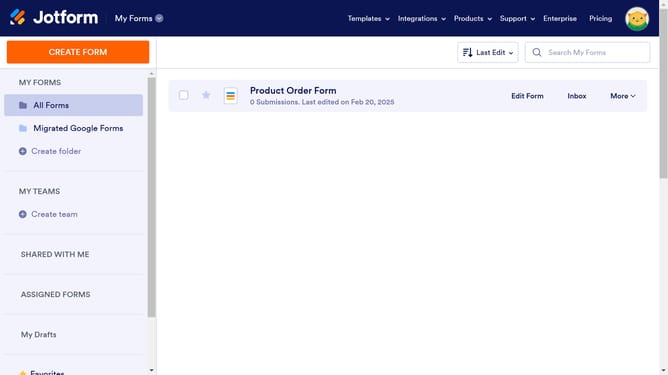
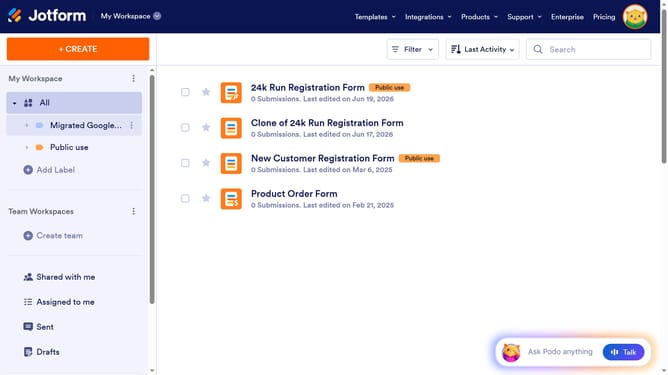
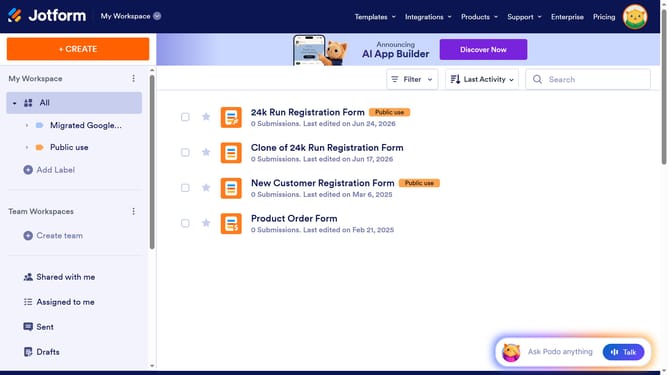
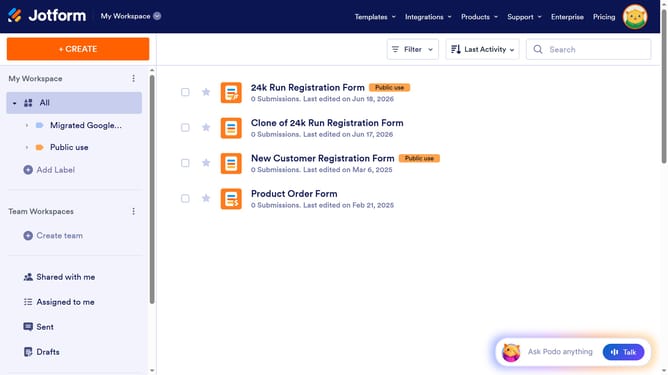
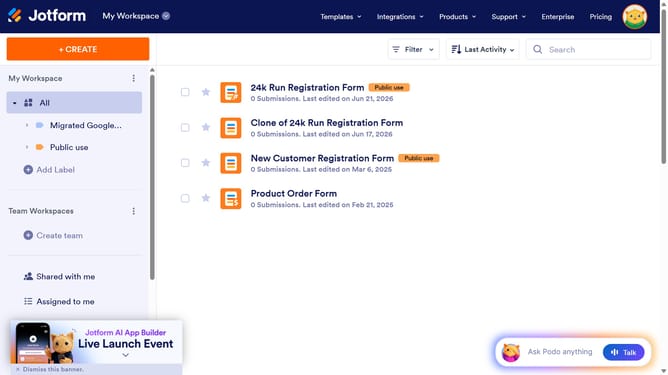
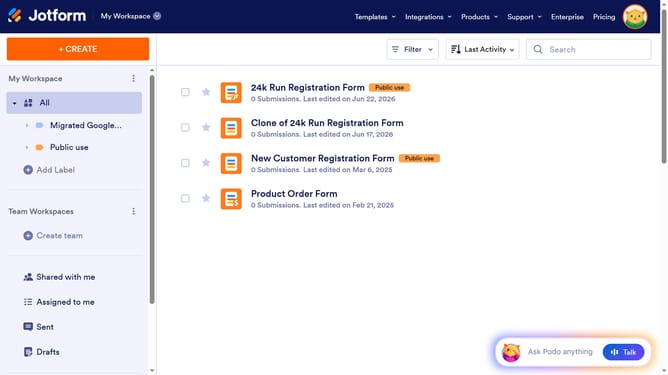
- First, click on the "+ Create team" button in the left sidebar.
- Then, click on the "Team Name" input field and enter your team name
- Finally, click on the "Create Team" button
Why should you create a team after login in Jotform
Jotform is a versatile online platform designed to streamline form creation and data management.
One notable feature of Jotform is the ability to easily create a team after logging in. This feature fosters seamless collaboration among team members.
Using this, teams can efficiently manage projects and share resources, significantly enhancing productivity. This enhances not only workflow cohesion but also ensures tasks are completed with greater efficiency.
Last update