How to rename button in a file upload field in a registration form in Jotform
Here is how to rename button in a file upload field in a registration form in jotform
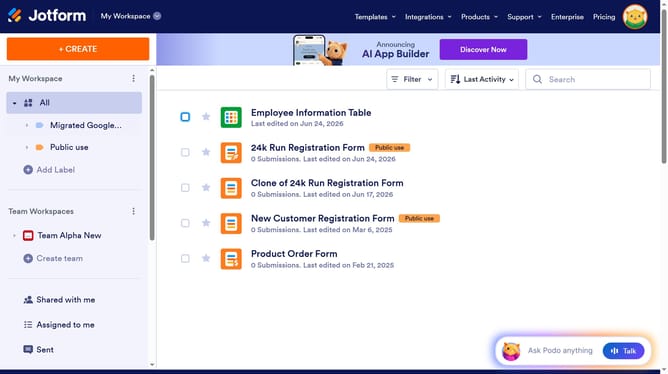
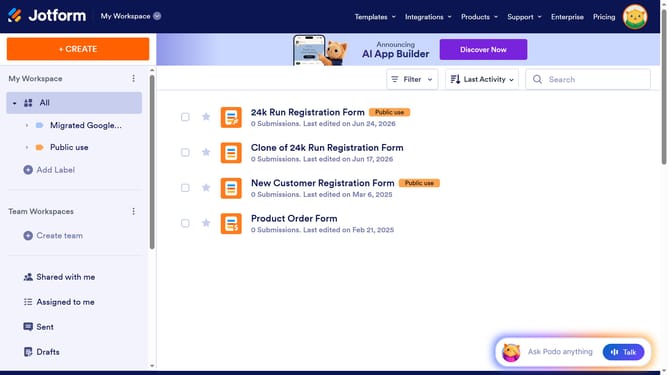
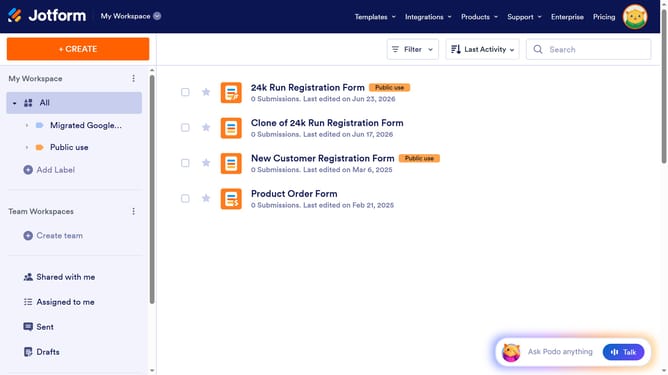
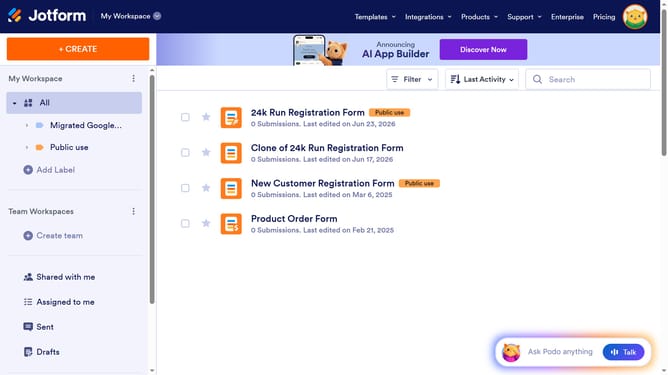
- First click on the "All" item in the left sidebar
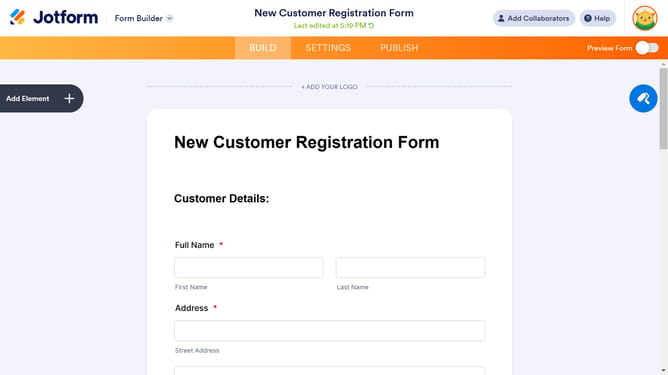
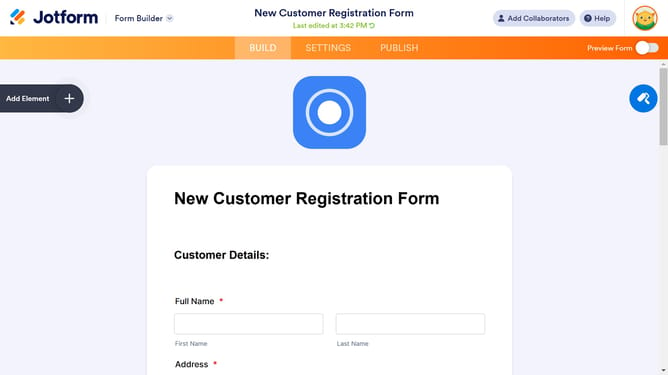
- Then click on the "Edit Form" button
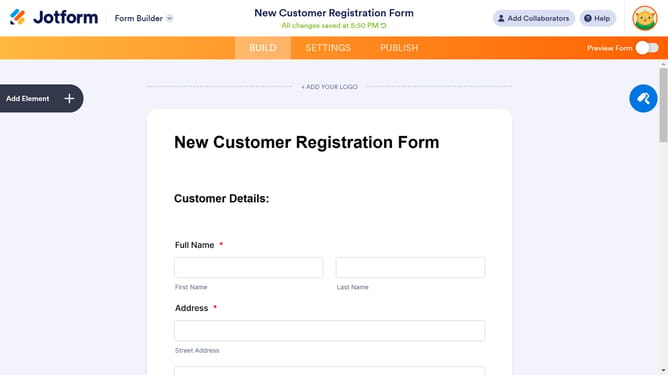
- Click on the file upload element in the file builder
- Then click on the "Properties" button
- Next click on the "ADVANCED" tab
- Finally click on the "Button Text" text input field and enter your preferred button name
Why should you rename button in a file upload field in a registration form in Jotform
Jotform is a versatile online form builder tailored for creating seamless data collection experiences.
Renaming the button in a file upload field within a registration form enhances user experience by providing clarity and context-specific action cues.
This customization not only improves the aesthetic alignment with your branding but also makes navigation intuitive, ensuring users feel confident during file submission.
Ultimately, such tailored interactions encourage higher form completion rates, amplifying the efficiency of data gathering.
Last update