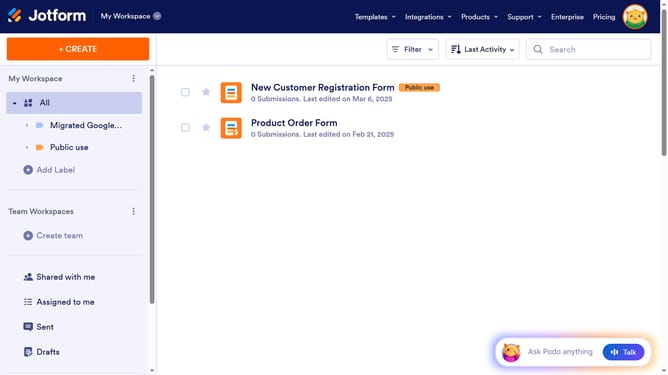
How to not require Jotform login to view uploaded files in Jotform
Here is how to not require jotform login to view uploaded files in jotform
- First click on the user profile icon in the top right corner of the header
- Then click on the "Settings" option within the dropdown menu
- Next, click on the "Security" option in the left sidebar
- Finally, uncheck the "Require log-in to view uploaded files." checkbox
Why should you not require Jotform login to view uploaded files in Jotform
Jotform is a versatile online form builder designed to simplify data collection and enhance productivity.
One of the useful features of Jotform is the ability to view uploaded files without requiring a login. This feature streamlines access by removing barriers for both users and administrators.
By enabling this feature, you can provide seamless accessibility, enhancing collaboration and sharing. It maximizes efficiency by allowing quick file access, which can be particularly beneficial for team projects and client interactions.
This enhancement in user experience ensures smoother workflows and fosters an environment of openness and ease.
Last update