How to create a scrollable terms and conditions page on Jotform
Here is how to create a scrollable terms and conditions page on jotform
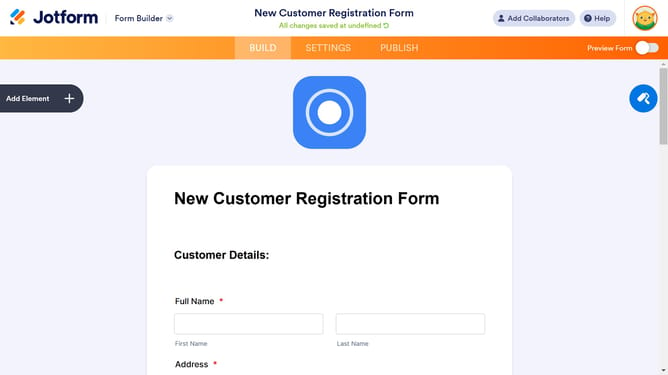
- First click on the "Add Element" button in the left sidebar
- Then click on the "WIDGETS" tab in the Form Elements panel
- Next click on the search field and type "Short"
- Click on the "Short Scrollable Terms" widget option in the sidebar
- Finally click the "UPDATE" button in the Widget Settings panel
Why should you create a scrollable terms and conditions page on Jotform
Jotform is a versatile tool designed to simplify the creation of customizable online forms.
One standout feature is the ability to create a scrollable terms and conditions page, which enhances user experience by neatly organizing lengthy legal text, making it easily accessible.
Using this feature ensures that all important legal information is compactly presented, significantly enhancing readability without overwhelming the user.
Ultimately, this functionality provides a professional appearance, streamlining form interactions and ensuring compliance.
Last update