How to enable calendar popup in a registration form in Jotform
Here is how to enable calendar popup in a registration form in jotform
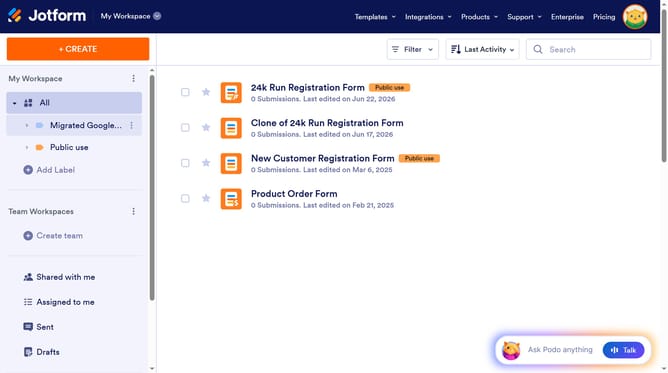
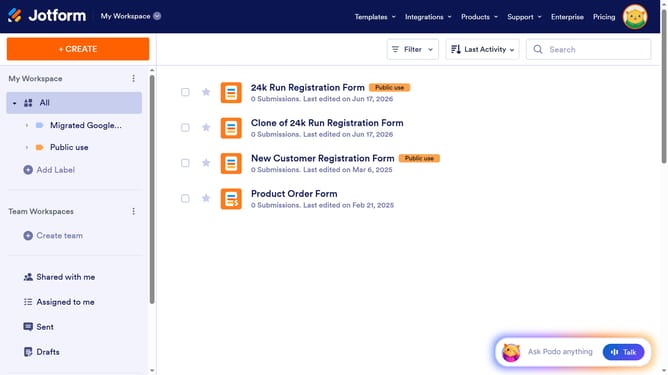
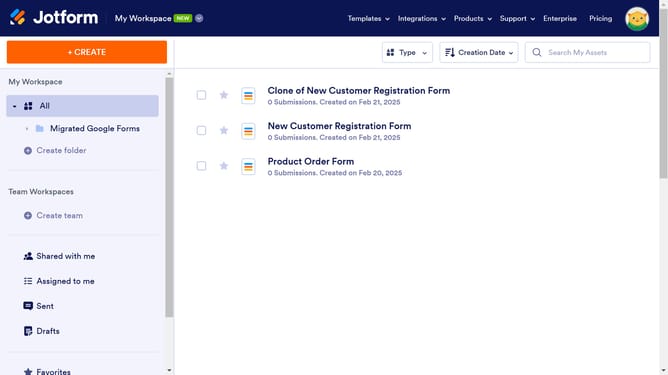
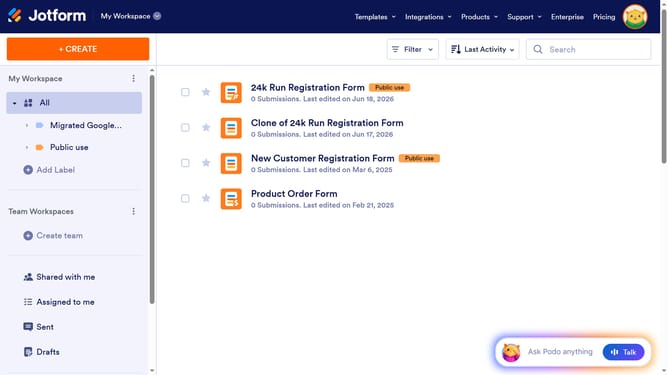
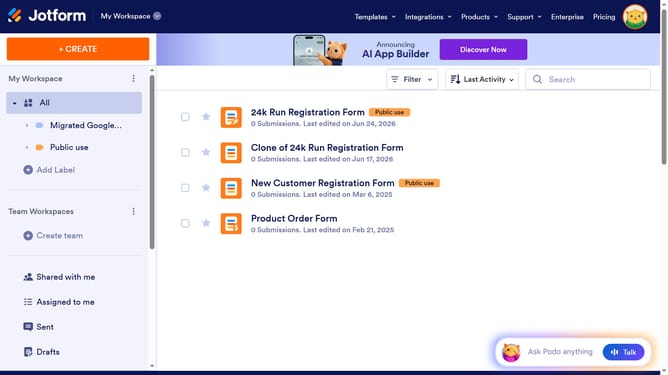
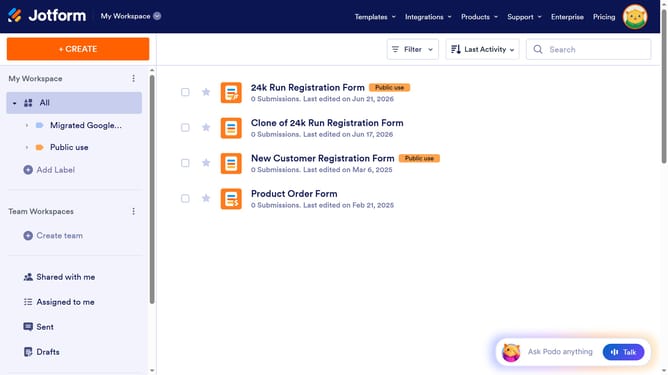
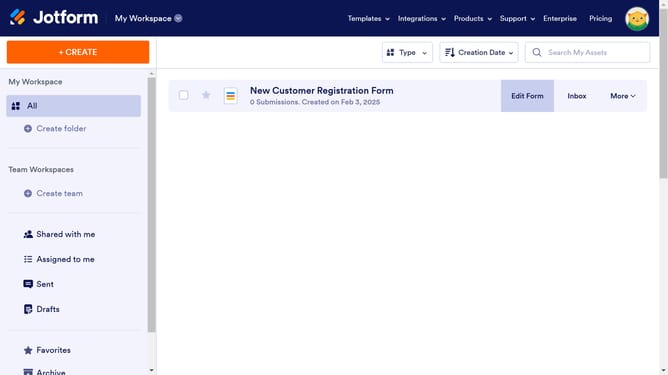
- First click on the "All" option in the left sidebar
- Next click on "Edit Form" button at the right side of the form name that you want to edit
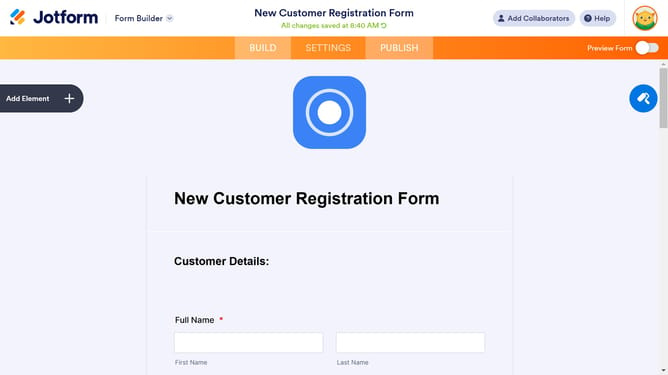
- Next, click on the "Date" input field
- Then click on the settings icon below the "Date" element
- Finally, click on the slider for the "Calendar Popup" to enable it
Why should you enable calendar popup in a registration form in Jotform
Jotform is an intuitive online form builder that simplifies data collection and management.
Enabling a calendar popup in a registration form on Jotform enhances user experience by allowing seamless and precise date selection.
Integrating a calendar popup is crucial for forms requiring date inputs, as it minimizes errors and improves data accuracy.
This feature not only streamlines the registration process but also adds a professional touch, ensuring your forms are both efficient and user-friendly.
Last update