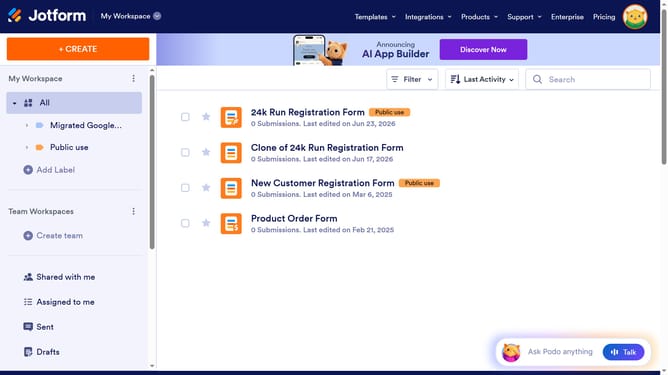
How to create Jotform API keys
Here is how to create jotform api keys
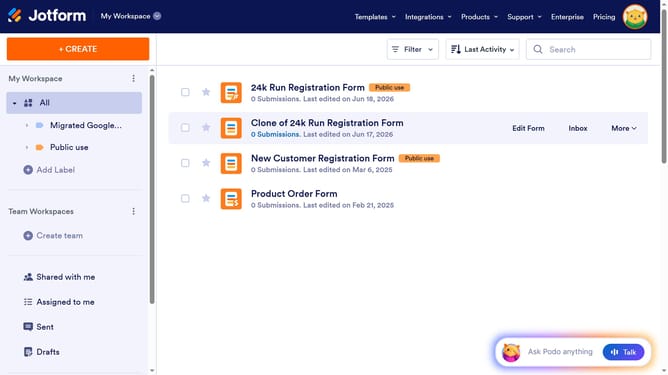
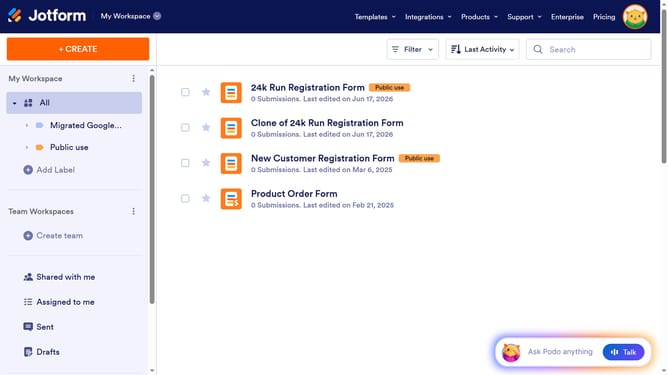
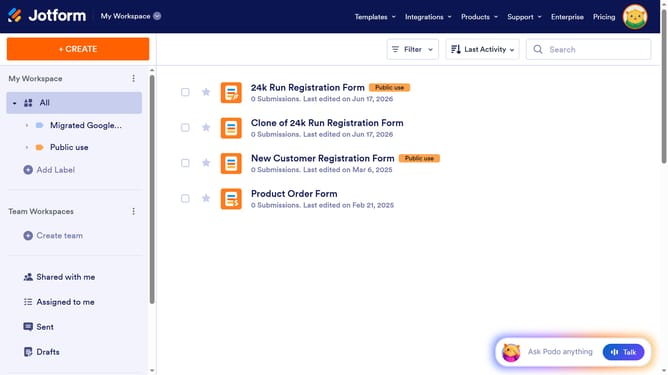
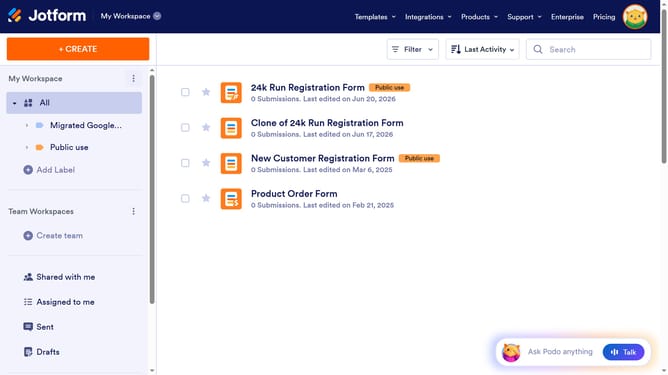
- First click on the profile icon in the top right corner of the header
- Then click on the "Settings" option in the profile dropdown menu
- Next click on the "API" item in the left sidebar menu
- Finally click on the "Create New Key" button in the API keys section
Why should you create Jotform API keys
Jotform revolutionizes data collection by offering a versatile form-building platform.
Creating Jotform API keys simplifies the way users access and manage their forms and submissions programmatically.
This feature enables seamless integration with other platforms, enhancing productivity and automating workflows without manual intervention.
By using API keys, businesses can unlock the potential for real-time data synchronization and effortless task management, ensuring a more efficient and connected digital environment.
Last update