How to add a long text field to a registration form in Jotform
Here is how to add a long text field to a registration form in jotform
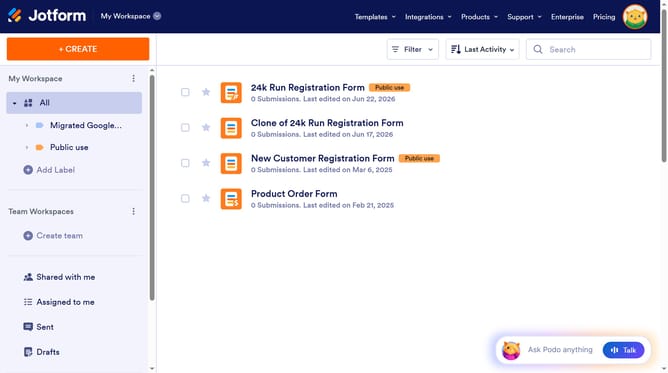
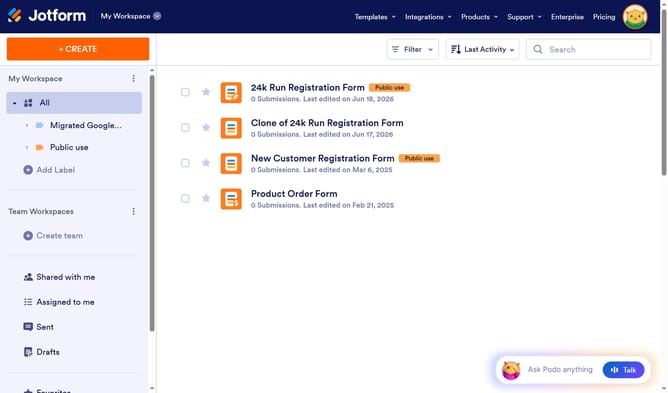
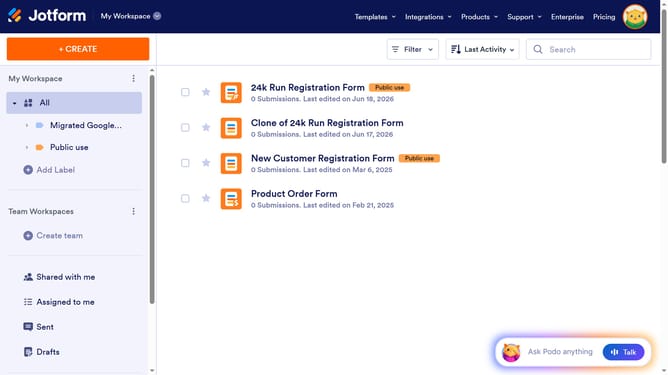
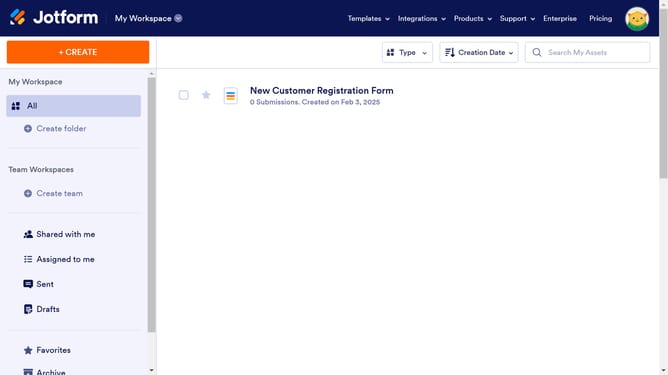
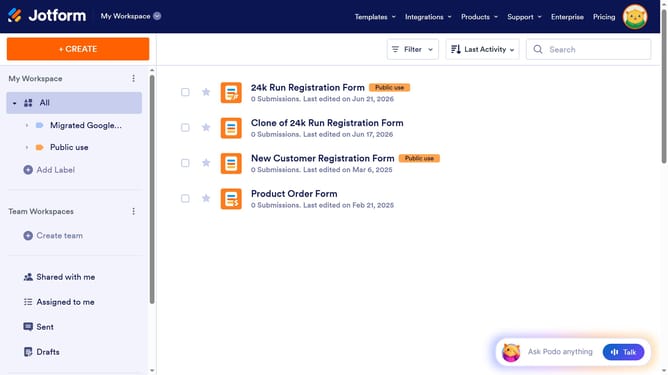
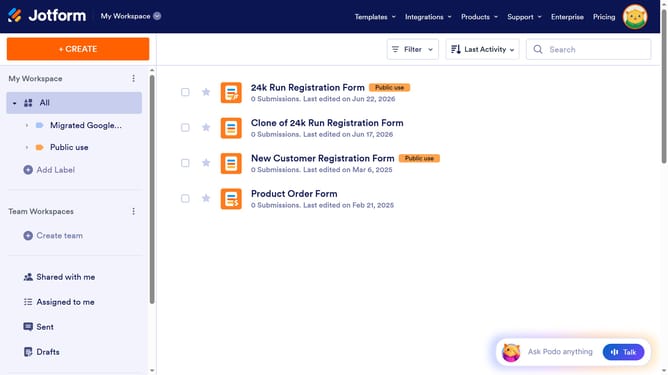
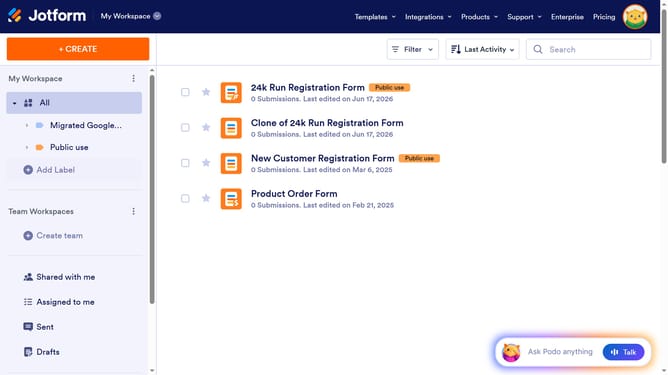
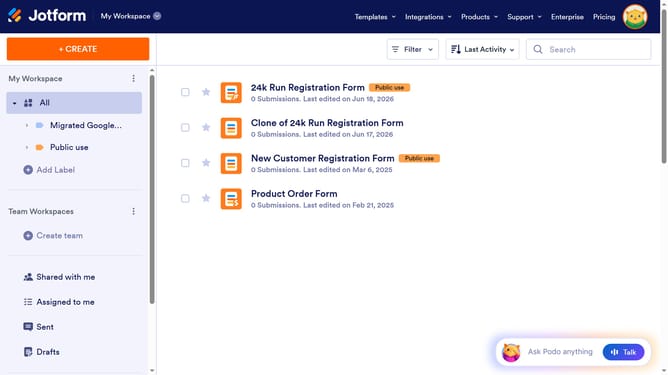
- First click on "All" item in the left sidebar
- Then click on "Edit Form" button at the right side next to the form name that you want to edit
- Next click on "Add Element" button in the left sidebar
- Finally select "Long Text" element from the "Basic Elements" list
Why should you add a long text field to a registration form in Jotform
Jotform is an intuitive platform designed to help users create flexible online forms for various needs.
Adding a long text field to a registration form in Jotform enhances data collection by allowing participants to provide detailed information. This feature is particularly useful for capturing rich qualitative data in surveys or understanding personal narratives in registration forms.
The long text field's adaptability allows users to express themselves fully, ensuring comprehensive feedback and insights. Embracing this feature promotes user engagement and enriches data accuracy.
Last update