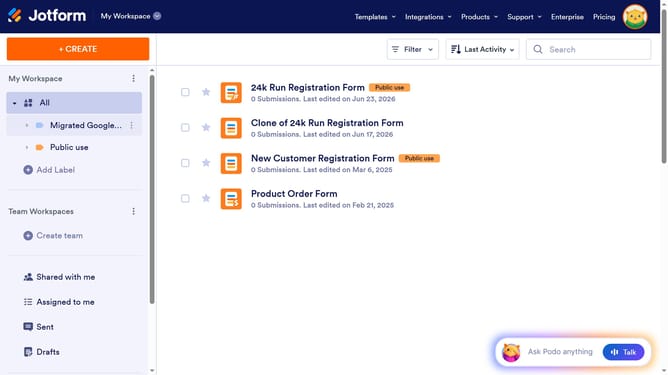
How to set a character limit on a short text field in a registration form in Jotform
Here is how to set a character limit on a short text field in a registration form in jotform
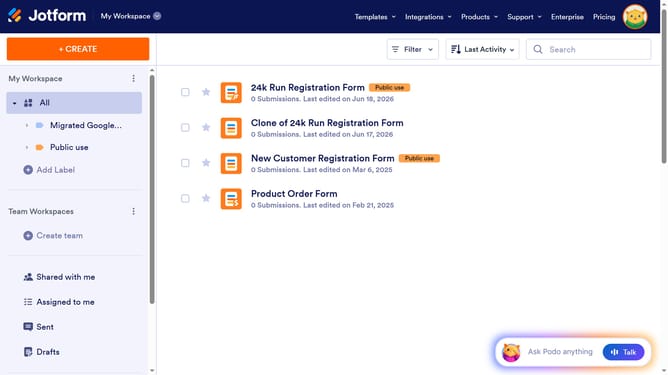
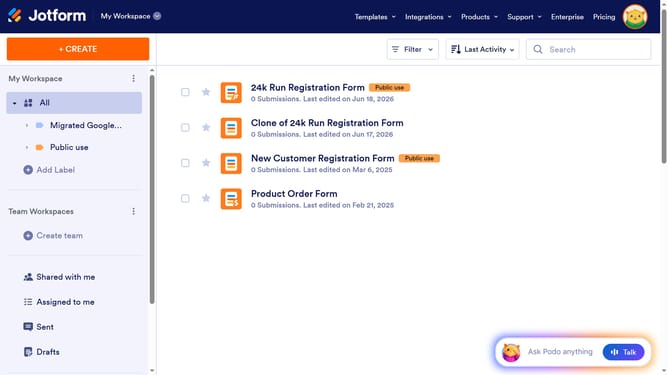
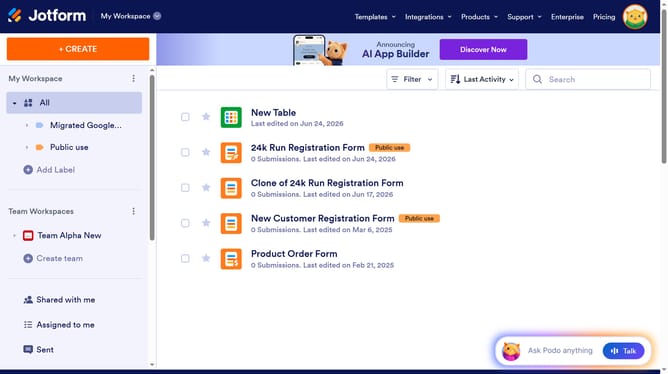
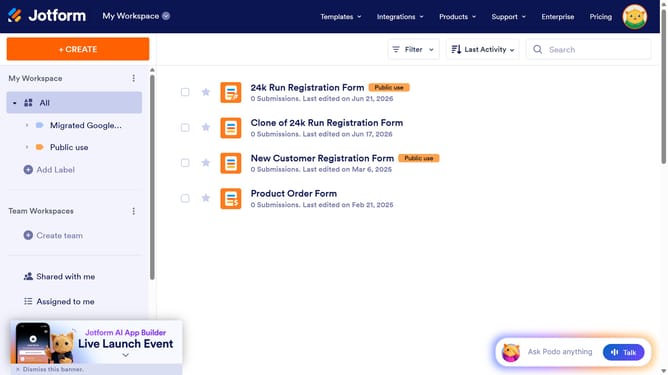
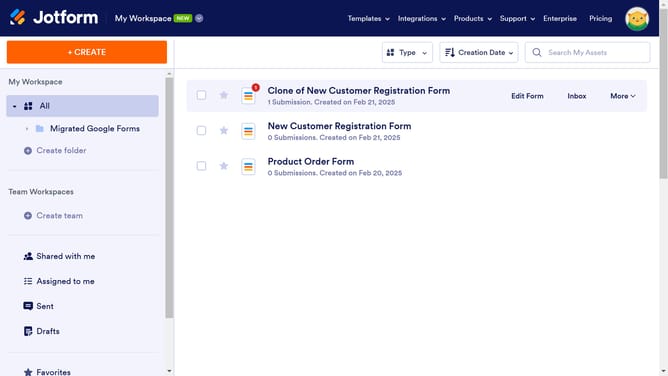
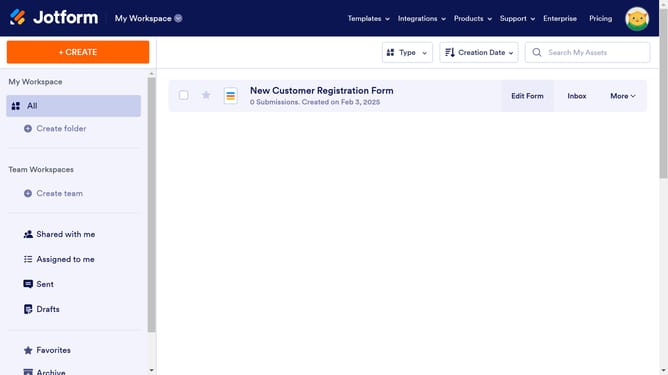
- First click on "All" item in the left sidebar
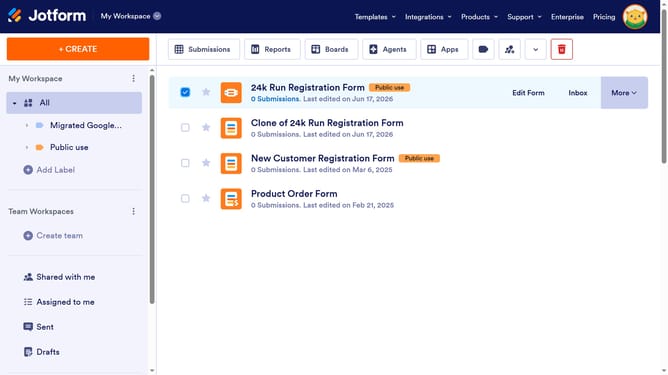
- Next click on "Edit Form" button at the right side of the form name that you want to edit
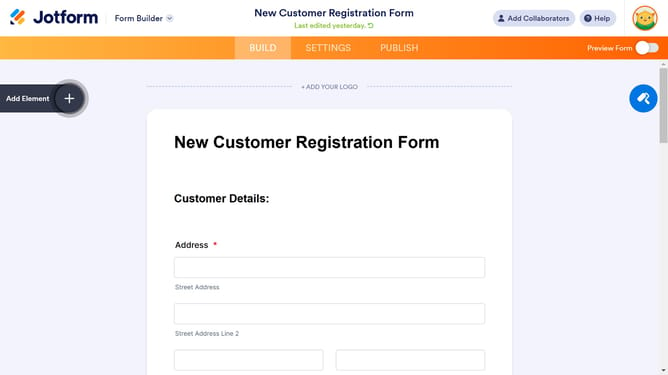
- Then click on the "Short Text Field" input field in the form builder
- Then click on "Properties" button
- Then click on the "Options" tab within the properties panel
- Then click on the "Character Limit" toggle switch to enable it
- Then click on the "Minimum" input field and enter minimum text limit
- Finally, click on the "Maximum" input field and enter maximum text limit
Why should you set a character limit on a short text field in a registration form in Jotform
Jotform is an intuitive online platform designed for effortless form building and data collection.
Setting a character limit on a short text field in a registration form with Jotform is a simple yet powerful feature. It allows form creators to ensure consistent data input, enhancing the quality of collected information.
By limiting characters, this feature helps to maintain uniformity, ensuring that responses do not exceed predefined boundaries, which is crucial in maintaining structured datasets.
This characteristic is vital for effective data management, enhancing user experience and improving processing efficiency.
Last update