How to set selection limit in a multiple choice field in a registration form in Jotform
Here is how to set selection limit in a multiple choice field in a registration form in jotform
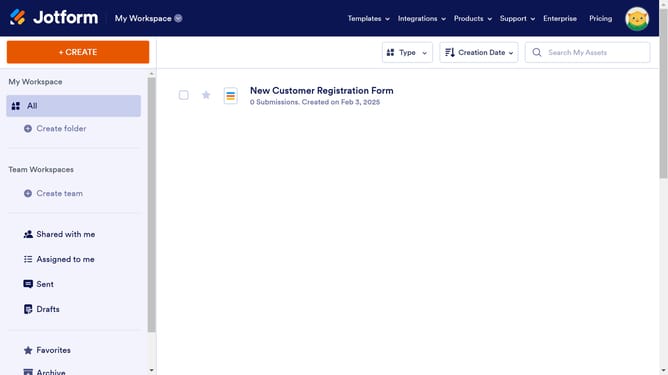
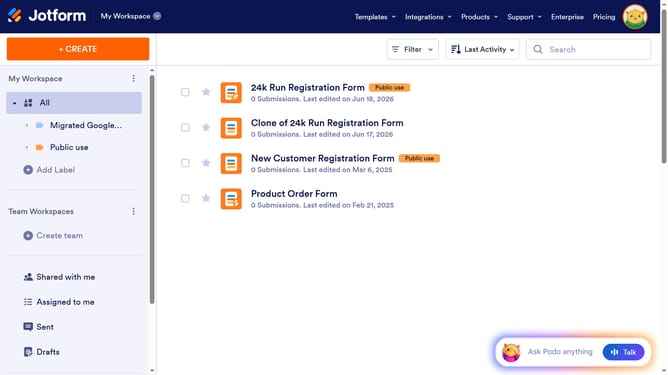
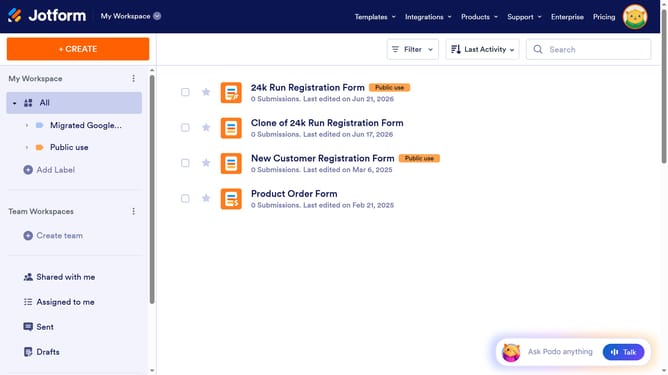
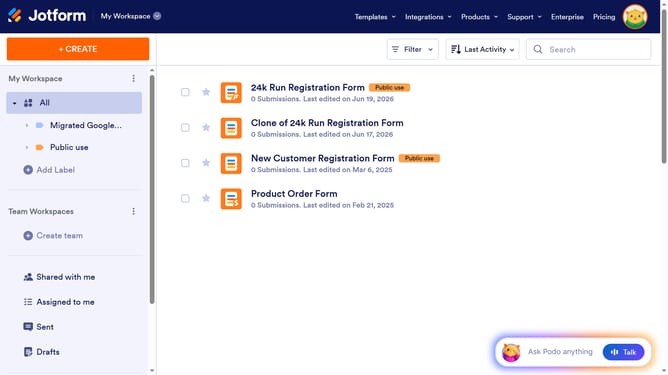
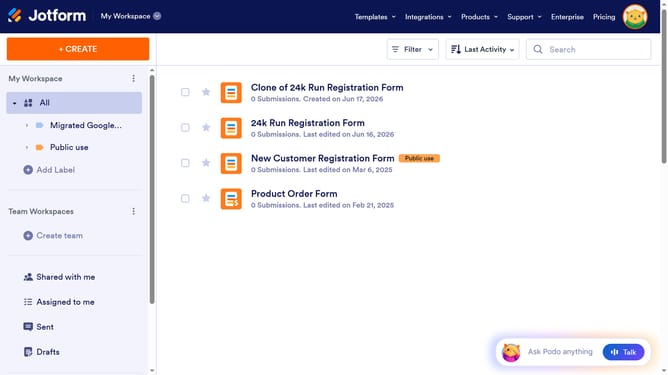
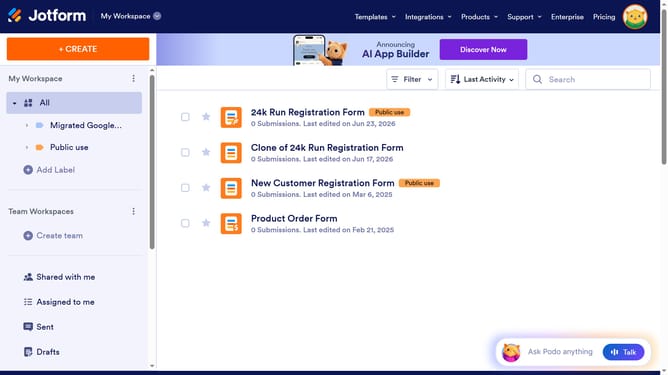
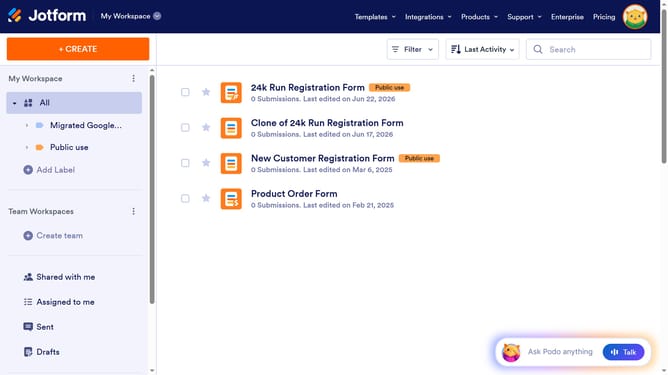
- First click on "All" in the left sidebar
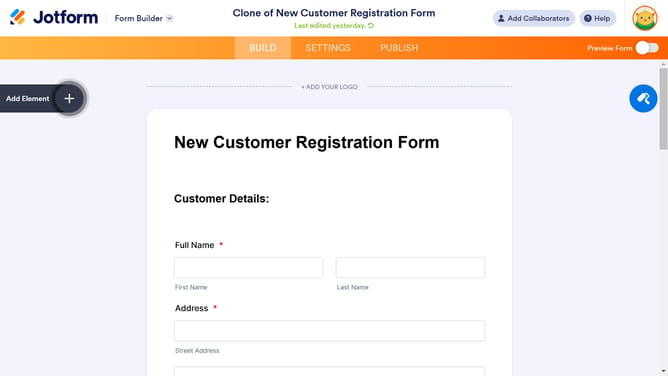
- Then click on "Edit Form" button
- Then click on the multiple field area in the form builder
- Then click on the settings icon
- Then click on the "Surveying" tab
- Then click on the "Entry Limits" section
- Then click on the Minimum input field and enter value
- Then click on the Maximum input field and enter value
- Finally click anywhere outside the input field to save changes
Why should you set selection limit in a multiple choice field in a registration form in Jotform
Jotform is a versatile online form builder designed to streamline the creation and management of forms.
One outstanding feature is the ability to set a selection limit in multiple choice fields, enhancing control over user input in registration forms.
This feature is especially valuable for event organizers who want to limit the number of workshops participants can select, ensuring fair distribution and optimal attendance.
By defining a selection cap, you can maintain order and enhance the user experience, all while gaining essential data insights.
Last update