How to delete page in a registration form in Jotform
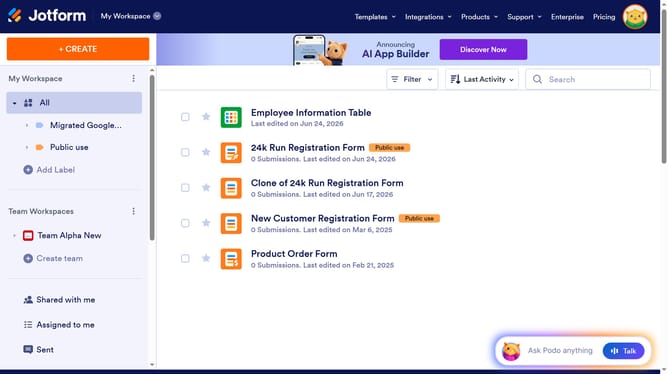
Here is how to delete page in a registration form in jotform
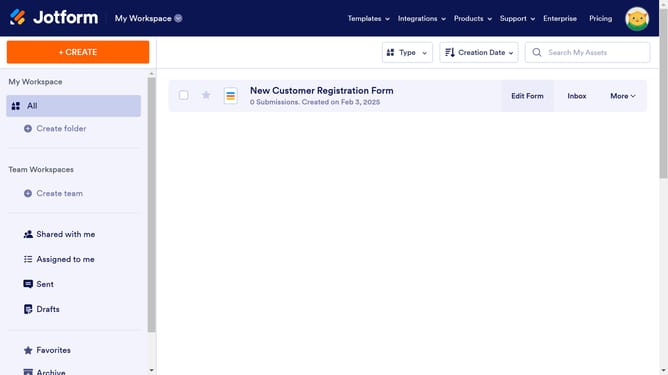
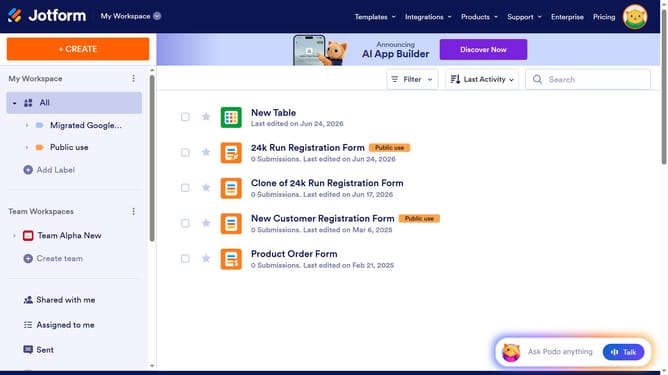
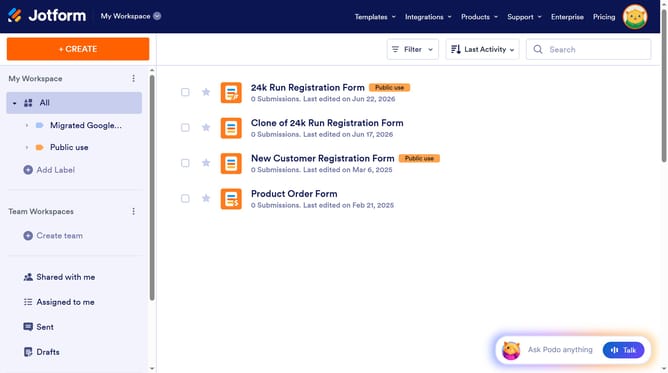
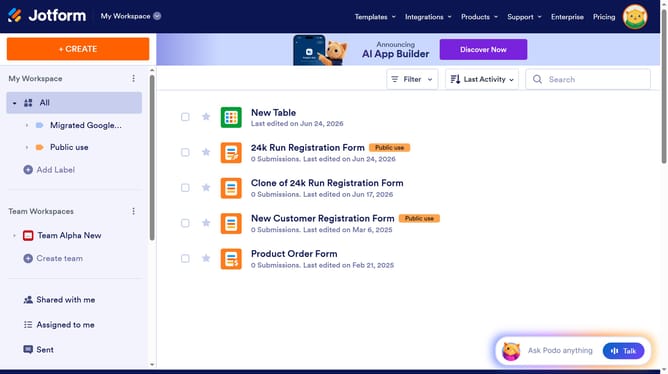
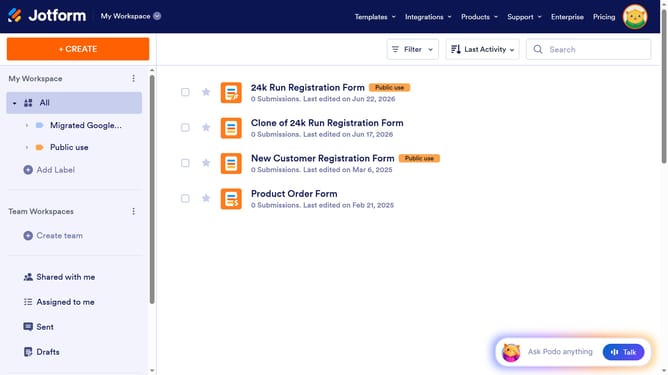
- First click on "All" in the left sidebar
- Then click on "Edit Form" button at the right side of the form name that you want to edit
- Finally click on the trash icon next to the page that you want to delete
Why should you delete page in a registration form in Jotform
Jotform offers an intuitive platform for creating dynamic registration forms tailored to your needs.
One advantageous feature is the ability to delete a page from your registration form, streamlining your form and enhancing user experience.
By removing unnecessary pages, you ensure registrants focus only on the essential information, preventing overwhelm and increasing completion rates.
This feature enhances form effectiveness by focusing on what truly matters, ensuring a smooth and efficient registration process.
Last update