How to unarchive a data table in Jotform
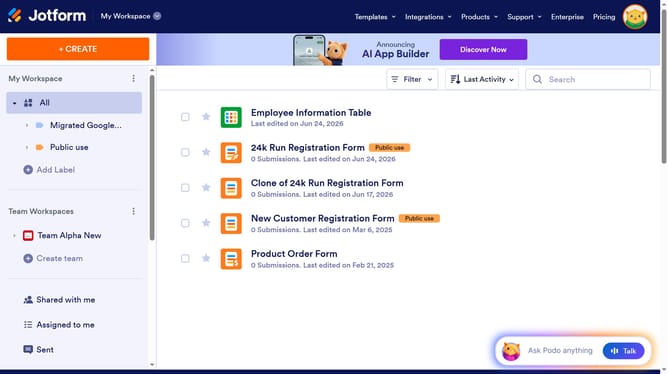
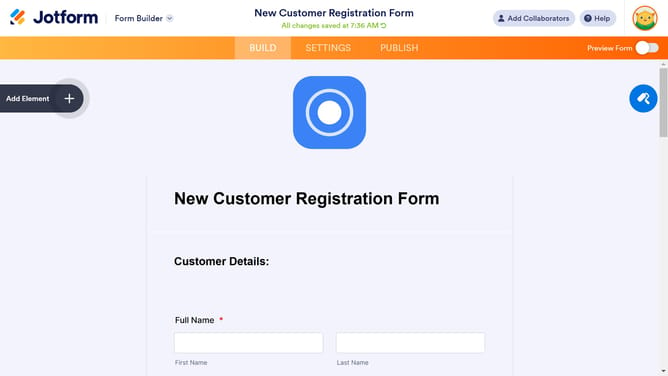
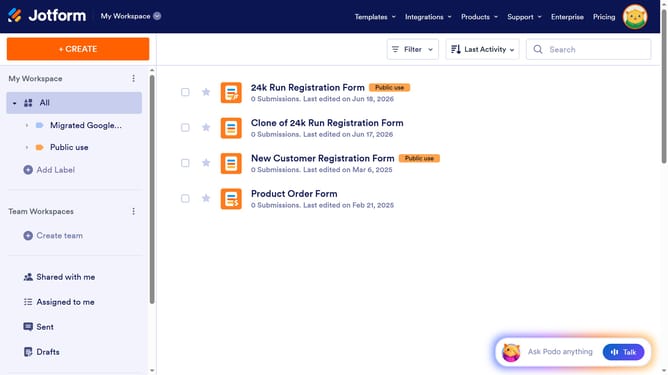
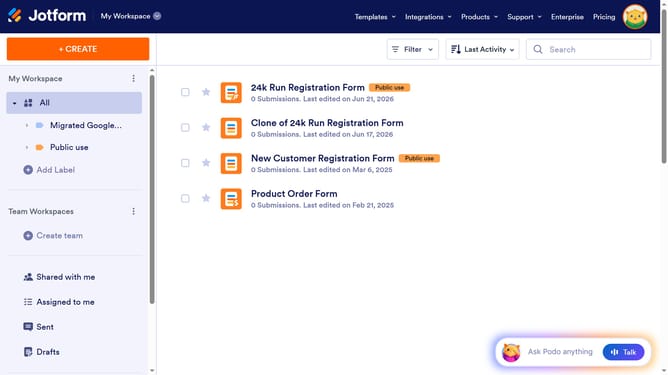
Here is how to unarchive a data table in jotform
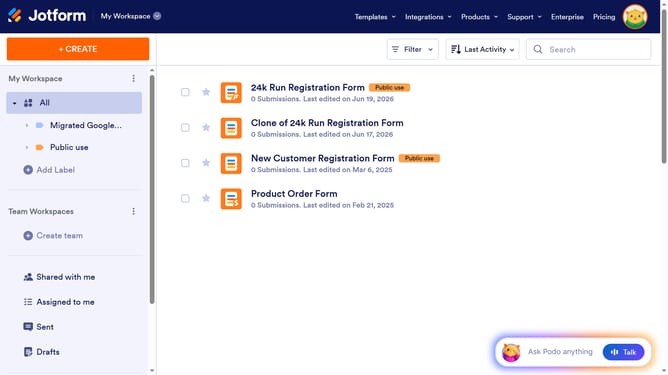
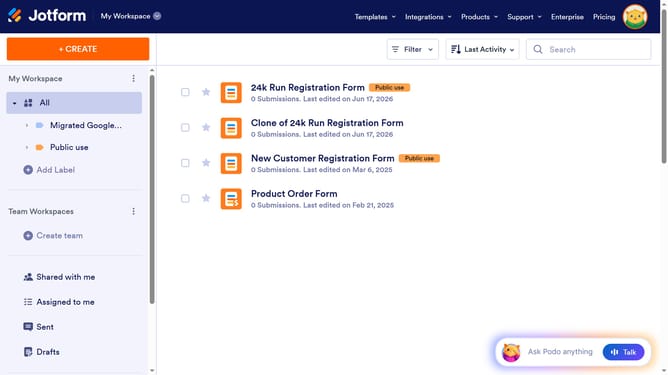
- First click on "Archive" item in the left sidebar
- Then click on the checkbox next to the item that you want to unarchive
- Then click on "More" button in the top menu
- Finally click on "Unarchive" option in the dropdown menu
Why should you unarchive a data table in Jotform
Jotform is a versatile platform that simplifies creating and managing forms for any need.
Unarchiving data tables in Jotform is a straightforward process designed to retrieve archived data effortlessly.
This feature is particularly beneficial when you need to regain access to previously saved information without the hassle of starting from scratch.
It enhances workflow efficiency by ensuring important data remains accessible, empowering users to manage their projects seamlessly.
Last update