How to add a file upload field to a registration form in Jotform
Here is how to add a file upload field to a registration form in jotform
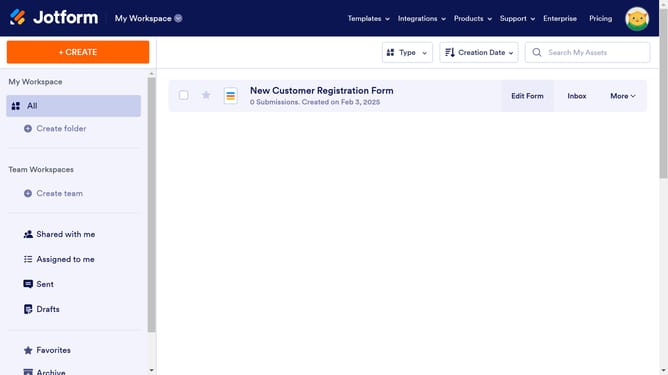
- First click on "All" in the left sidebar
- Then click on "Edit Form" button at the right side of the form name that you want to edit
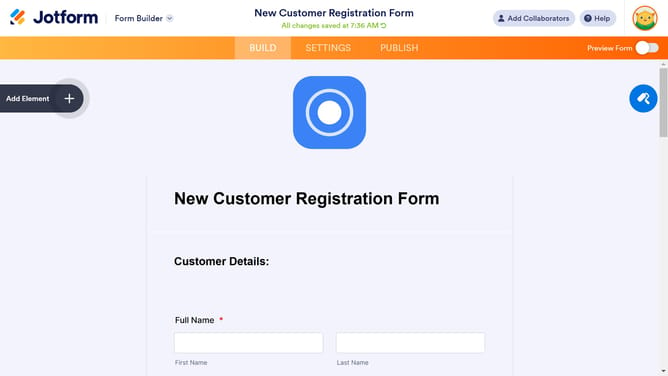
- Next click on "Add Element" button in the left sidebar
- Finally select "File Upload" from the left sidebar
Why should you add a file upload field to a registration form in Jotform
Jotform is an intuitive tool for creating customized online forms effortlessly.
Incorporating a file upload field into your registration form in Jotform is straightforward and enhances the functionality of your form. This feature allows users to attach essential documents, such as resumes or identification, directly into the registration form.
By enabling file uploads, you streamline data collection, save time, and ensure that all necessary information is gathered in one step, making the registration process more efficient and organized.
Last update