How to add a new page in a registration form in Jotform
Here is how to add a new page in a registration form in jotform
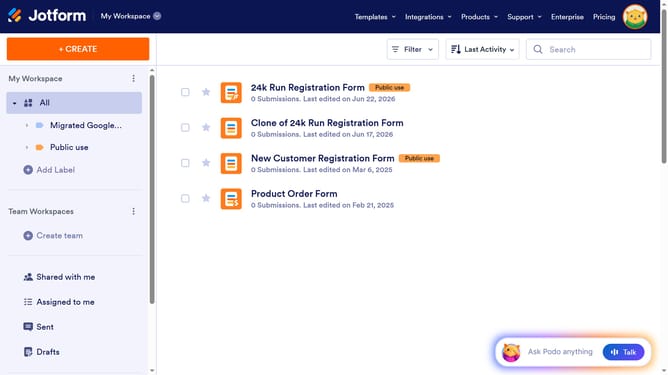
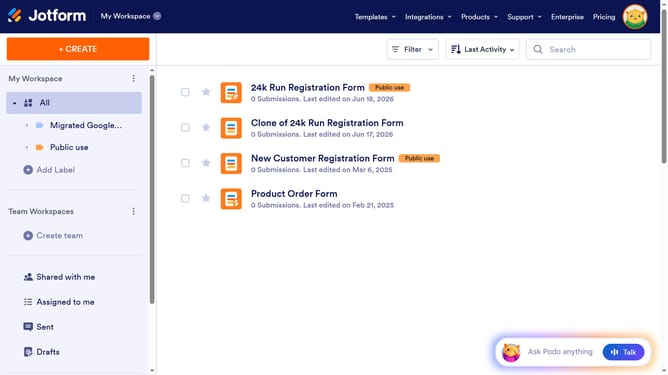
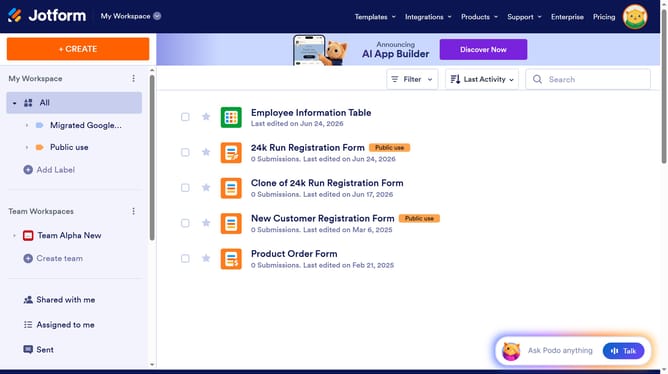
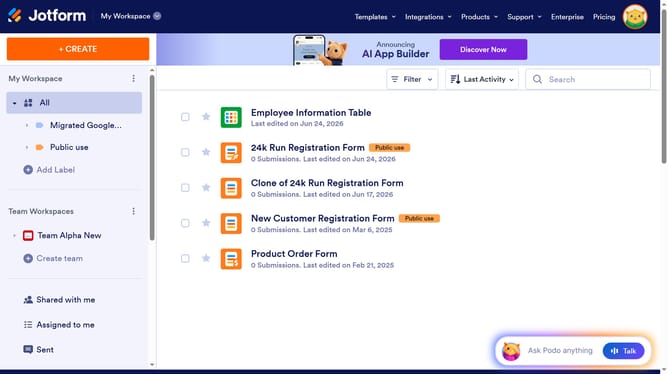
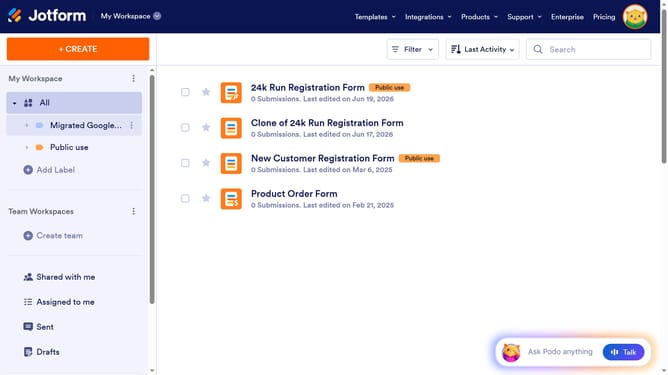
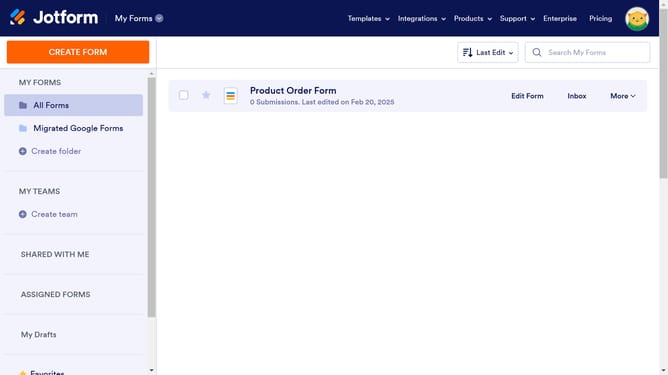
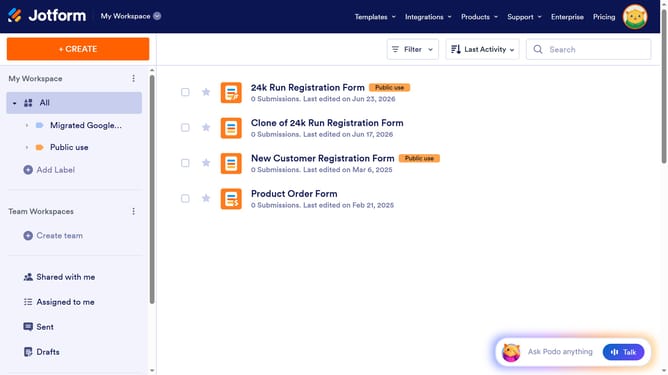
- First navigate to the left sidebar and click on "All" option
- hen click on "Edit Form" button at the right side next to the form name that you want to edit
- Finally click on button "+ Add New Page"
Why should you add a new page in a registration form in Jotform
Jotform is a powerful, user-friendly online form builder designed to simplify data collection without any manual coding.
Adding a new page to a registration form in Jotform enhances its effectiveness by organizing information into manageable sections, providing clarity and ease for respondents.
This feature allows for a structured flow of questions, ensuring a more engaging user experience while reducing clutter. With the ability to customize each page, businesses can streamline their data intake process, making it more efficient and pleasing for users.
Last update