How to set a entry limit on a long text field in a registration form in Jotform
Here is how to set a entry limit on a long text field in a registration form in jotform
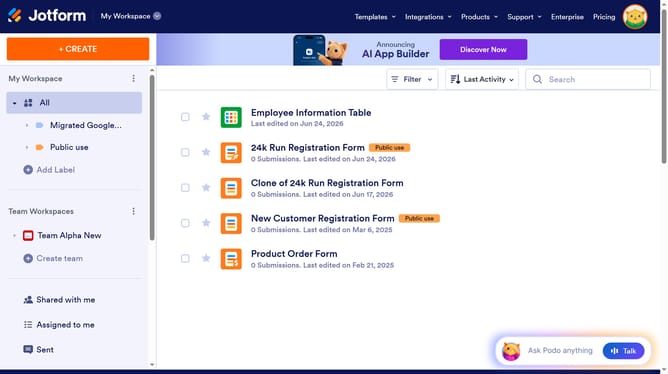
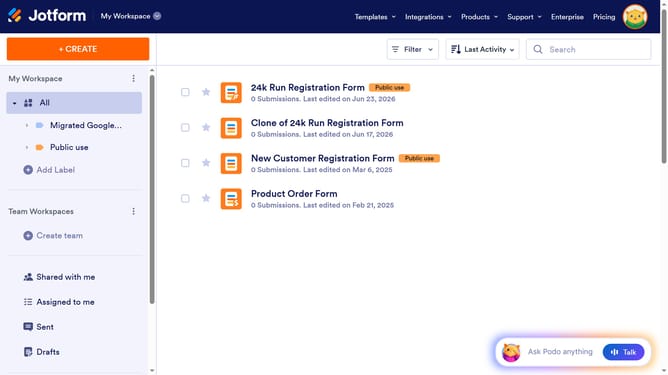
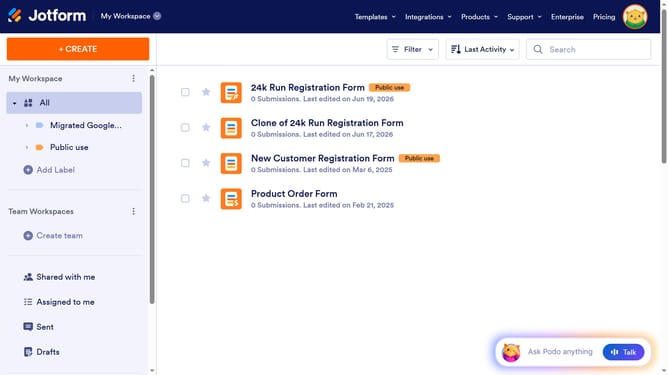
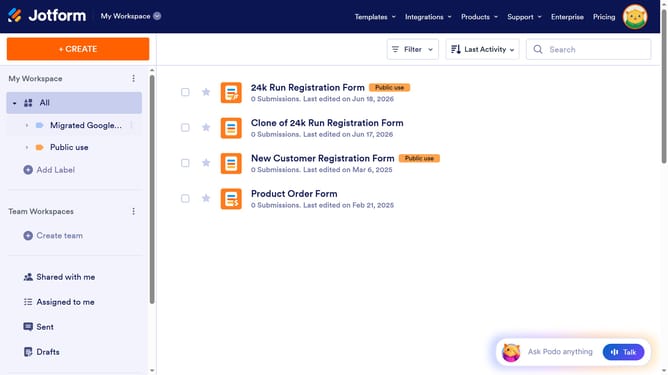
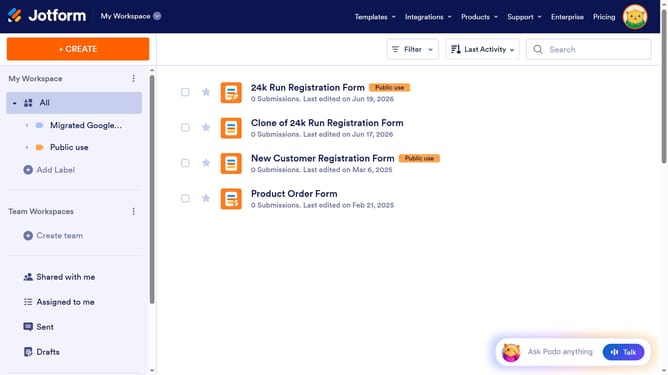
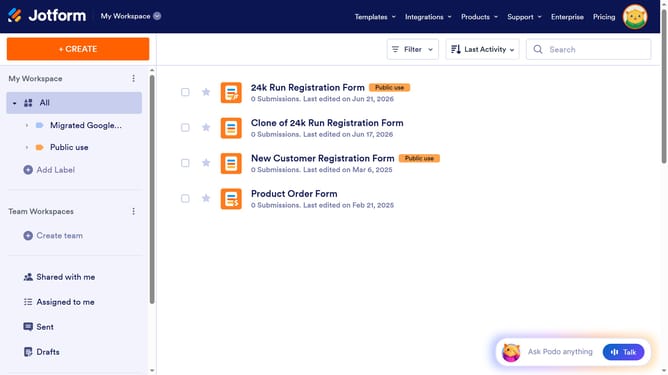
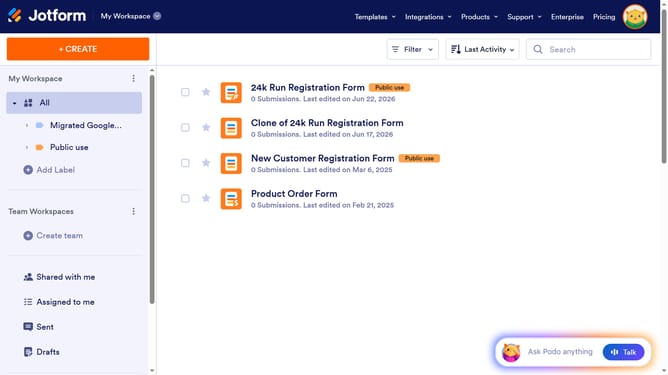
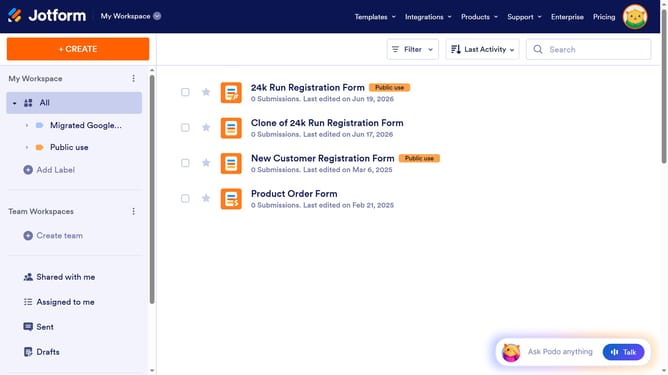
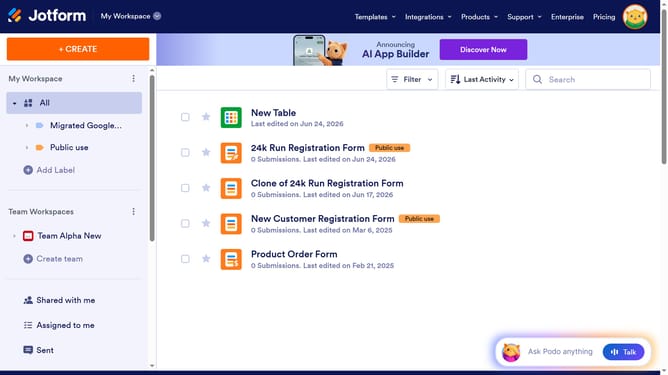
- First, click on "All" in the left sidebar
- Next click on "Edit Form" button at the right side of the form name that you want to edit
- Next, click on the long text field in form builder
- Then, click on the gear icon next to the field
- Next, click on the "OPTIONS" tab
- Then, click on the "Entry Limits" slider to toggle ON
- Next, click on the input field under "Minimum" and type your preferred limit
- Then, click on the input field under "Maximum" and type your preferred limit
- Finally, click outside the text field to save changes
Why should you set a entry limit on a long text field in a registration form in Jotform
Jotform is an intuitive online form builder designed to simplify data collection with ease and efficiency.
A critical feature of Jotform’s registration forms is the ability to set an entry limit on long text fields. By customizing this setting, users can control and streamline the information they collect, preventing data overload. Limiting entries not only ensures that submissions stay concise but also enhances data relevancy and quality, leading to more meaningful insights.
This feature is particularly useful for maintaining consistency across submissions, improving user experience, and ensuring forms are succinct yet informative.
Last update