How to set a default value in a single selection column in a data table in Jotform
Here is how to set a default value in a single selection column in a data table in jotform
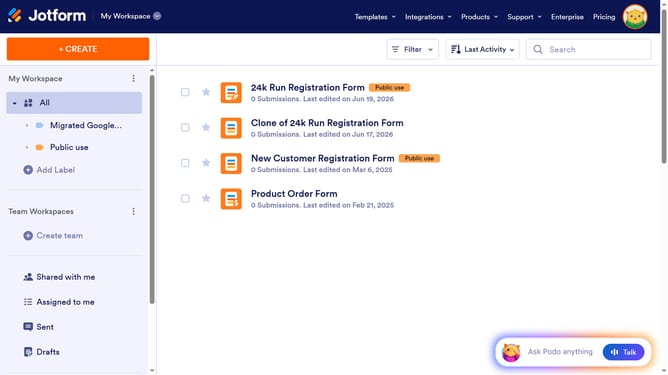
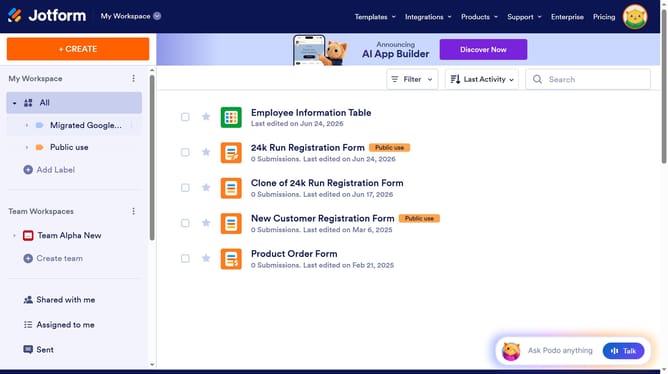
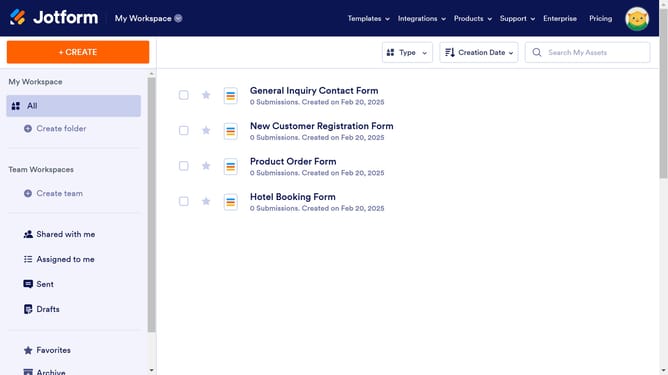
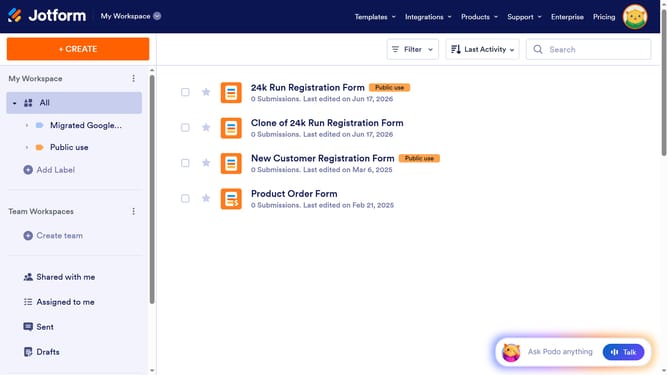
- First click on "All" in the left sidebar
- Next click on "View Table" button at the right side of the table name that you want to manage
- Then click on the three dots icon next to the column name
- Then click on "Edit column preferences" in the dropdown menu
- Then click on the toggle switch "Set default selected value" to enable it
- Then click on the dropdown with the text "Select an option to set as the default"
- Then select from the options
- Finally click on the "Apply Changes" button
Why should you set a default value in a single selection column in a data table in Jotform
Jotform is a versatile tool designed to simplify the creation and management of online forms and data tables.
Setting a default value in a single selection column in a Jotform data table streamlines user interactions by pre-selecting an option, saving time and effort.
This feature enhances data consistency and minimizes errors, ensuring that vital information is always captured as intended.
By automating default selections, users can create a more intuitive and user-friendly data entry experience, which leads to better productivity and accuracy.
Last update