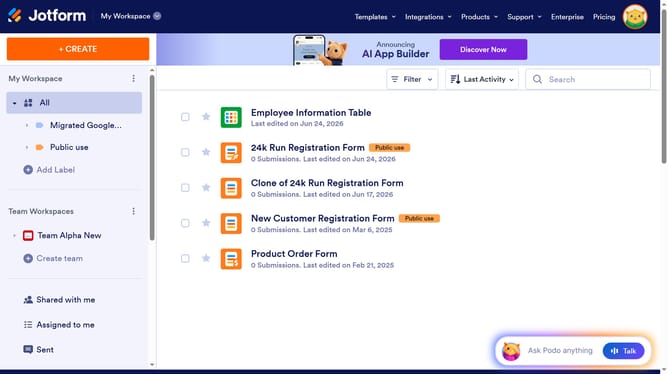
How to delete a column in a data table in Jotform
Here is how to delete a column in a data table in jotform
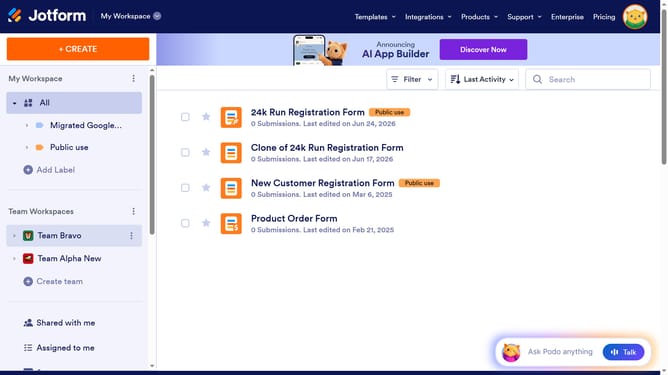
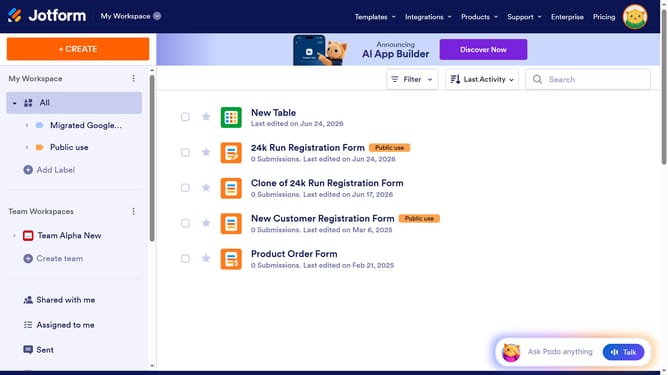
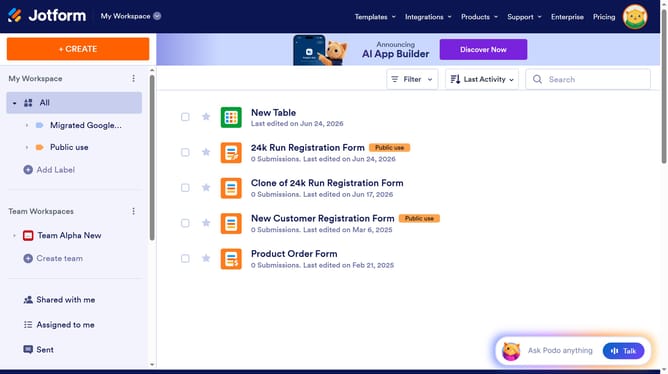
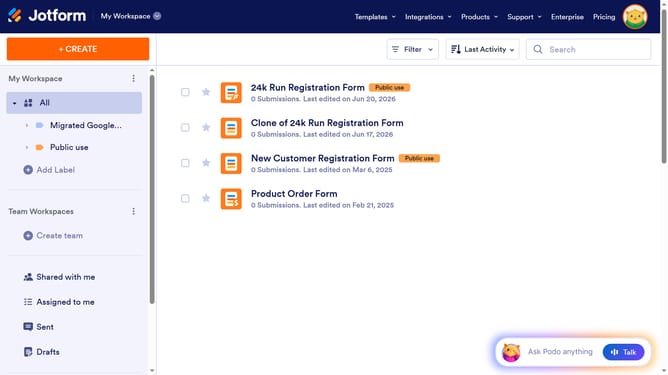
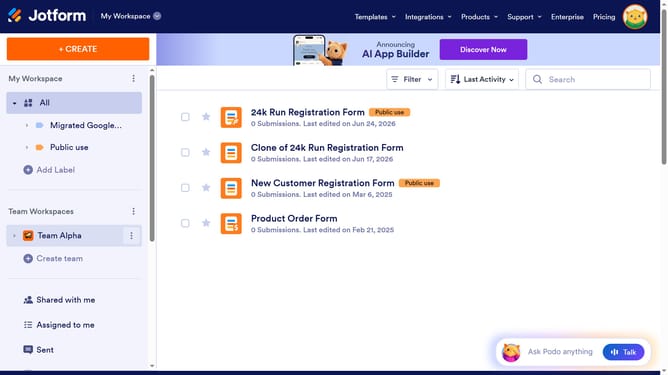
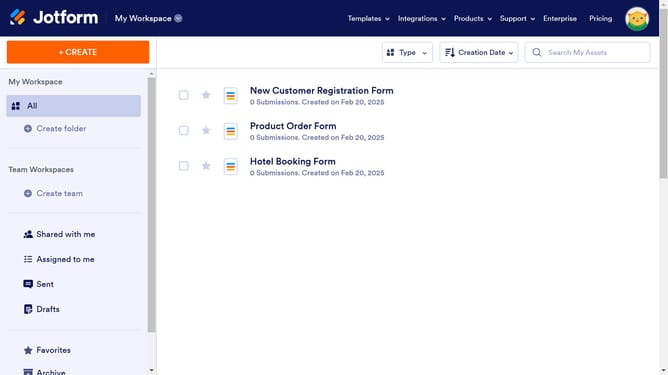
- First click on "All" item in the left sidebar
- Next click on "View Table" button at the right side of the table name that you want to manage
- Then click on the three dots icon next to the column you want to delete
- Then click on "Delete column" button
- Finally click on "Delete Column Data" button
Why should you delete a column in a data table in Jotform
Jotform is a versatile online platform designed to streamline the creation and management of forms and data tables with ease.
A key feature of Jotform is the ability to efficiently manage data tables, including the capability to delete unnecessary columns. This feature enhances the organization and clarity of your datasets.
Removing superfluous columns declutters your data view, allowing you to focus on essential information. This creates a cleaner interface, which improves decision-making and boosts productivity.
In summary, Jotform's intuitive column management ensures that your data remains relevant and streamlined, optimizing your workflow.
Last update