How to delete a team after login in Jotform
Here is how to delete a team after login in jotform
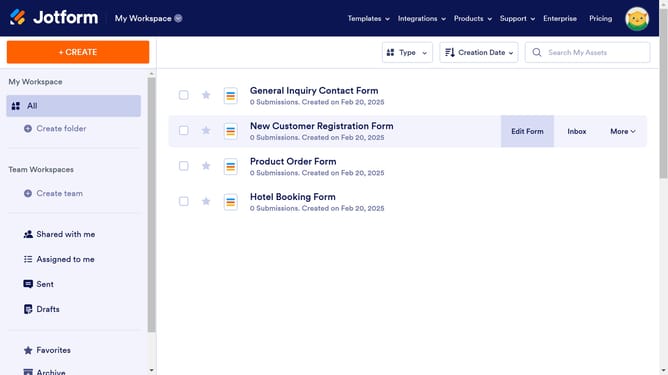
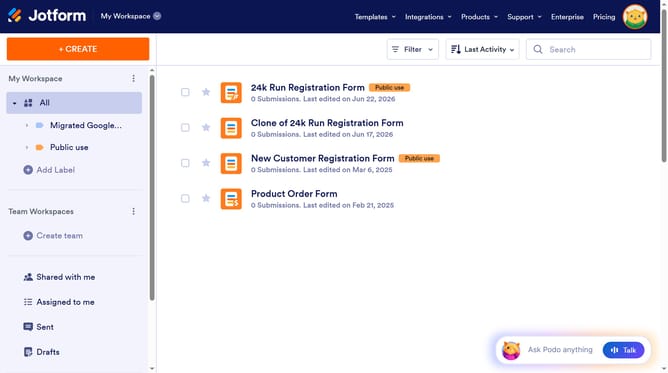
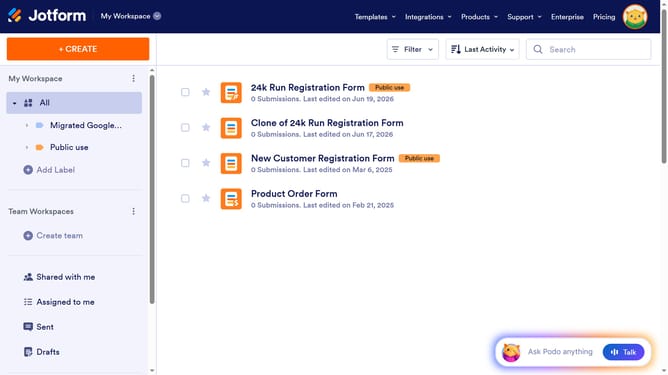
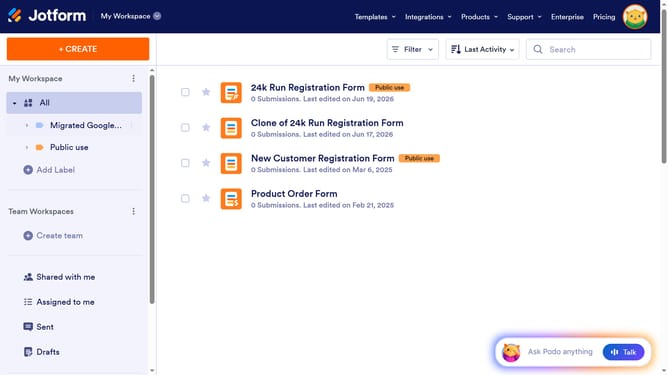
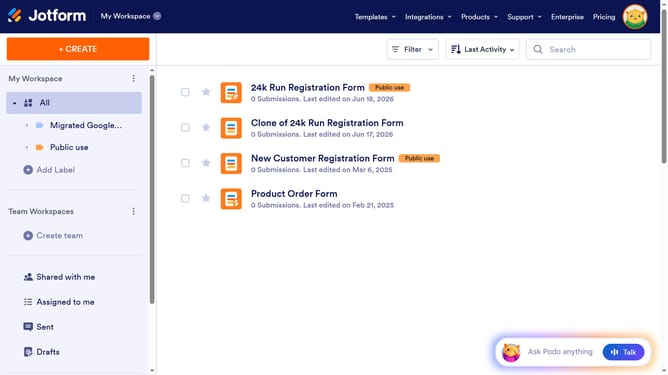
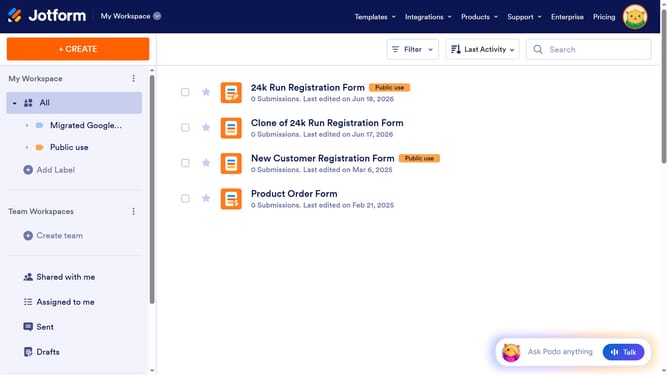
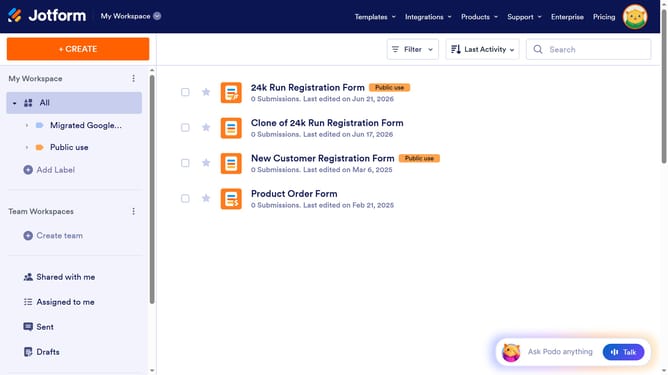
- First, navigate to the left sidebar and click on the team name
- Then, click on the three dots menu icon associated with team
- Next, select "Team Settings" from the dropdown menu
- After that, click on the "Delete Team" button in the pop-up window
- Finally, click on the "Delete" button to confirm the team deletion
Why should you delete a team after login in Jotform
Jotform is a versatile online tool designed to simplify the creation and management of custom forms, enhancing productivity for teams of all sizes.
One of its handy features is the ability to easily delete a team after logging in. This feature is particularly beneficial for managing changes in team structures or projects, ensuring that resources are allocated efficiently.
Removing a team that is no longer active streamlines your workspace, maintains organization, and prevents unnecessary congestion within your dashboard. This ensures that your focus remains on active tasks and priorities, enhancing overall productivity.
Last update